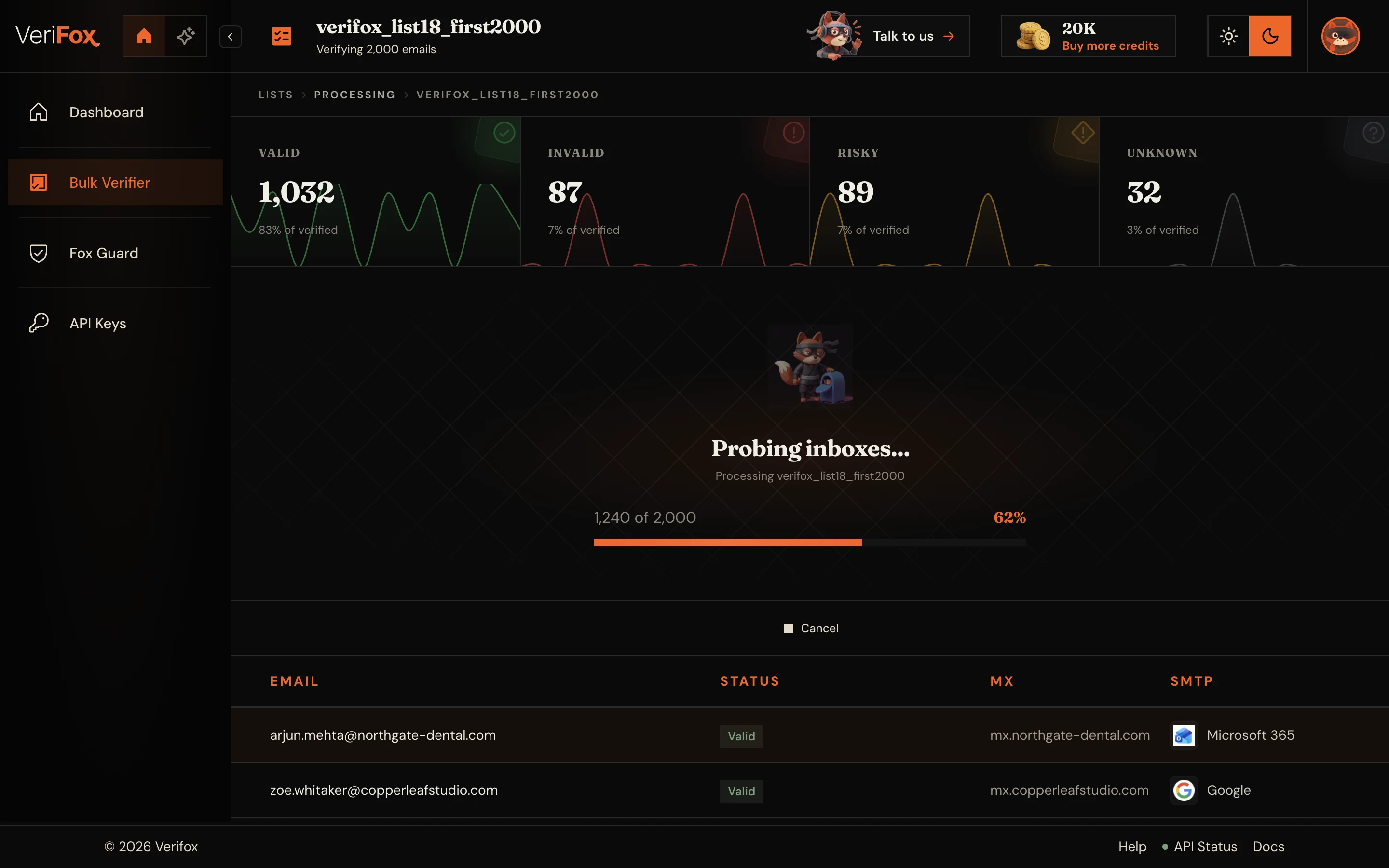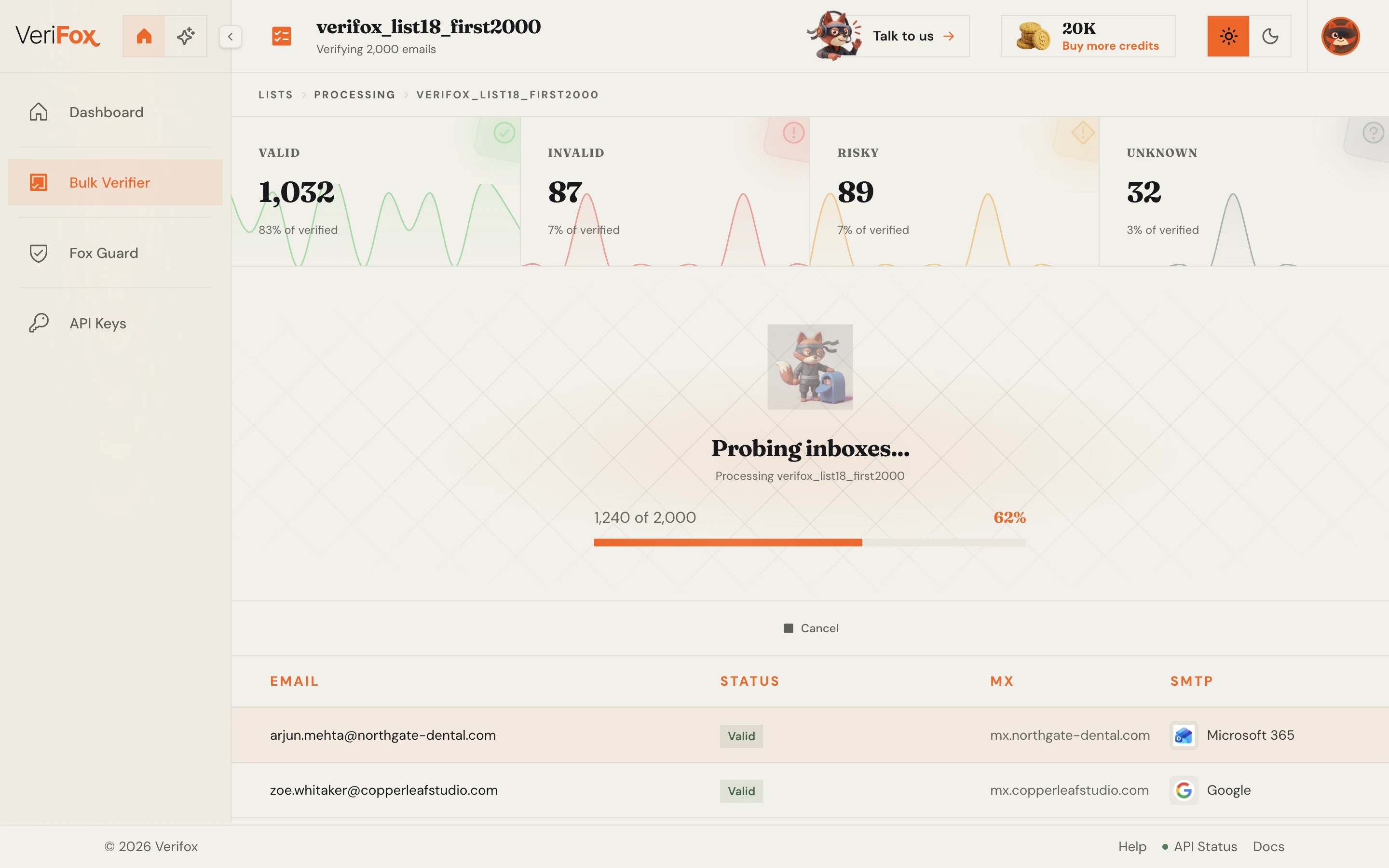
Your agent calls a tool
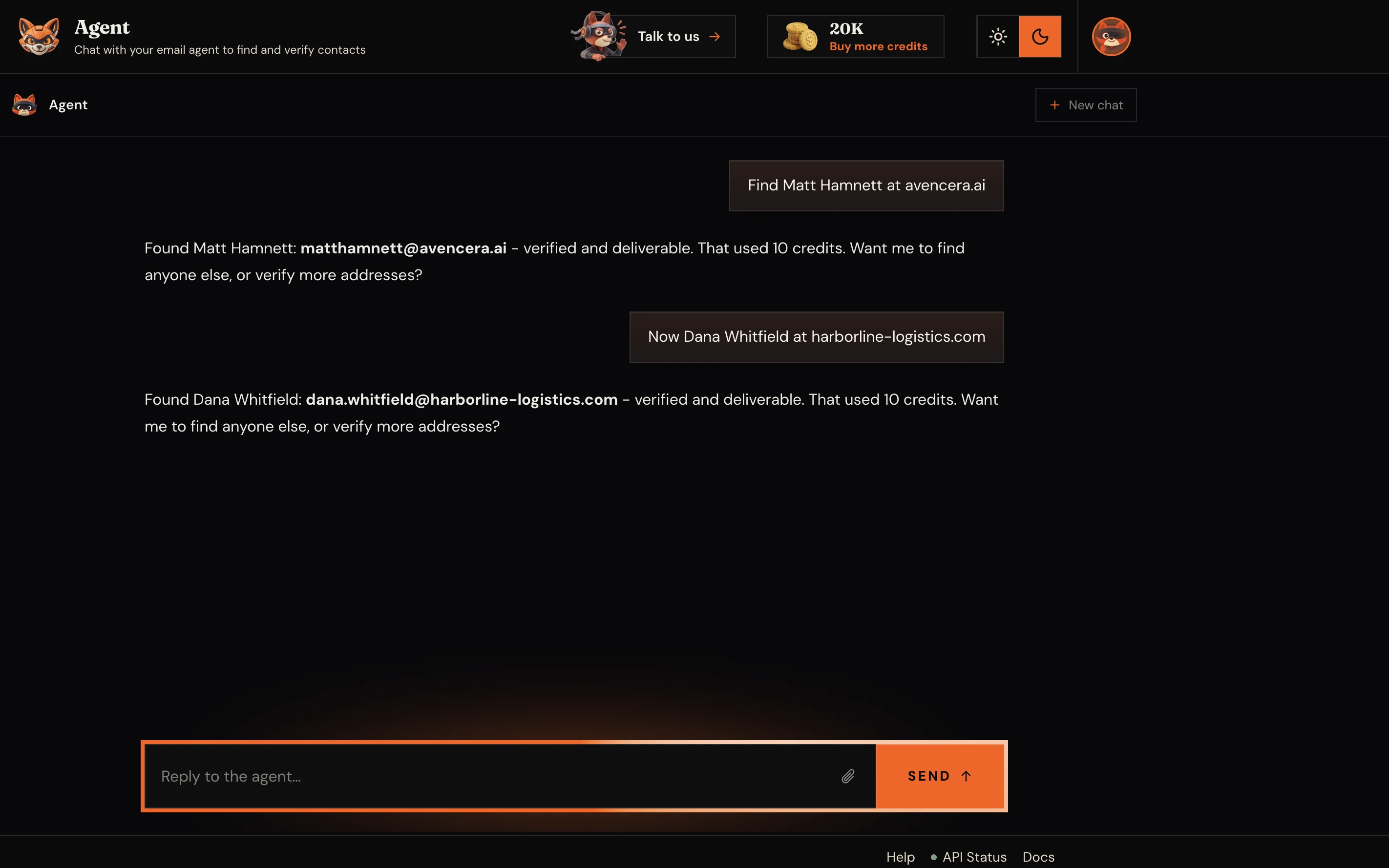
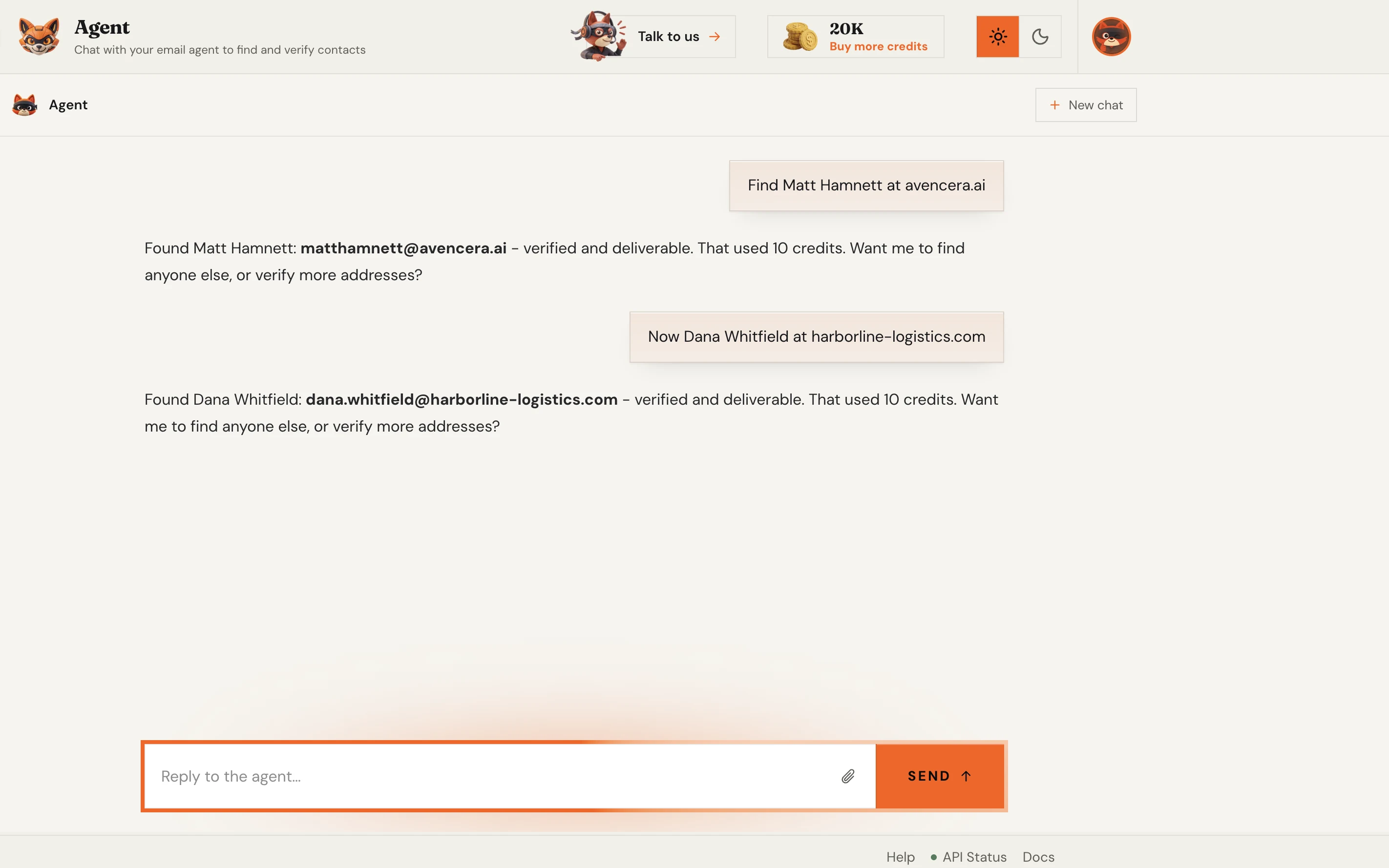
Claude, Cursor, or any MCP client picks the right tool, verify_email or find_email, and fills the arguments from your prompt.
Install verifox-mcp and turn any AI agent into an email verifier, with 6 tools to find and verify addresses backed by the same 99.99% accurate engine.
Trusted by 500,000+ leading GTM teams of all sizes
MCP is the wiring. Your agent picks a tool, verifox-mcp relays the call to the Verifox API, and a structured result comes straight back.
Claude, Cursor, or any MCP client picks the right tool, verify_email or find_email, and fills the arguments from your prompt.
The stdio server forwards the call to the Verifox API over HTTPS, authenticated with your VERIFOX_API_KEY as the x-api-key header.
The engine answers with structured JSON, deliverability, a quality score, records, or a verified address, and your agent reads it straight back.
Install in one click
Install in one click, paste your key, then restart your client. Prefer JSON? The copy-paste config is right below.
Paste it into your client’s MCP config.
The command is npx verifox-mcp — nothing to clone.
npx -y verifox-mcpReplace the placeholder with your VERIFOX_API_KEY,
sent as the x-api-key header over HTTPS.
VERIFOX_API_KEY=foxkey_your_key_hereRestart Claude Desktop or Cursor,
6 email tools ready to verify and find addresses.
npmjs.com/package/verifox-mcpFrom a single verification to a whole-list find, each MCP tool call runs the same engine behind the Verifox API — no dashboard required.
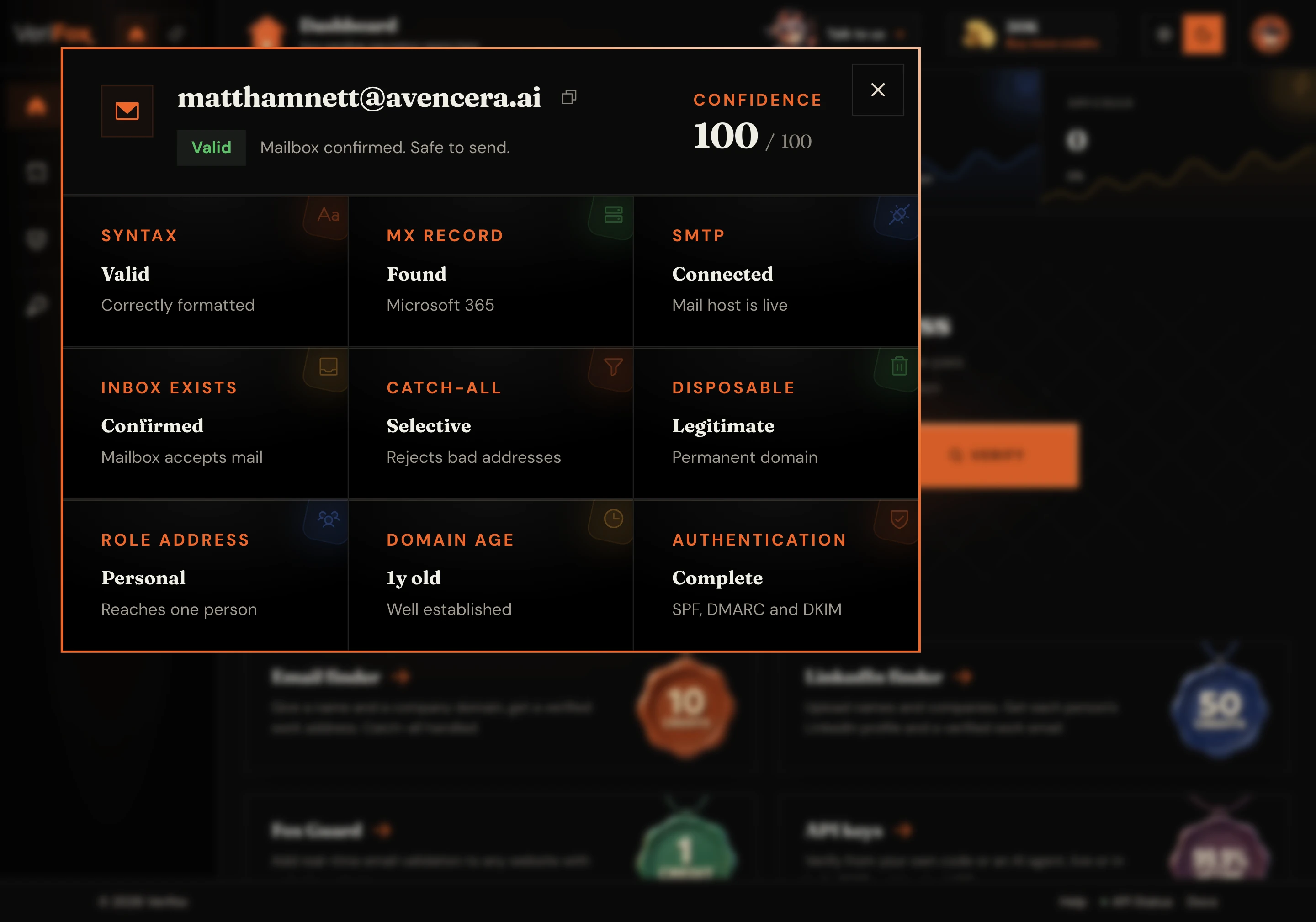
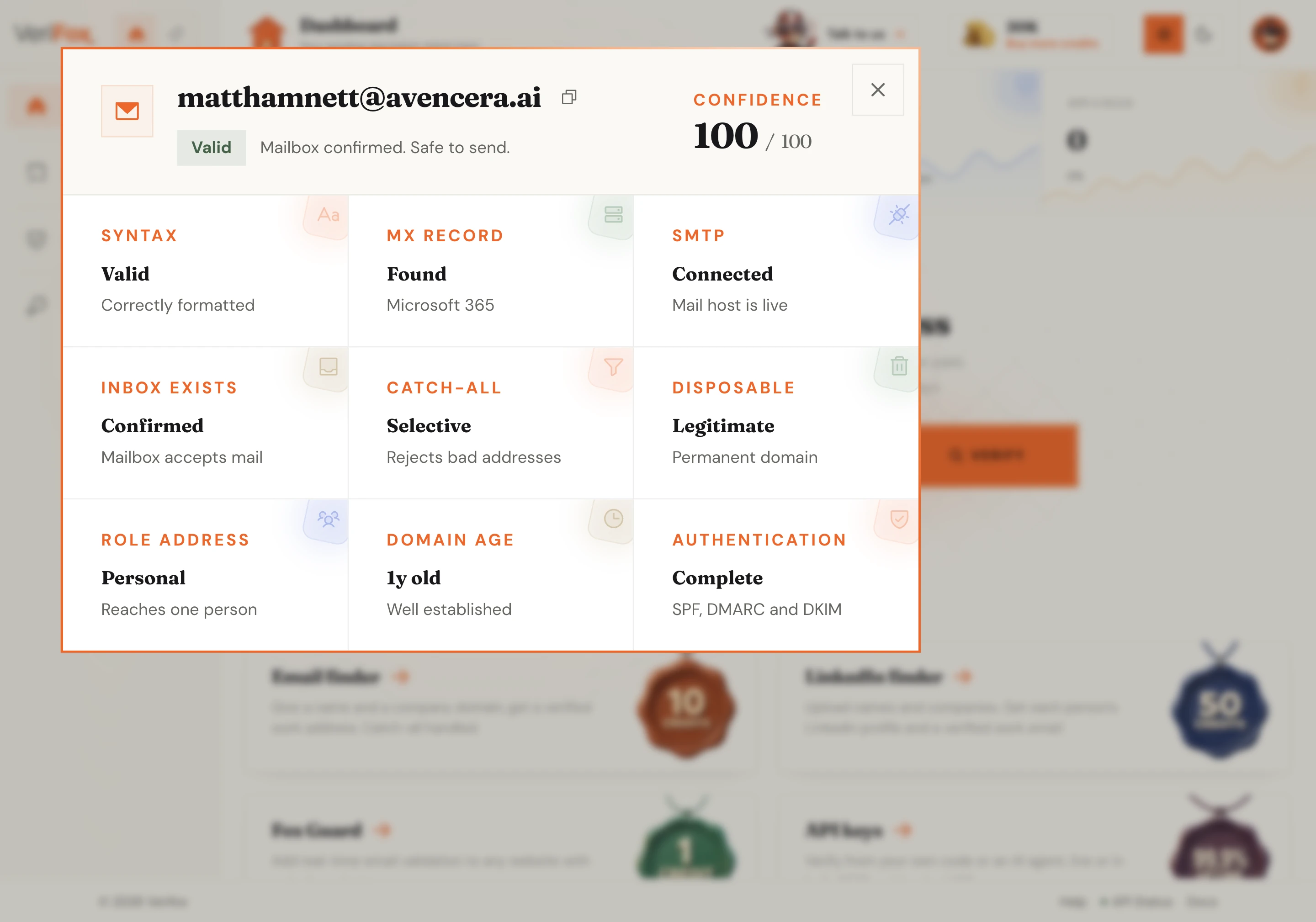
Verify a single email address and grade its quality. Checks SMTP, MX records, catch-all patterns, disposable domains, free providers, and role-based aliases - returns a 0–100 quality score so you know how safe that mailbox is before you send.


Verify a whole list at once and grade each address. Submit hundreds of emails, get deliverability results and quality scores for every single one in a single batch - no looping required or waiting for sequential checks.


Find a person’s business email from just their name and company domain. Learns how that domain patterns its addresses, validates deliverability over SMTP, and returns a verified email or clear not-found - no false positives or guessing required.


Find verified emails for a whole list at once. Submit names and company domains, get confirmed work addresses and confidence scores for every contact in a single batch call - perfect for scaling your prospect research without looping.


Check your remaining Fox Credit balance before running any batch operation. Lets your agent know exactly what it can afford and make smart decisions about spending before committing resources to a large verification or find job.


Poll any long-running verify or find job and read its full results when it finishes - without blocking your agent while it waits. Works for both single verifications and massive bulk batches processing in the background.
Not a guess from the model — a real SMTP-backed answer, called as a tool.
An email verification MCP closes the gap between an AI agent and a real deliverability engine. The Model Context Protocol is the open standard for agent tools, and verifox-mcp turns every check into one: your agent calls verify_email and gets a real SMTP-backed answer. Setup is one config block and an API key, a first-class MCP server for Claude, Cursor, or any host.
Your key stays on your machine and reaches only the Verifox API — covered by the same third-party attestations as the rest of the platform.

Independently audited to the SOC 2 Type II standard.

Built for the EU with full GDPR data-subject rights.

California opt-out, do-not-sell, plus DSAR handling.

Information security held to the ISO 27001 standard.

AI governance aligned to the new ISO 42001 standard.
Common questions
What the protocol is, which agents it runs in, what it costs, and how your key stays safe, with the real numbers behind the verification engine.
MCP is the Model Context Protocol, the open standard that lets an AI agent call external tools. An email verification MCP is a server that exposes email checks as those tools, so an agent can verify, score, and find addresses on its own instead of you copying results between a website and your chat.
Verifox ships exactly that as the verifox-mcp package, wired to the same engine behind our free email checker. Install it once and your agent gains 6 email tools, ready to call right away.
Any client that speaks MCP. The two we show config for are Claude Desktop and Cursor, and because verifox-mcp is a standard stdio server the same npx verifox-mcp command drops into any other MCP host the same way.
You point the client at the command, add your key as an environment variable, and the tools appear in that agent’s tool list with no extra glue code.
Add the JSON block from the install section aboveto your client’s config file, the one named claude_desktop_config.json for Claude Desktop or ~/.cursor/mcp.json for Cursor, then restart the app. The command is npx verifox-mcp, so there is nothing to clone or build.
The only value you change is VERIFOX_API_KEY. Paste your own key, save, and the 6 tools are live in your next session.
The server itself is free to install and run, and a free Verifox account comes with 1,000 verifications on signup, or 2,500 if you sign up with a work email. Every tool call draws from that same balance, so trying it out costs nothing.
Past the free balance, credits are pay-as-you-go and never expire, with volume pricing shown for your region. There is no separate MCP fee.
Open the API keys area of your dashboard — create a free account first if you do not have one — and generate a key. It looks like foxkey_..., and that is the exact value you drop into VERIFOX_API_KEY in your client config.
The server sends it as the x-api-key header on every request, so it stays on your machine and never ships in client-side code.
6 of them, grouped into three jobs. Verify and score (verify_email, verify_emails), find business emails (find_email, find_emails), and account and jobs (get_credits, get_job). Verify and find each work on one address or a whole list.
The full list with a one-line purpose for each sits in the tools section above, and the same endpoints are documented in the API reference. Two have a browser twin you can try without an agent: find_email powers the email finder, and verify_emails the bulk email checker, no install required.
verifox-mcp runs locally as a stdio process that your client starts. Your VERIFOX_API_KEY is read from the environment you set in the config and is sent only to api.verifox.ai over HTTPS as the request header. It is never written to the page or shared with the model.
Addresses are processed and discarded; nothing is retained or sold. Verifox is SOC 2 Type II compliant, with the full data handling covered in the privacy policy, so you always know what happens to an address you send.
Identical to the rest of Verifox, because the MCP server is a thin wrapper over the same API. That means 99.99% accuracy on a benchmark list, including catch-all domains, with median single-address latency around 380 ms and sub-50 ms on cached results.
A tool call from your agent runs the exact same checks the paid email verification API runs. No accuracy is traded for the convenience.
Yes. MCP is the agent-native path; the underlying engine is a plain REST API you can call from anywhere. If you are wiring a backend rather than an agent, skip the server and hit the endpoints directly.
The API reference documents every endpoint the 6 tools map to, and the free email checker lets you prototype a single check in the browser first.