

Enter a company domain
Type the company's domain, like figma.com. That is the only input, no names to gather, no profile URLs, no lists to upload. A clean company name works too; we resolve it to the domain for you.
Find every email at a company
Enter a company's domain and Verifox surfaces the whole team, then returns only the work emails the mail server confirms, and tells you when it can't, before you hit send.
Free to try. No signup, no card.
Three steps, no scraping, no guesswork. Give the finder a company domain, and it surfaces the whole team and verifies every address before you see it.
Type the company's domain, like figma.com. That is the only input, no names to gather, no profile URLs, no lists to upload. A clean company name works too; we resolve it to the domain for you.
Verifox pulls the people working there and how many match, ranked by role, so you see the whole team behind the domain, from leadership to individual contributors, before you reveal a single email.
Reveal each person's work email, already run through the same nine-check engine our verification API uses. An address the mail server confirms comes back with a confidence score; a catch-all guess is flagged, and a miss says not found instead of guessing.
No mind reading, no scraped inboxes. Start from the domain, surface the team, then test every address against the mail server before it reaches you.
An email finder turns a company you want to reach into the work emails behind it. You know the company, you know its domain, and the one thing missing is who to contact and how to reach them. That is the gap this tool closes: give Verifox the domain, and it surfaces the people who work there and returns their verified emails so you can actually start the conversation, one contact or a whole team at once.
From a single lookup to a verified bulk list, every step of the finder is built to hand you an address you can actually send to.
Type a name and a company, and the finder hands back the work email with a verification seal, the matched pattern, and a confidence score - right on the page. Copy it and start the conversation.
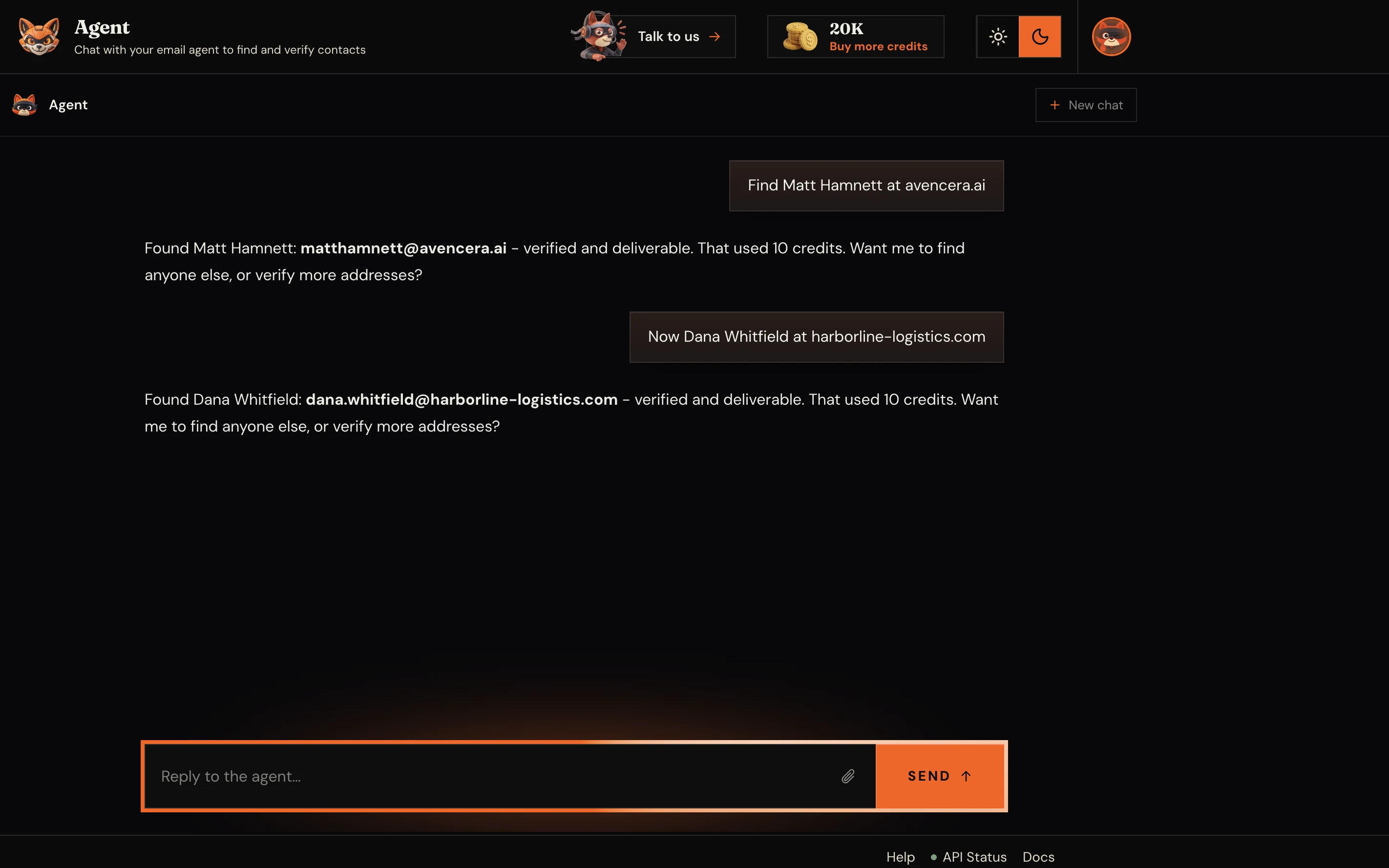
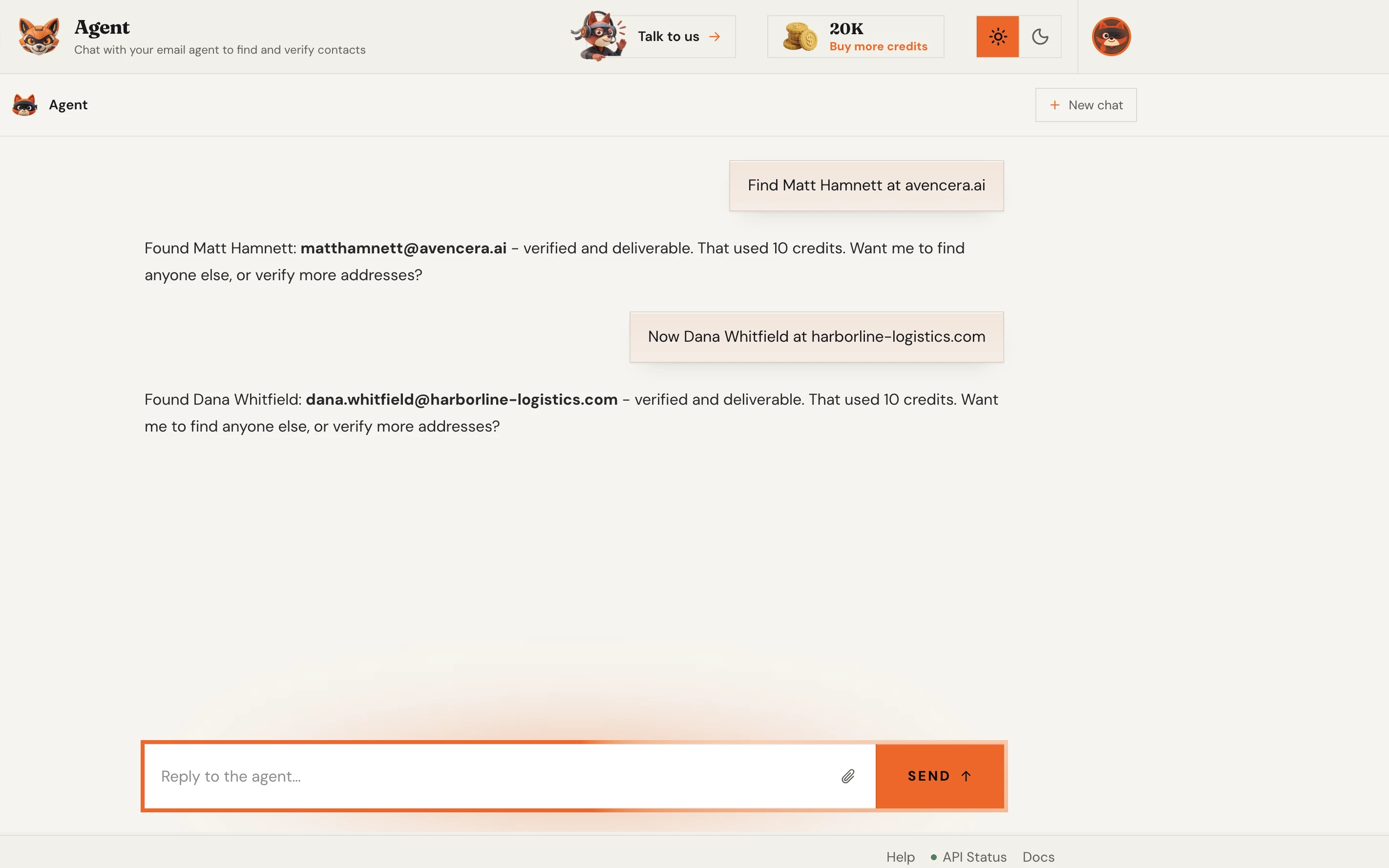
Upload a CSV of names and companies, or paste a list, and the finder works the entire batch and returns a clean, verified file. The same verification engine runs on every single row.
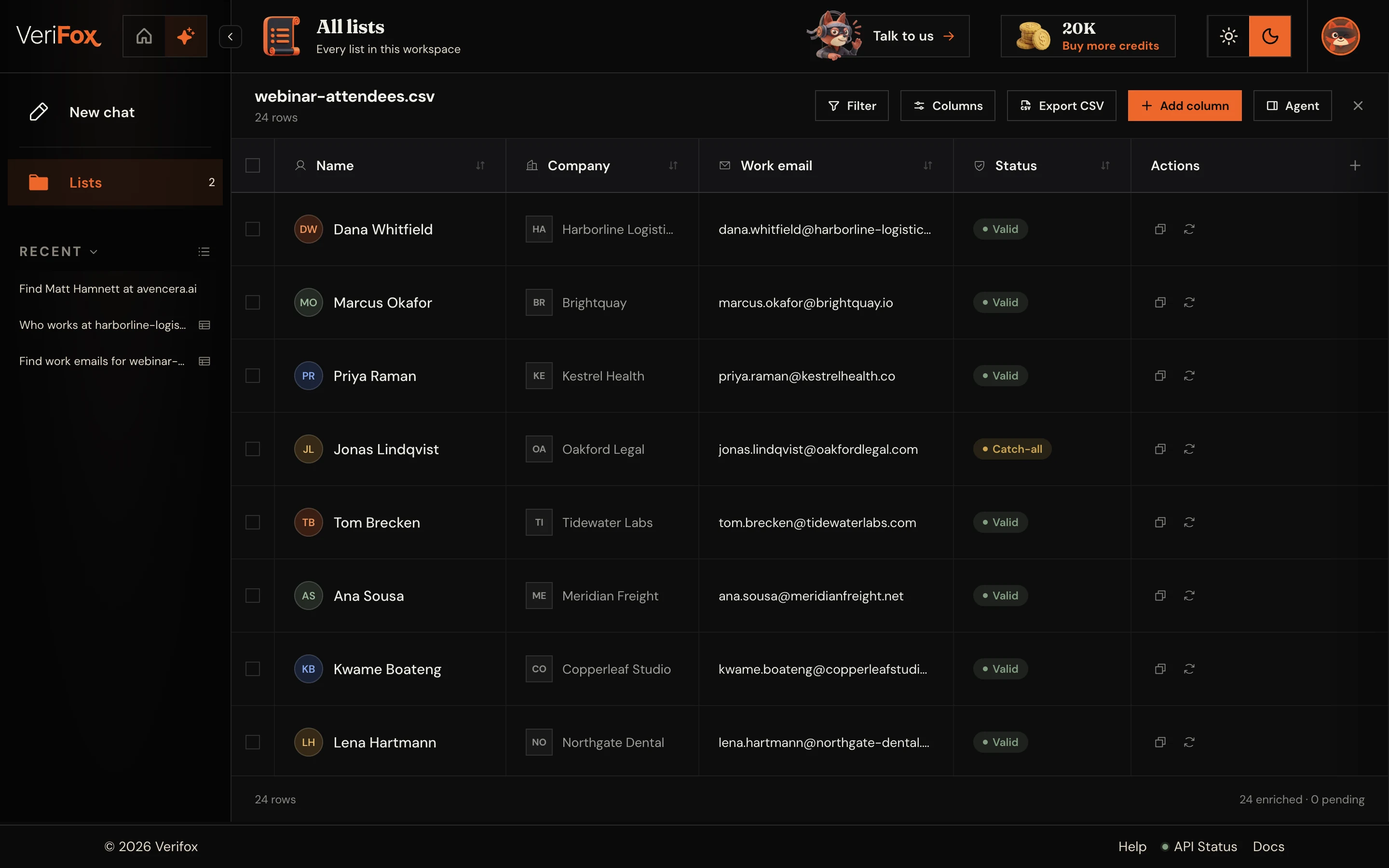
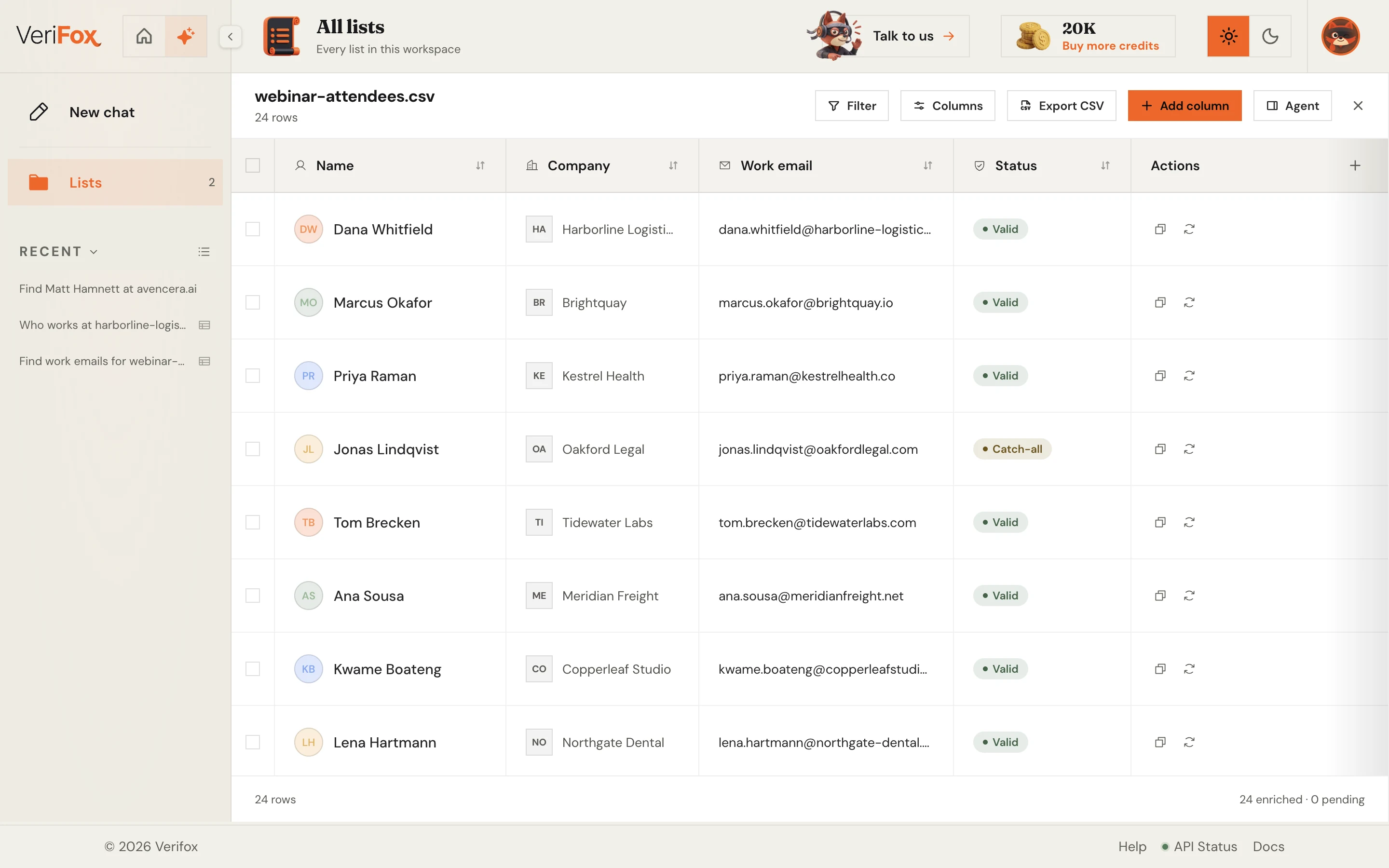
Drop in a company domain and the finder maps the entire team - names, roles, and LinkedIn matches. Reveal any person and get their verified work email back, one confident click at a time.
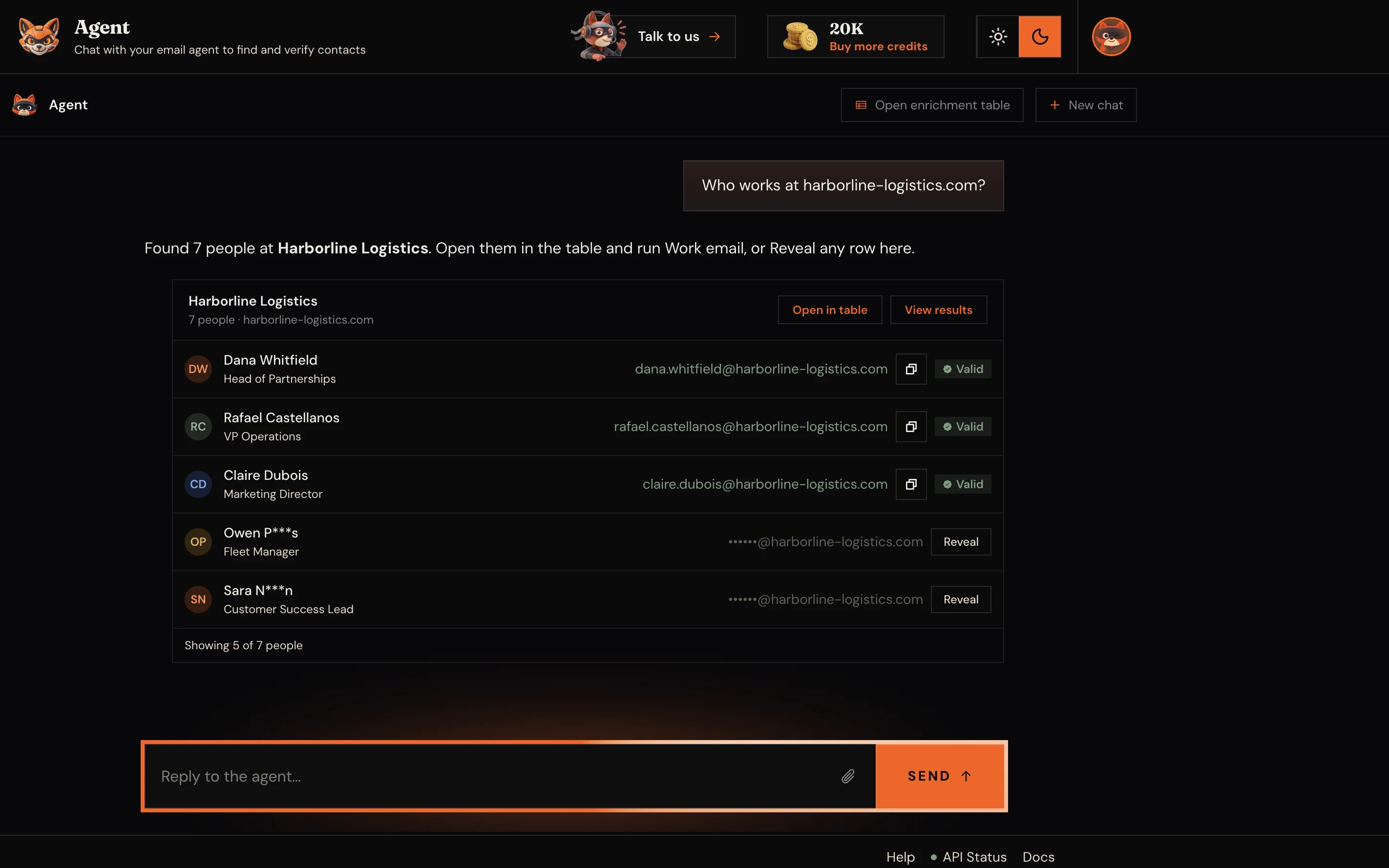
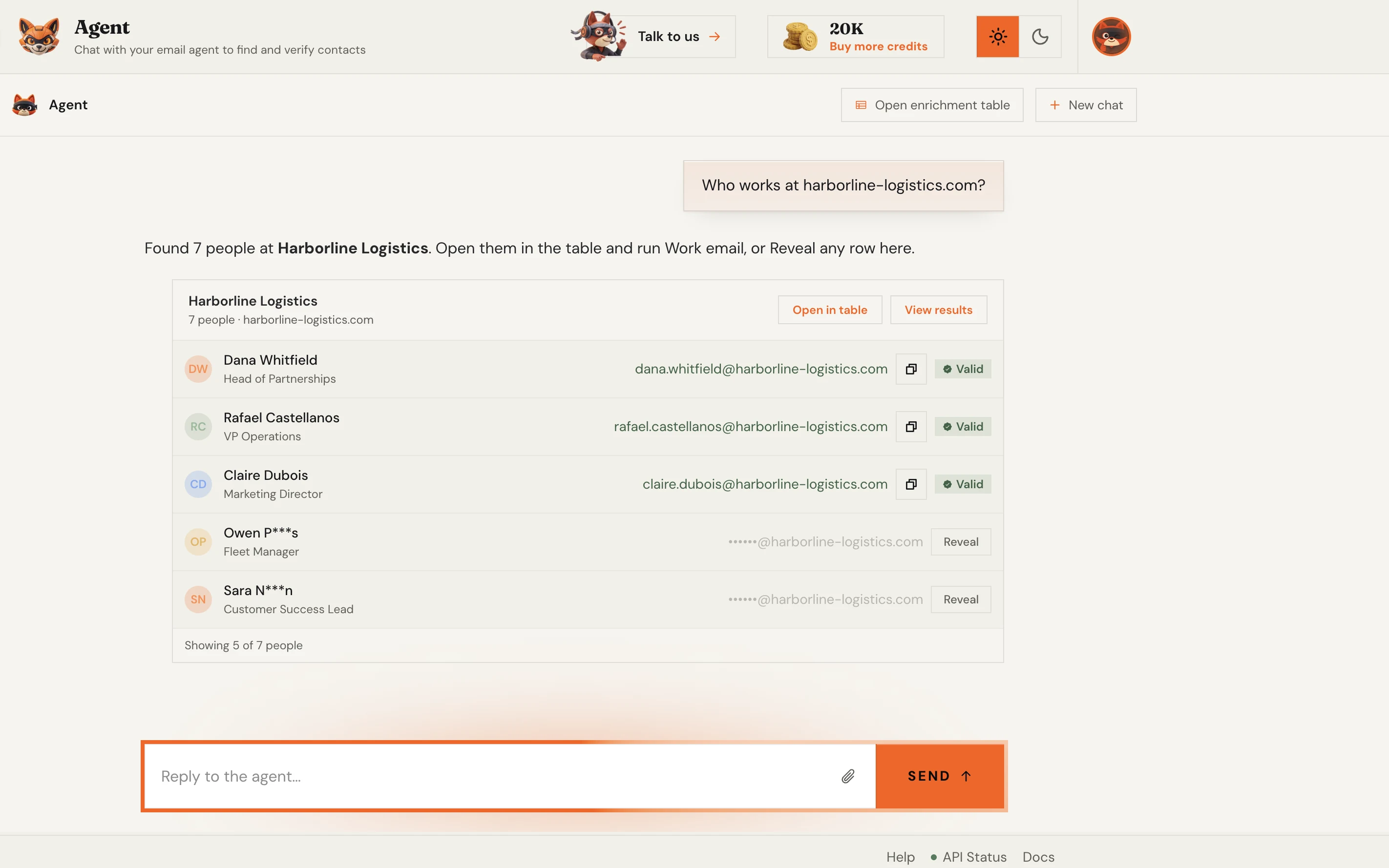
One REST call returns the found, verified address as JSON - with cURL, Node, and Python examples ready to copy. Wiring an AI agent instead? The same lookup ships as a native MCP server.
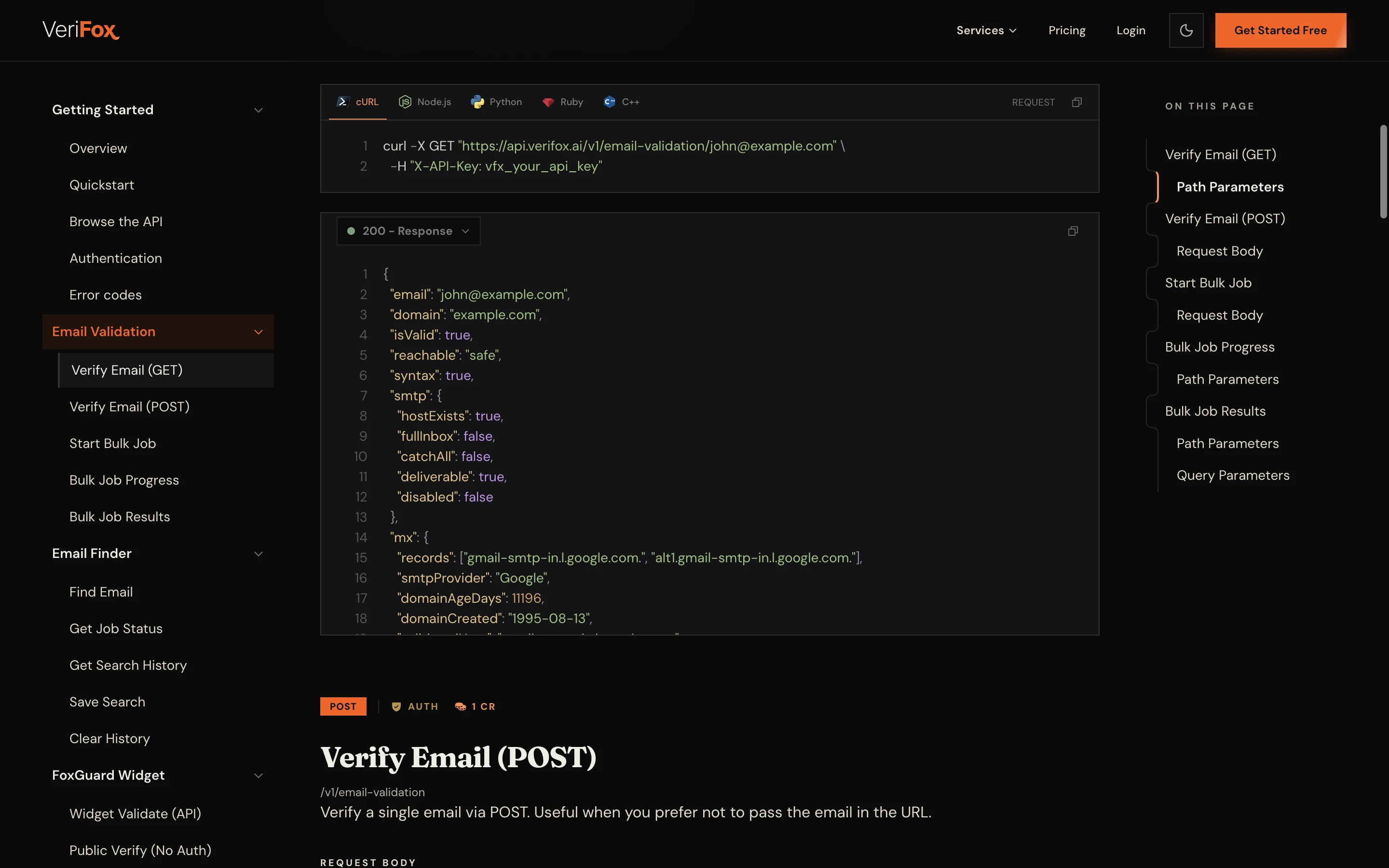
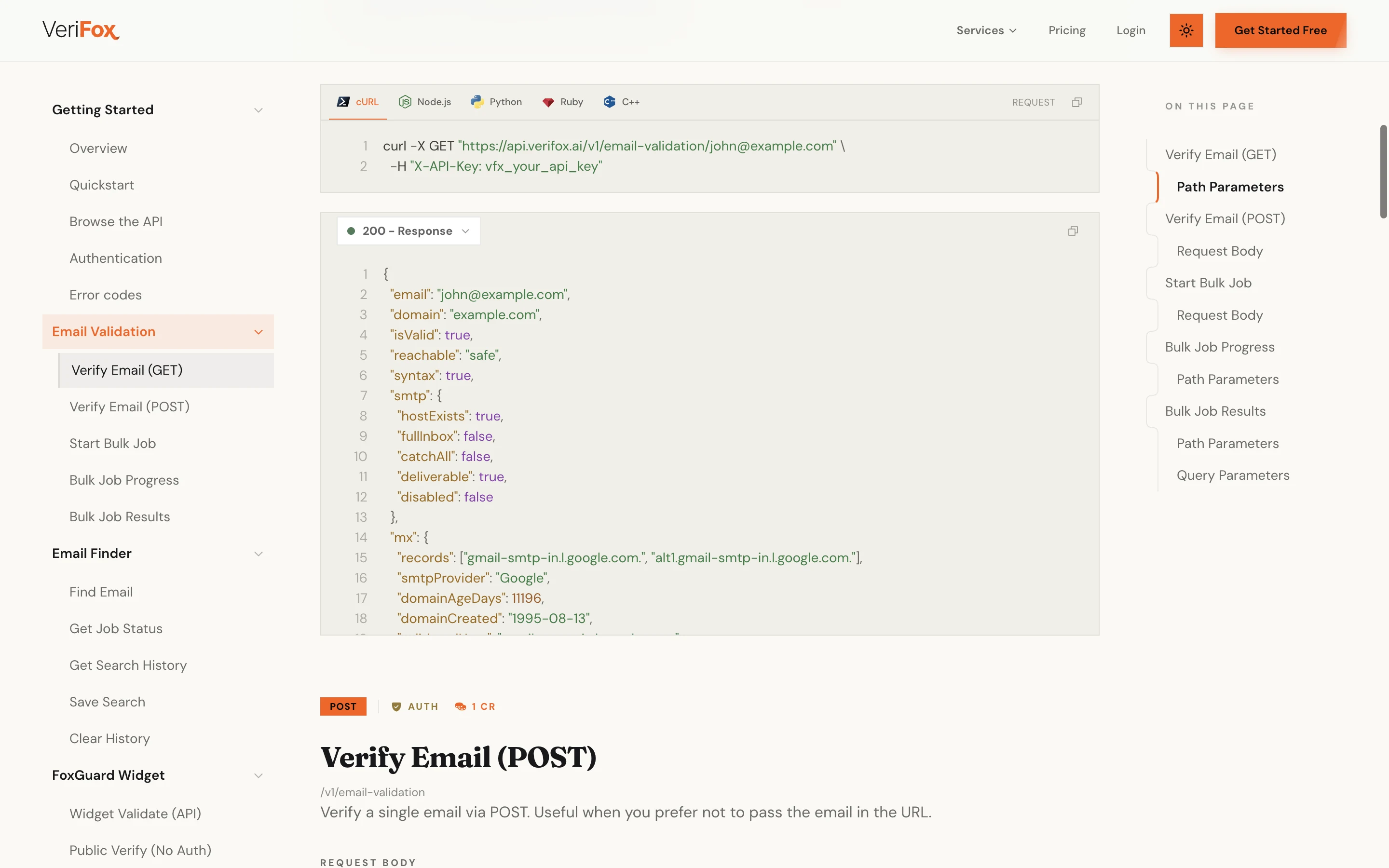
From a single lookup to a verified bulk list, find the address, check it with the mail server, and ship it straight into your stack.
Every result runs the full verification engine before you see it.
Verifox surfaces the team and ranks every address.
CSV in, verified list out.
Ask once and every address comes back already checked.
Every found address is verified before it reaches you.
Try the finder free before you ever make an account.
REST API, or drop the MCP server into your agent.
Hunter, Apollo, and RocketReach all find addresses. Verifox verifies each one before it reaches you and runs on credits that never expire.
Verifox ONE adds 15,000 credits to your account every month, and the ones you don't use roll over instead of resetting. Rather pay once? Credit packs never expire.
forever
1,000credits on signup
No card required
2,500 with a work email
Free includes
per month
15,000credits a month
$0.0053 each, $0.0044 billed yearly
Up to 25% less per credit than the 10,000 pack
Everything in Free, plus
one time
10,000credits
$0.0059 eachSAVE 34%
Everything in Free, plus
One credit verifies one address; a find costs 10, a company search 100 and an email reveal 50. All prices in USD, secure checkout via Dodo Payments.
Prices are before tax. Any VAT, GST or sales tax your country charges is added at checkout. Buying as a business? Enter your VAT or GST number there.
The addresses you submit are used only to run your verification. They are never sold, and nobody on your list hears from us.

The addresses you submit are never sold or shared.

We ask the mail server. Not one message is sent.

Full GDPR data-subject rights for everyone in the EU and UK.

California opt-out, do not sell and DSAR handling.
An investigation into the money leaking out of your list - and the nine checks that decide whether your email is read, or never arrives at all.

57 pages, free PDF, no signup
Common questions
The questions we get from sales, recruiting, and growth teams that land here to find a work email, with the real method, real limits, and the verification stance behind every result.
An email finder turns a company into the work emails behind it. You give Verifox a company's domain, and it surfaces the people who work there, then builds the address pattern that domain uses so each contact resolves to a real email instead of a blind guess.
Every candidate is then run through our nine-check verification engine, and an address only comes back as found once the company's mail server confirms the mailbox. A pattern match alone never counts. We do not scrape any social network, and you never need anyone's login.
Enter the company's domain, like figma.com (a clean company name works too, we resolve it to the domain), and the finder does the rest. You do not need any names up front or account access, just the domain in the field above.
Behind the scenes, Verifox pulls the roster of people at that company, works out the address format the domain uses, and verifies each match. Starting from the domain is the most reliable path because it removes any ambiguity about which company you mean.
Verified, and when it can't be, we tell you. This is the difference between Verifox and a guess-only finder tool. Every candidate goes through the same engine our paid verification API runs: MX record, SMTP mailbox check, catch-all detection, disposable and role-address filtering, and an AI-confidence pass.
Every lookup ends in one of three answers. Found means the mail server confirmed the mailbox, and you get a 0 to 100 confidence score with it so you can threshold what reaches your sequencer. Maybe means the domain is catch-all (it accepts mail for any address, so no server can confirm one): you see our best-ranked guess, flagged as not safe to send. Not found means nothing checked out, so we don't invent an address.
If you only want to confirm an address you already have, the free email checker runs the same checks.
You can run a few finds from this page without an account, no card required. Create a free account and you get a batch of free credits once you verify your email, to find and verify more. So yes, there is a genuinely free email finder tier to start with.
After that, finder credits are pay as you go and never expire, with volume discounts on the pricing page. A find costs 10 credits, charged when the lookup starts. A not-found result still uses them, because the mail-server checks still ran; if a lookup can't run at all, the credits go straight back. Searching a company domain for its team costs 100 credits, and revealing one person's email costs 50, with no charge if we can't find one.
Yes. Upload a CSV of names and companies and Verifox returns a clean file with the found address, the matched pattern, and a verification verdict on every row, so you know exactly which rows are safe to send, not just which were found. The bulk email finder is built for exactly this.
Bulk finding, CSV upload, and API access are available from a free account up. Most teams move to a pay-as-you-go credit pack once they are enriching lists regularly.
Just the domain. The finder starts from acme.com (a clean name like “Acme Inc.” works too, we resolve it), surfaces the team, and returns their verified emails. To zero in on one person, use find email by domain; to pull every address on a domain at once, the domain email extractor covers that workflow.
Working from a LinkedIn profile rather than a domain? The LinkedIn email finder runs the identical find-and-verify flow, starting from a name on a profile.
Those tools find addresses and leave verification as a separate step or a separate product. Verifox verifies every address before it reaches you, so a found email is a sendable email. We also ship a native MCP server for AI agents that no other finder offers.
On price, Verifox credits are pay as you go and never expire, rather than a monthly subscription where unused credits lapse. The live numbers on the pricing page show exactly what a find-and-verify costs.
Finding a business contact's work email for legitimate B2B outreach is permitted under GDPR's legitimate-interest basis, provided you honour opt-outs and follow CAN-SPAM. Verifox is GDPR and CCPA compliant; our security overview has the details.
We use the name and domain you submit only to build and verify the address, and we do not sell your input or the result. The full breakdown is in the privacy policy.
An address only comes back as found once the mail server has confirmed the mailbox at SMTP level, so the bounce risk on found results is low. Catch-all guesses come back labelled maybe, never dressed up as found, and every found address carries a confidence score so you can set your own threshold for cold sending versus nurture.
Each find runs live checks against the company's mail server, so it takes anywhere from a few seconds to a minute or more when that server is slow to answer. We would rather wait for the real answer than hand you a fast guess. Bulk jobs process in parallel. Live uptime and incident history are tracked on status.verifox.ai if you want to check current performance.
Yes. The REST API reference documents the find-and-verify endpoints, so you can wire the finder into your CRM, your sequencer, or any tool that speaks REST. HubSpot, Salesforce, Zapier, Clay, and Apollo all connect through it.
Verifox also ships native MCP server support so AI agents (Claude, Cursor, custom LLM apps) can find and verify addresses without glue code. Drop the MCP URL into your agent config and the tools are wired.