

Upload your list as a CSV
Export a CSV of names and companies from your CRM and drop it in. A name column and a company or domain column is all Verifox needs, one row or ten thousand. It auto-detects the columns for you.
Find emails in bulk
Upload a CSV of names and companies and get verified, sendable work emails back for the whole list, all found and verified in parallel.
First 5 rows run free — no signup, no card.
Trusted by 500,000+ leading GTM teams
Upload a CSV of names and companies, let Verifox generate and rank the candidate addresses for every row in parallel.
Export a CSV of names and companies from your CRM and drop it in. A name column and a company or domain column is all Verifox needs, one row or ten thousand. It auto-detects the columns for you.
Verifox builds and ranks the address patterns for each row in parallel, not one at a time, so a few thousand rows resolve in minutes instead of an afternoon.
Every found address runs through the same nine-check engine our verification API uses. You get your CSV back with the email, matched pattern, verdict, and a confidence score on every row.
A whole CSV in, verified addresses out: every row pattern-matched, ranked, and proven before the file returns.
A bulk email finder takes a list you already have, a CSV of names and companies exported from your CRM, an event, or a prospecting tool, and turns every row into the work email behind it in one pass. Instead of looking up contacts one at a time, you hand Verifox the whole file and get the addresses back together, which is the entire point when a list runs to hundreds or thousands of rows.
From a single lookup to a verified bulk list, every step of the finder is built to hand you an address you can actually send to.
Type a name and a company, and the finder hands back the work email with a verification seal, the matched pattern, and a confidence score - right on the page. Copy it and start the conversation.
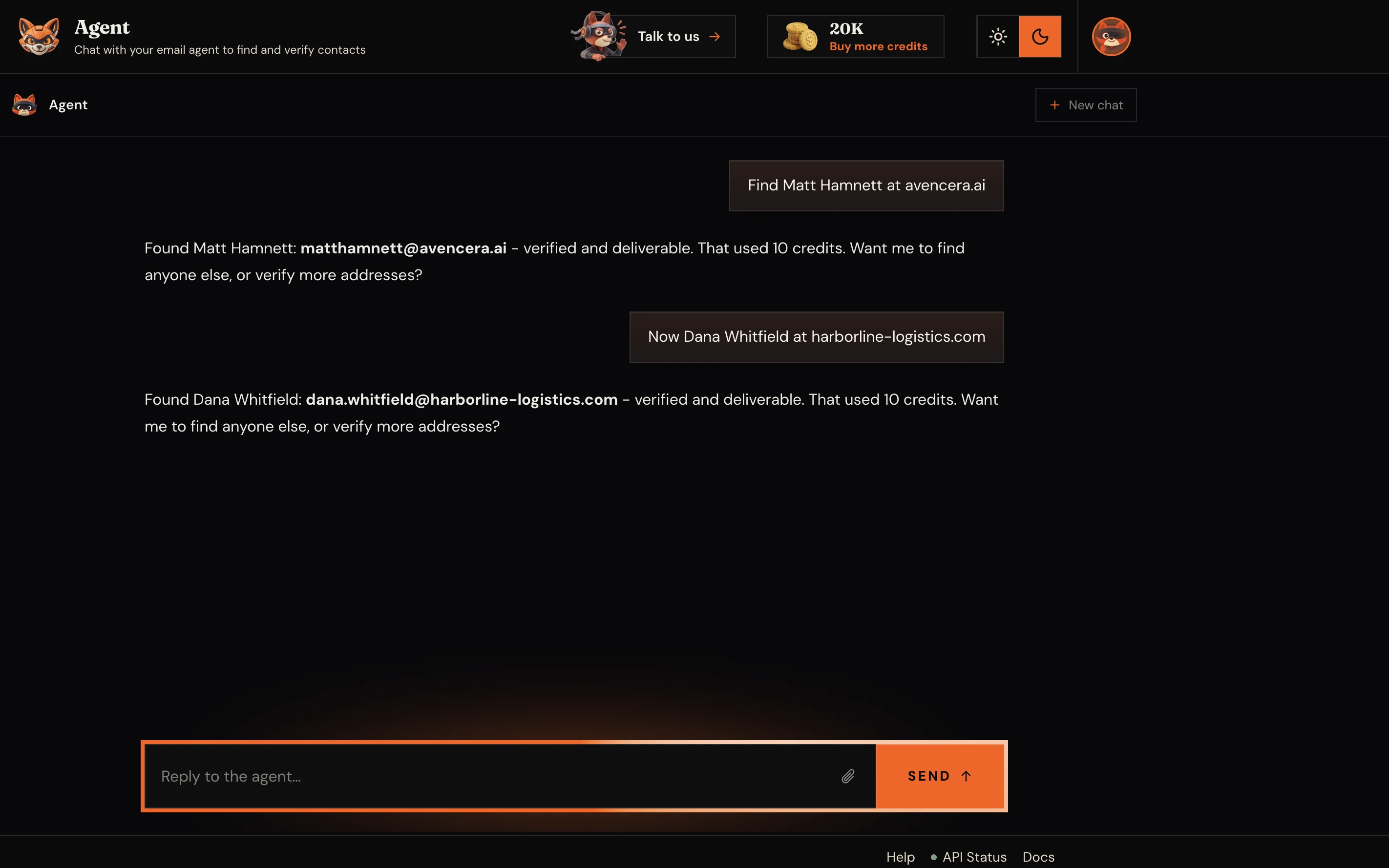
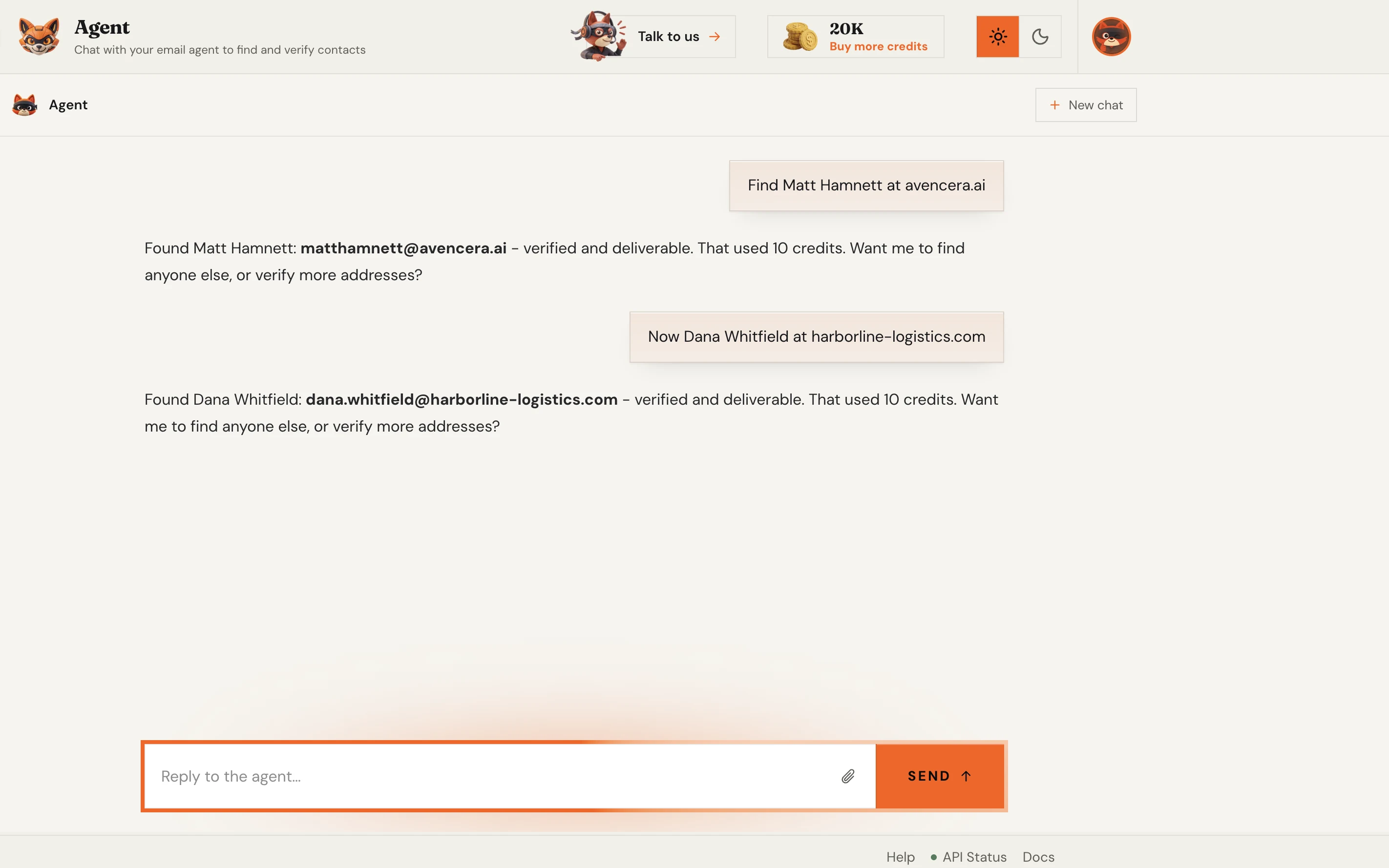
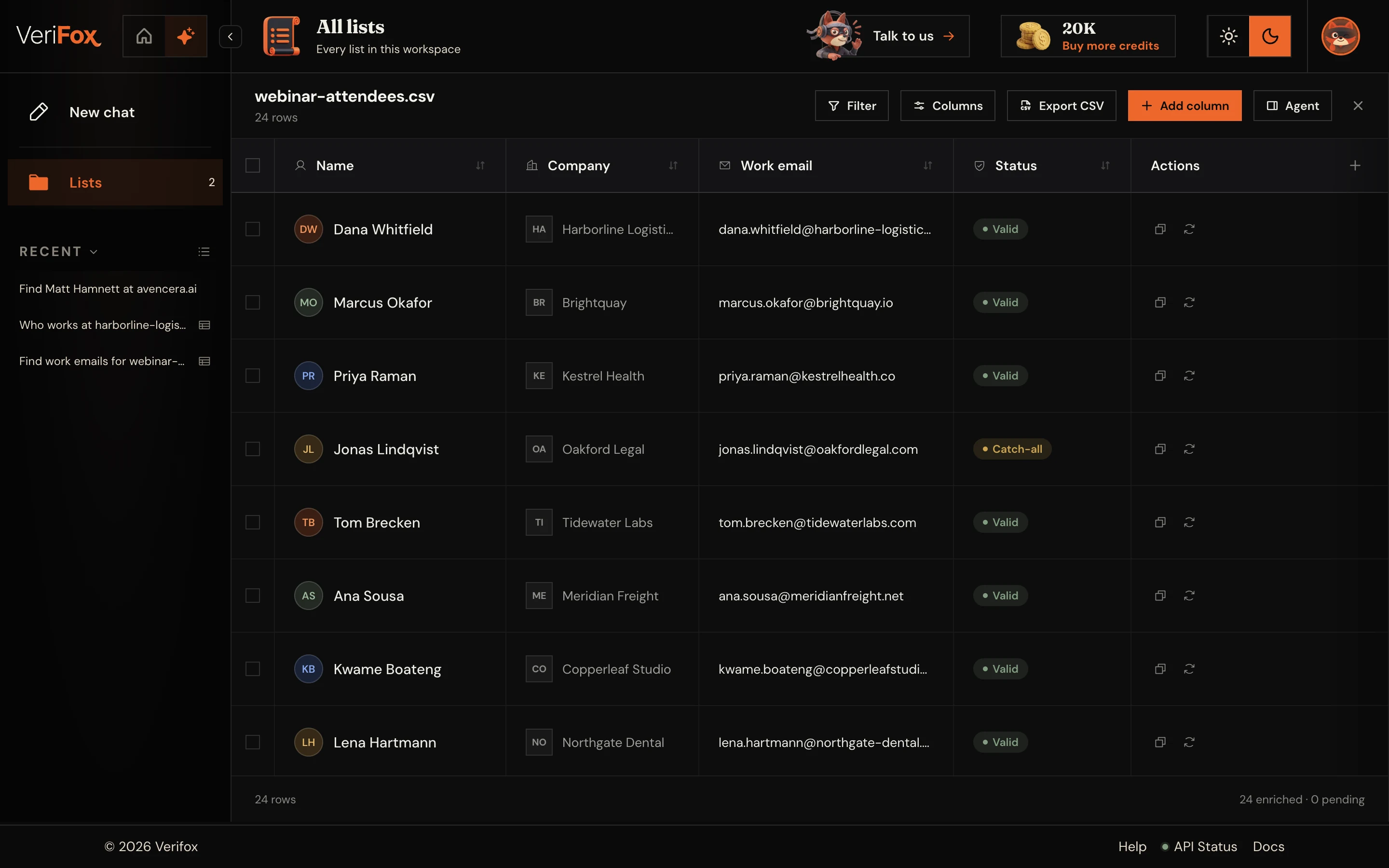
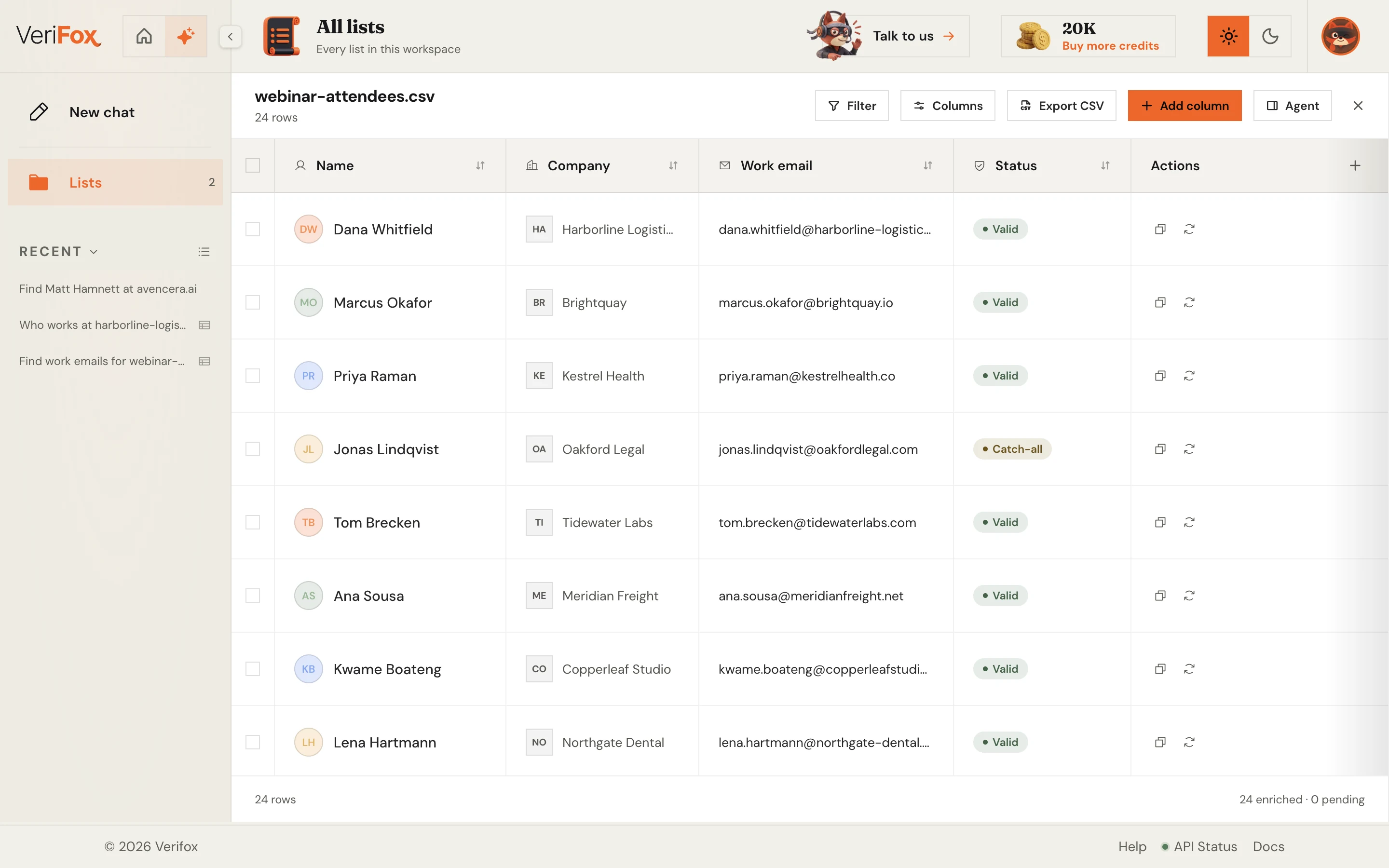
Upload a CSV of names and companies, or paste a list, and the finder works the entire batch and returns a clean, verified file. The same verification engine runs on every single row.
Drop in a company domain and the finder maps the entire team - names, roles, and LinkedIn matches. Reveal any person and get their verified work email back, one confident click at a time.
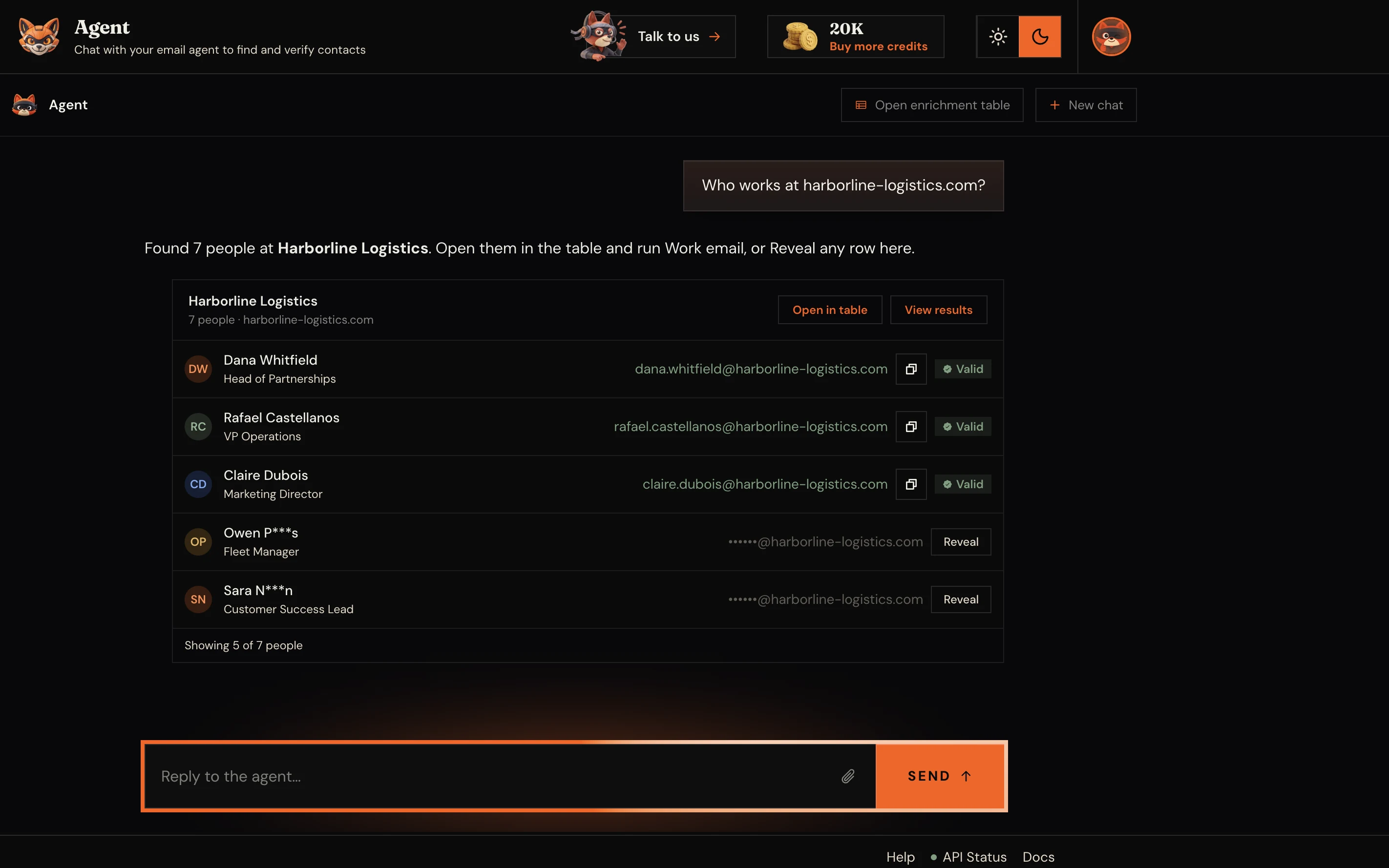
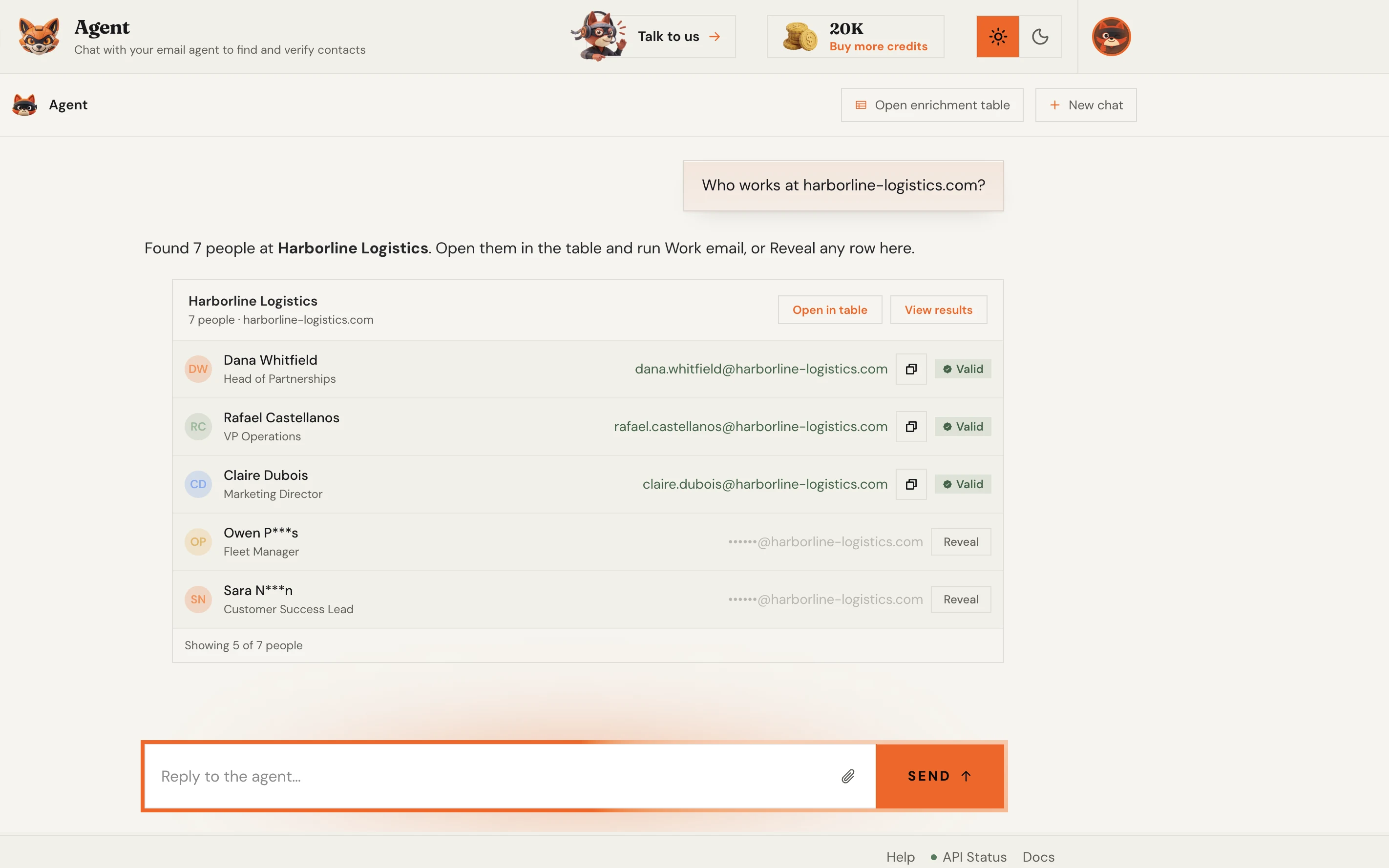
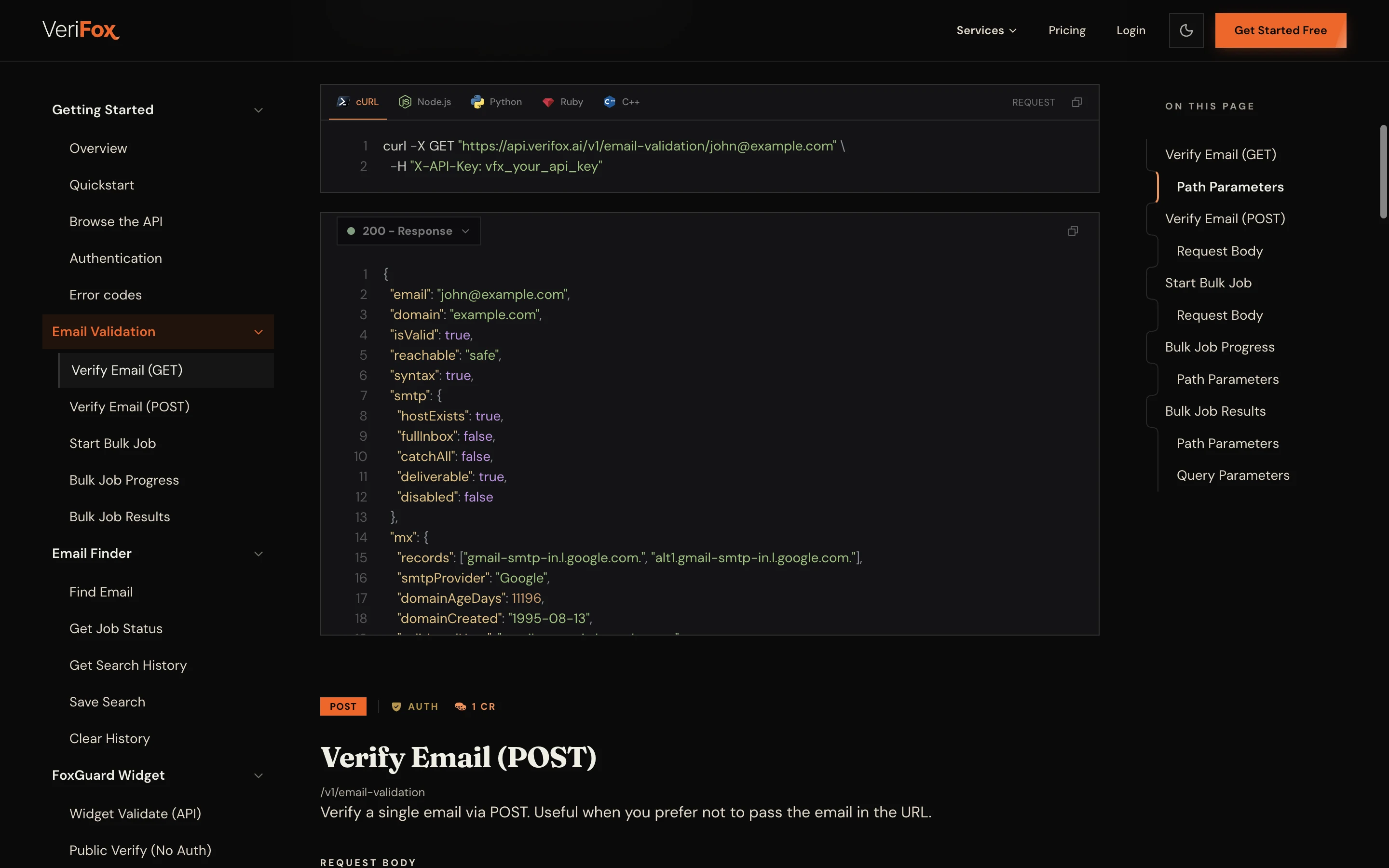
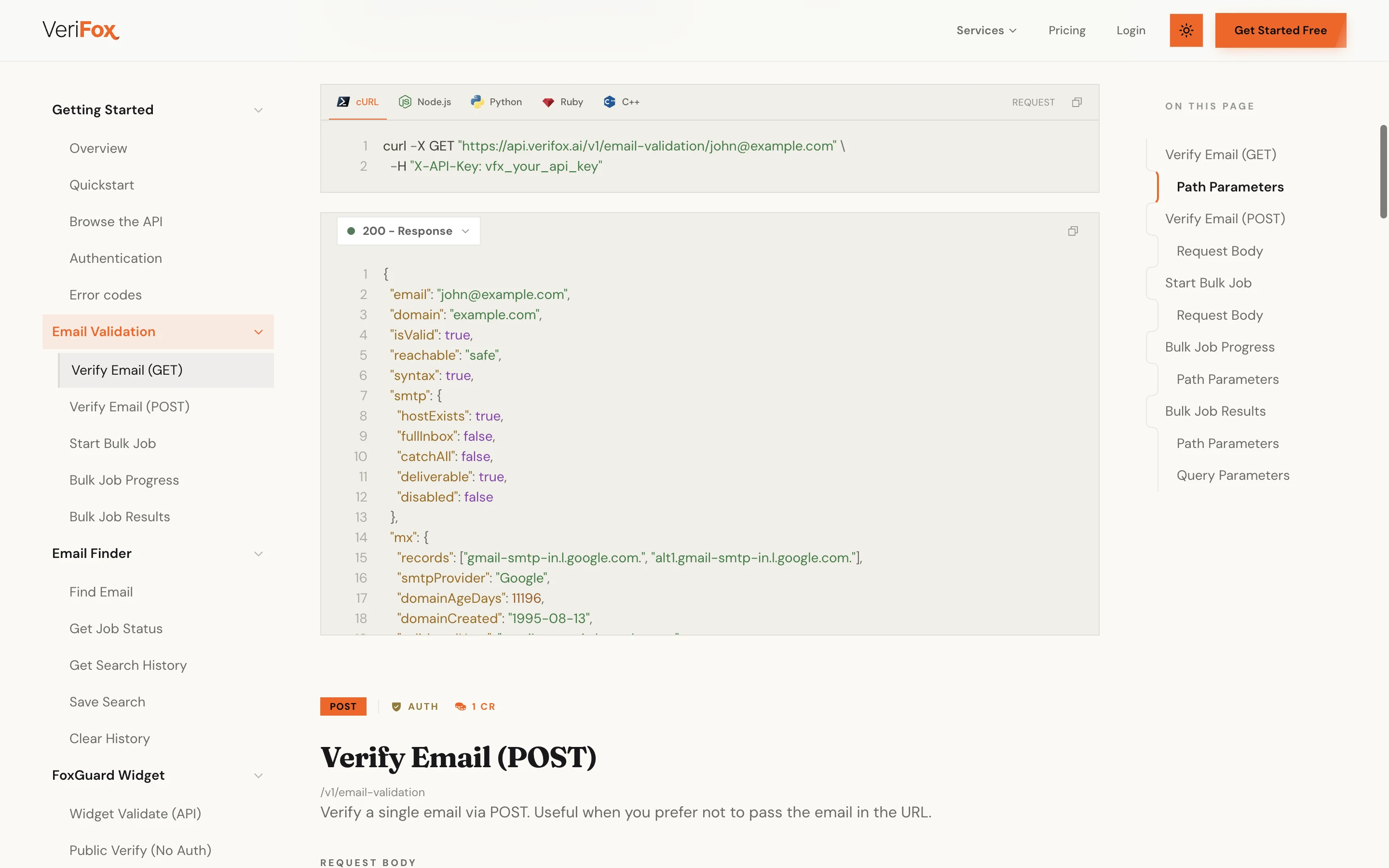
One REST call returns the found, verified address as JSON - with cURL, Node, and Python examples ready to copy. Wiring an AI agent instead? The same lookup ships as a native MCP server.
From a single lookup to a verified bulk list, find the address, prove it is deliverable, and ship it straight into your stack.
Every result runs the full verification engine before you see it.
Verifox surfaces the team and ranks every address.
CSV in, verified list out.
Ask once and every address comes back already checked.
So bounces never cost you a sender reputation.
Try the finder free before you ever make an account.
REST API, or drop the MCP server into your agent.
Hunter, Apollo, and RocketReach all find addresses. we verify each one before it reaches you and runs on credits that never expire.
Most tools reset your balance every month. Verifox sells credits that sit in your account until you spend them.
forever
1,000credits on signup
No card required
2,500 with a work email
Free includes
one time
10,000credits
$0.0059 eachSAVE 34%
Everything in Free, plus
per month
15,000credits a month
$0.0053 each
Unused credits roll over
Everything in packs, plus
One credit verifies one address; a find costs 10. All prices in USD, checkout via Stripe.
Growth leads, marketers, and engineers running real campaigns on real lists, with a verified email on every byline.

We were paying ZeroBounce a four-figure monthly bill and still landing 3% bounces on cold campaigns. Switched the pipeline to Verifox, dropped to 0.4% bounces, and cut the bill by more than 90%.

Other tools flag 30% of our B2B list as 'risky catch-all' and leave the call to us. Verifox returns a real verdict on those addresses, with a confidence score. We send more, we send safer.

We had a Gmail spam-folder problem after a bad list import. Verifox cleaned the list and the warmup ran on the same engine. Back in primary inbox in six weeks. One vendor, half the cost.

Ran a 50,000-address outbound list through Verifox before our quarterly campaign. Bounces landed at 0.7%, sender reputation didn't move, replies were up 22% over last quarter.

Their MCP server let me wire email verification directly into our internal Claude agent in about ten minutes. Zero glue code. No other vendor in this space has thought about that workflow.

Tested Verifox at 10,000 verifications per minute on a Tuesday morning. Latency held under 400ms median, no soft failures, no rate-limit walls. The vendor we benched throttled at 2,000/min.

Our SDRs were enriching from three tools and 14% of the emails were invalid before they hit the sequencer. Verifox sits in the pipeline now and the team stopped seeing 'undeliverable' replies the next week.

Bulk upload, sorted CSV back in twenty minutes, plug into our growth stack. The half-day list-hygiene project per cohort turned into something the marketing intern runs on autopilot.

Verifox returns a 0-100 confidence score per address, not just a label. We thresholded at 75 for the cold sequencer, 60 for nurture, and our deliverability team finally has a knob they can tune.
We were paying ZeroBounce a four-figure monthly bill and still landing 3% bounces on cold campaigns. Switched the pipeline to Verifox, dropped to 0.4% bounces, and cut the bill by more than 90%.
We had a Gmail spam-folder problem after a bad list import. Verifox cleaned the list and the warmup ran on the same engine. Back in primary inbox in six weeks. One vendor, half the cost.
Their MCP server let me wire email verification directly into our internal Claude agent in about ten minutes. Zero glue code. No other vendor in this space has thought about that workflow.
Our SDRs were enriching from three tools and 14% of the emails were invalid before they hit the sequencer. Verifox sits in the pipeline now and the team stopped seeing 'undeliverable' replies the next week.
Verifox returns a 0-100 confidence score per address, not just a label. We thresholded at 75 for the cold sequencer, 60 for nurture, and our deliverability team finally has a knob they can tune.
Other tools flag 30% of our B2B list as 'risky catch-all' and leave the call to us. Verifox returns a real verdict on those addresses, with a confidence score. We send more, we send safer.
Ran a 50,000-address outbound list through Verifox before our quarterly campaign. Bounces landed at 0.7%, sender reputation didn't move, replies were up 22% over last quarter.
Tested Verifox at 10,000 verifications per minute on a Tuesday morning. Latency held under 400ms median, no soft failures, no rate-limit walls. The vendor we benched throttled at 2,000/min.
Bulk upload, sorted CSV back in twenty minutes, plug into our growth stack. The half-day list-hygiene project per cohort turned into something the marketing intern runs on autopilot.
We were paying ZeroBounce a four-figure monthly bill and still landing 3% bounces on cold campaigns. Switched the pipeline to Verifox, dropped to 0.4% bounces, and cut the bill by more than 90%.
Ran a 50,000-address outbound list through Verifox before our quarterly campaign. Bounces landed at 0.7%, sender reputation didn't move, replies were up 22% over last quarter.
Our SDRs were enriching from three tools and 14% of the emails were invalid before they hit the sequencer. Verifox sits in the pipeline now and the team stopped seeing 'undeliverable' replies the next week.
Other tools flag 30% of our B2B list as 'risky catch-all' and leave the call to us. Verifox returns a real verdict on those addresses, with a confidence score. We send more, we send safer.
Their MCP server let me wire email verification directly into our internal Claude agent in about ten minutes. Zero glue code. No other vendor in this space has thought about that workflow.
Bulk upload, sorted CSV back in twenty minutes, plug into our growth stack. The half-day list-hygiene project per cohort turned into something the marketing intern runs on autopilot.
We had a Gmail spam-folder problem after a bad list import. Verifox cleaned the list and the warmup ran on the same engine. Back in primary inbox in six weeks. One vendor, half the cost.
Tested Verifox at 10,000 verifications per minute on a Tuesday morning. Latency held under 400ms median, no soft failures, no rate-limit walls. The vendor we benched throttled at 2,000/min.
Verifox returns a 0-100 confidence score per address, not just a label. We thresholded at 75 for the cold sequencer, 60 for nurture, and our deliverability team finally has a knob they can tune.
Every layer of the stack carries a third-party attestation, so you can ship into regulated industries without rebuilding your compliance posture.

Independently audited to the SOC 2 Type II standard.

Built for the EU with full GDPR data-subject rights.

California opt-out, do-not-sell, plus DSAR handling.

Information security held to the ISO 27001 standard.

AI governance aligned to the new ISO 42001 standard.
An investigation into the money leaking out of your list - and the nine checks that decide whether your email is read, or never arrives at all.

57 pages, free PDF, no signup
Common questions
The questions we get from sales, growth, and revops teams that land here to enrich a whole list at once, with the real method, real limits, and the verification stance behind every row.
You upload a CSV with a column of names and a column of companies or domains. Verifox works the rows in parallel: per row it derives the address formats that company is known to use, weighs the candidates against public sources, and selects the best-fitting one rather than guessing blind.
Before any address lands in your results file it must clear our nine-check verification engine, so the whole list comes back confirmed and sendable, not just found.
A clean CSV that mirrors your upload, with extra columns added per row: the found work email, the matched pattern, the verification verdict, and a 0 to 100 confidence score. Rows where no deliverable address could be confirmed are marked clearly rather than padded with a guess.
Because every address is verified before it reaches you, you can threshold on the confidence column and push only the rows that clear your bar straight into your sequencer. If your list already contains addresses and only needs cleaning, the free email checker applies the identical engine.
Verified, row by row, before the results file is even generated. A pattern that looks right is not the same as a mailbox that exists, so each found address gets a domain and MX lookup, a live SMTP mailbox ping, disposable and role-address screening, and AI-confidence scoring on the catch-all domains that swallow most bulk lists. The full methodology is documented on the email verification service page.
The practical payoff shows up in the download. Rows that could not be confirmed are flagged rather than padded with a plausible-looking guess, which means the bounce risk of your file is known before you import it, not discovered by your sender reputation a week later.
Lists run in parallel rather than one row at a time, so a few thousand rows finish in minutes, not hours. There is no hard ceiling on the CSV size for the bulk email finder; very large jobs simply queue and stream results back as they complete.
Live throughput, uptime, and incident history are published at status.verifox.ai. For recurring or scheduled enrichment, most teams drive the same engine from the REST API instead of re-uploading a file each time.
Free to start, and the signup grant is sized for a real first list. Create a free account, no card required, and you get 1,000 free credits, or 2,500 if you register with a work address. At ten credits per resolved row, that is a hundred contacts found and verified before you have paid anything.
Past the grant, you buy credits as you need them and they never expire, so a team that enriches one list a quarter is not funding a subscription it barely uses. A bulk job only spends credits on rows it actually resolves, and the pricing page shows volume tiers in your local currency.
Two are enough: a full name and a company or domain. A raw domain like acme.com is the strongest company input because it leaves no doubt about which business each row means, and it is what the AI email finder model keys on when it ranks candidate patterns. Verifox auto-detects your headers, so you do not have to rename anything before you upload.
Already working from a list of company domains rather than people? The domain email extractor pulls the public addresses for a set of domains, which pairs well with the bulk email finder for full-list coverage.
Yes, and bulk is where it earns its keep. Pattern ranking is learned per domain, not per row: once the model has worked out how one company formats its addresses, every other contact from that company in your file inherits the learned format. Confidence compounds as the list grows instead of resetting on each lookup, which is why a 50-row slice of one account often resolves faster than 50 scattered singles.
AI also makes the call on catch-all domains, the ones a rules-only finder marks “unknown” and quietly scatters through a big file. Every AI-assisted pick is still confirmed by a real SMTP-level verification check before it is written to your results.
Yes, and most recurring bulk jobs end up there. The batch endpoints in the REST API reference accept the same name-plus-domain rows your CSV would carry, so a CRM workflow, a data pipeline, or a nightly cron can submit a list and collect the verified results without a file ever existing. CRM and workflow tools like HubSpot, Salesforce, Zapier, and Clay plug in this way.
AI agents get a shorter path: the native MCP server exposes the find-and-verify tools directly, so Claude, Cursor, or a custom LLM app can loop over a list of contacts with zero glue code beyond an MCP URL in its config.
The workflow gap. With Hunter, Apollo, RocketReach, or any rocket email search style tool, the bulk find and the verification are separate steps or separate products, so the file you export still has to pass through a list cleaner before your sequencer will accept it. Verifox collapses those steps: verification runs inside the bulk job, so the download is already the clean list.
The billing model differs too. Subscription bulk credits typically lapse at the end of the cycle whether you ran a list that month or not, while Verifox credits never expire, with region-localized volume tiers on the pricing page. And the native MCP server lets AI agents drive the same bulk pipeline, which none of the three offer.
The legal basis is the same one that covers single-contact B2B prospecting: GDPR’s legitimate interest permits processing work emails for business outreach, as long as opt-outs are honoured and CAN-SPAM is followed. What bulk adds is a data-processing question, namely what happens to the file you upload, and that is where the guarantees matter: Verifox holds SOC 2 Type II certification and complies with both GDPR and CCPA.
Your CSV is processed in memory to generate and verify the addresses; the rows are never stored, logged, or sold, and the results file belongs to you alone. The privacy policy spells out the handling end to end.