

Enter a company domain
Type the company's domain, like figma.com. That is the only input, no names to gather, no profile URLs, no lists to upload. A clean company name works too; we resolve it to the domain for you.
Find every email at a company
Give it a company's domain, and the AI surfaces the people who work there, ranks the address format, then checks every work email with the mail server before you see it.
Free to try. No signup, no card.
Three steps, no scraping, no guesswork. Give the finder a company domain, and the AI surfaces the team and ranks every verified address.
Type the company's domain, like figma.com. That is the only input, no names to gather, no profile URLs, no lists to upload. A clean company name works too; we resolve it to the domain for you.
Verifox pulls the people working there and how many match, ranked by role, so you see the whole team behind the domain, from leadership to individual contributors, before you reveal a single email.
Reveal each person's work email, already run through the same nine-check engine our verification API uses. An address the mail server confirms comes back with a confidence score; a catch-all guess is flagged, and a miss says not found instead of guessing.
AI that reads a domain, not minds: it surfaces the team, ranks the address format, then verifies every email before you see it.
An AI email finder turns a company into the work emails behind it. You have an account worth reaching, you know its domain, and the one thing missing is who to contact and how to reach them. That is the gap this tool closes: give Verifox the domain, and it surfaces the people who work there and returns their verified emails so you can actually start the conversation.
From a single lookup to a verified bulk list, every step of the finder is built to hand you an address you can actually send to.
Type a name and a company, and the finder hands back the work email with a verification seal, the matched pattern, and a confidence score - right on the page. Copy it and start the conversation.
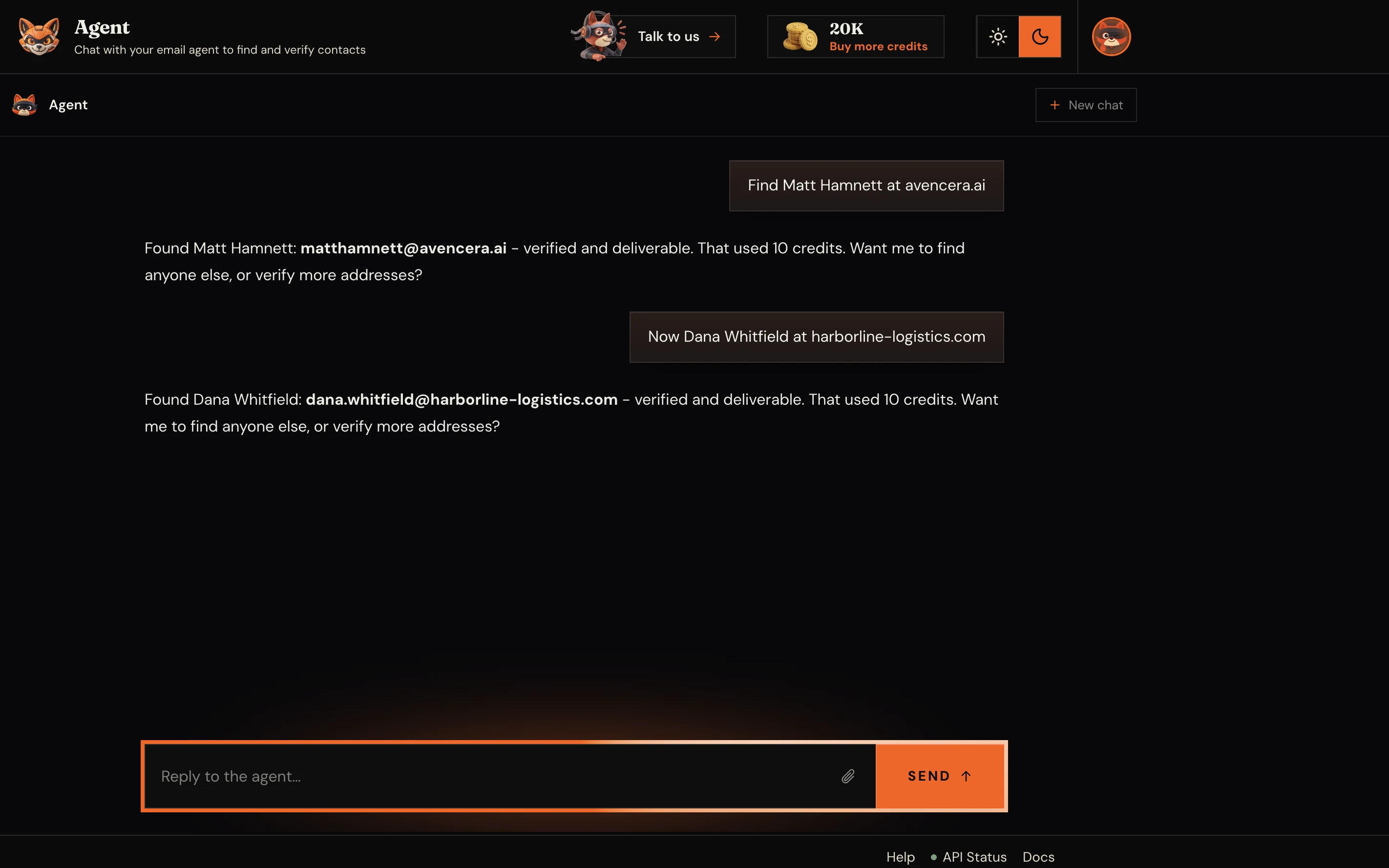
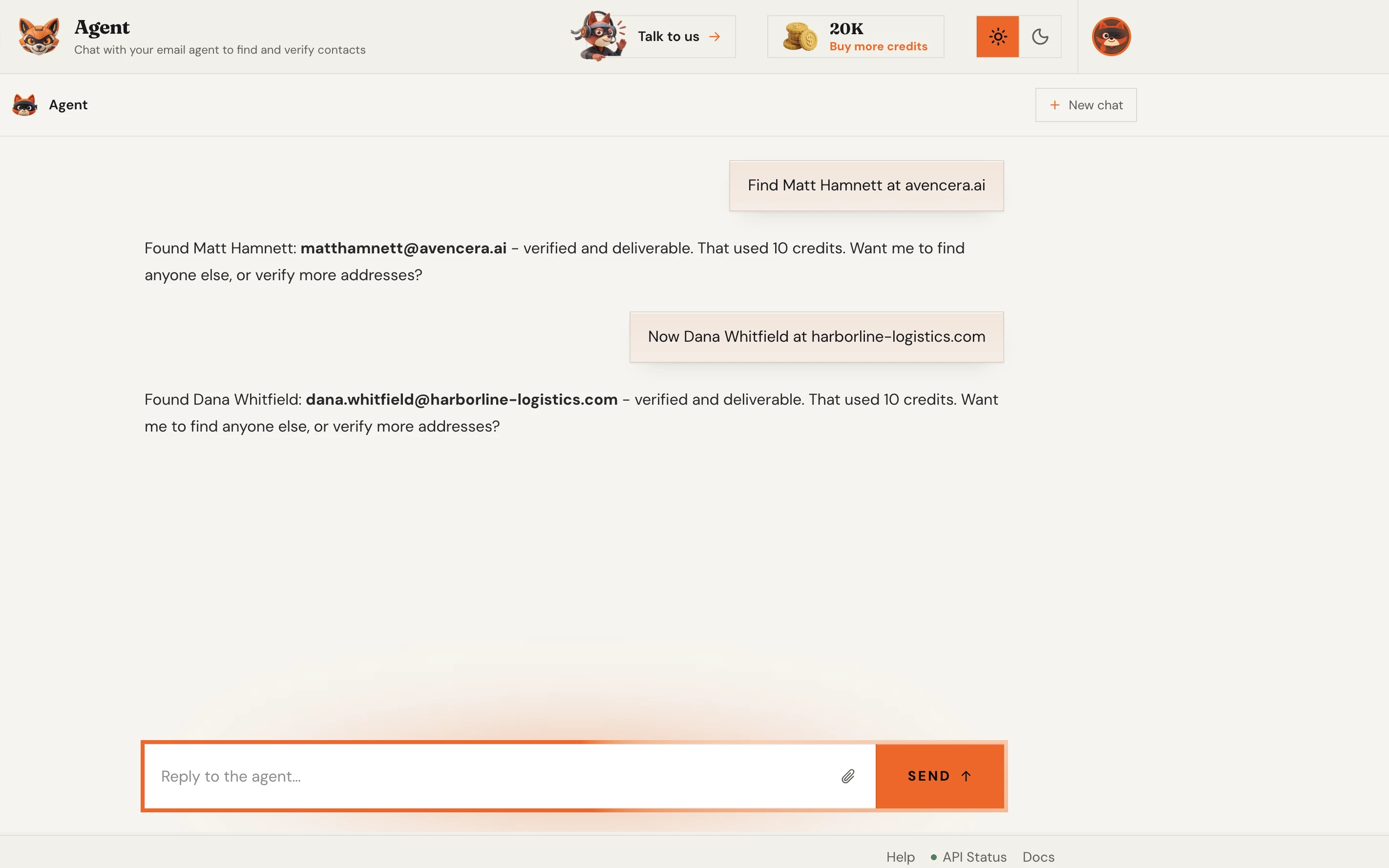
Upload a CSV of names and companies, or paste a list, and the finder works the entire batch and returns a clean, verified file. The same verification engine runs on every single row.
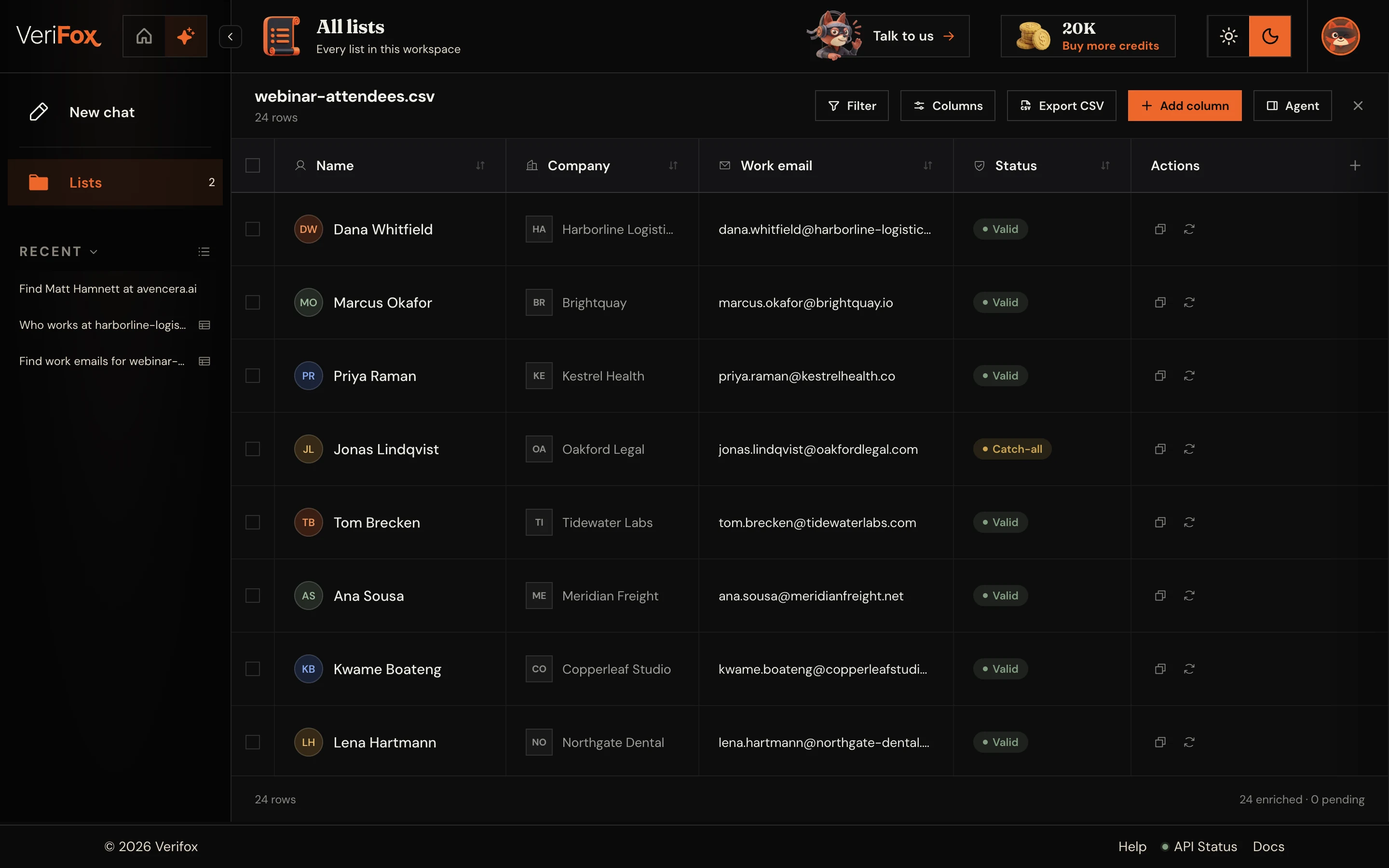
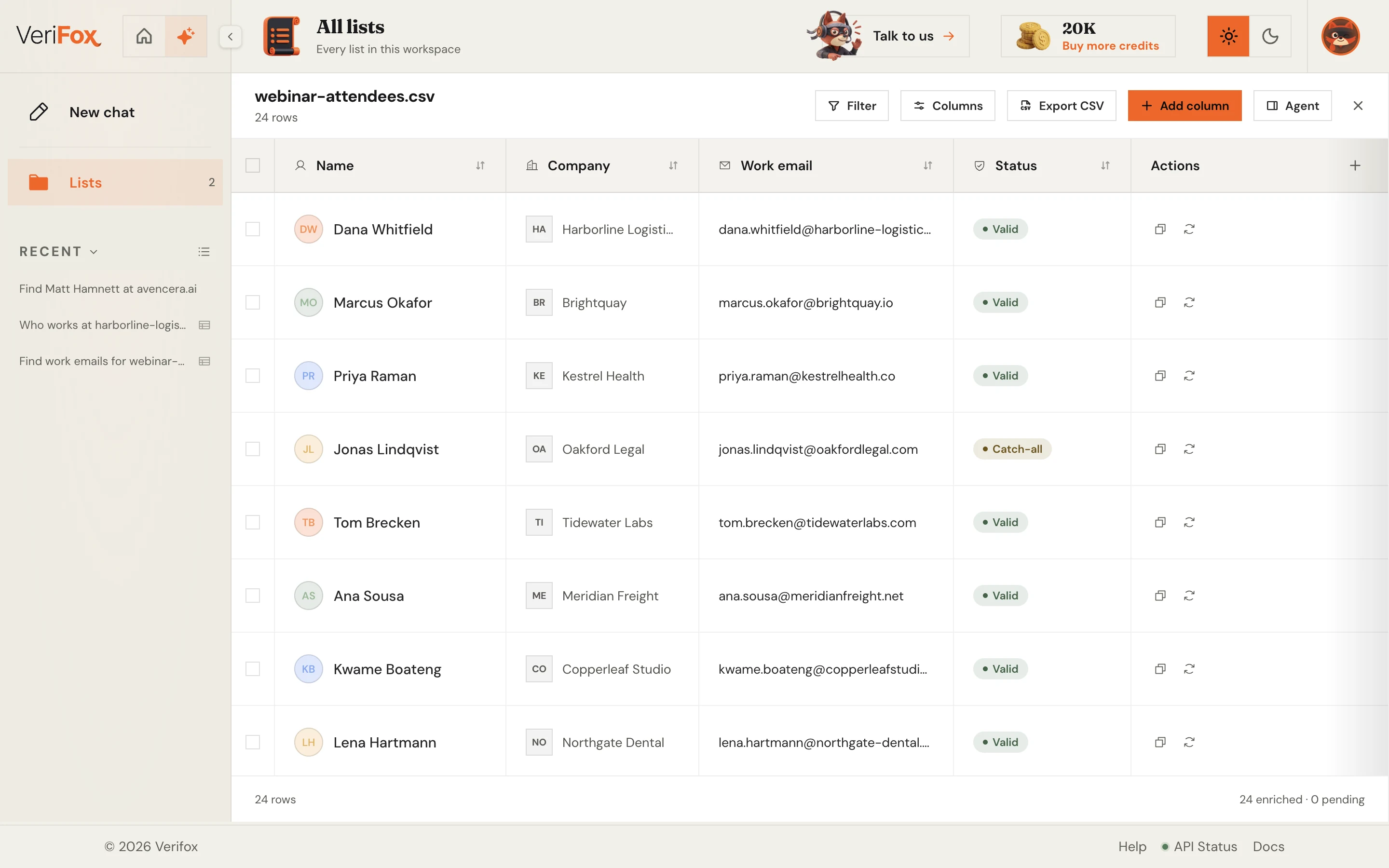
Drop in a company domain and the finder maps the entire team - names, roles, and LinkedIn matches. Reveal any person and get their verified work email back, one confident click at a time.
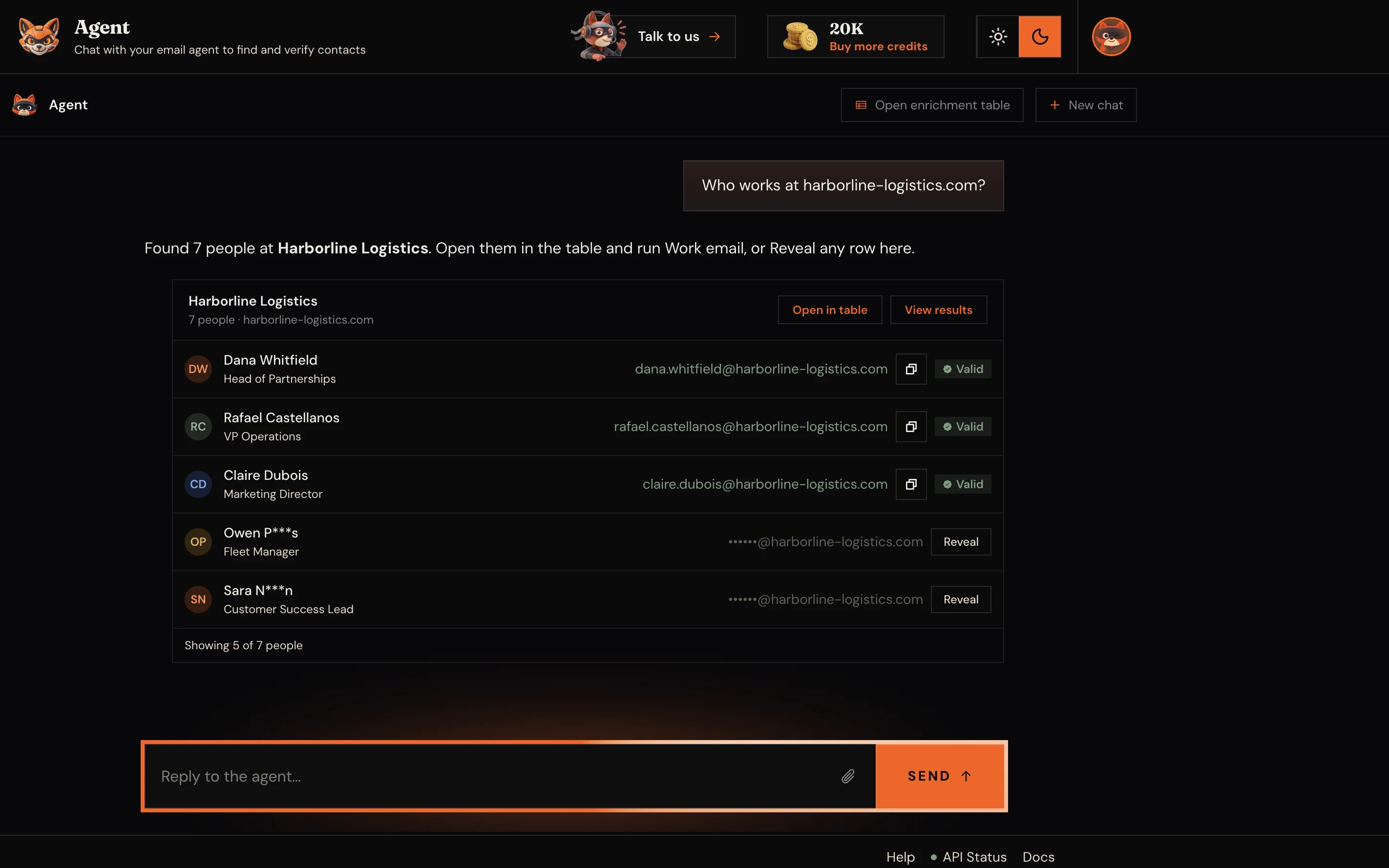
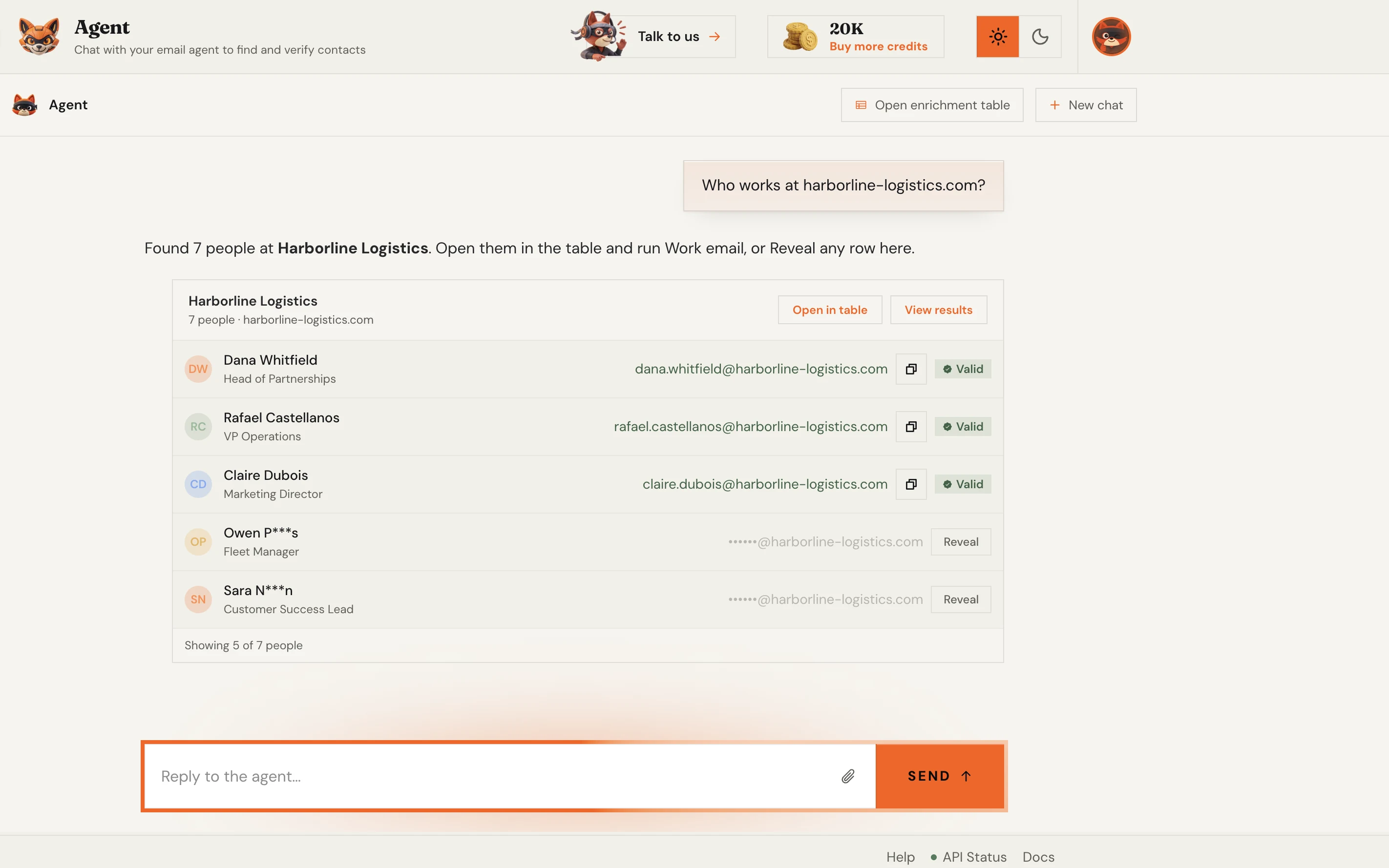
One REST call returns the found, verified address as JSON - with cURL, Node, and Python examples ready to copy. Wiring an AI agent instead? The same lookup ships as a native MCP server.
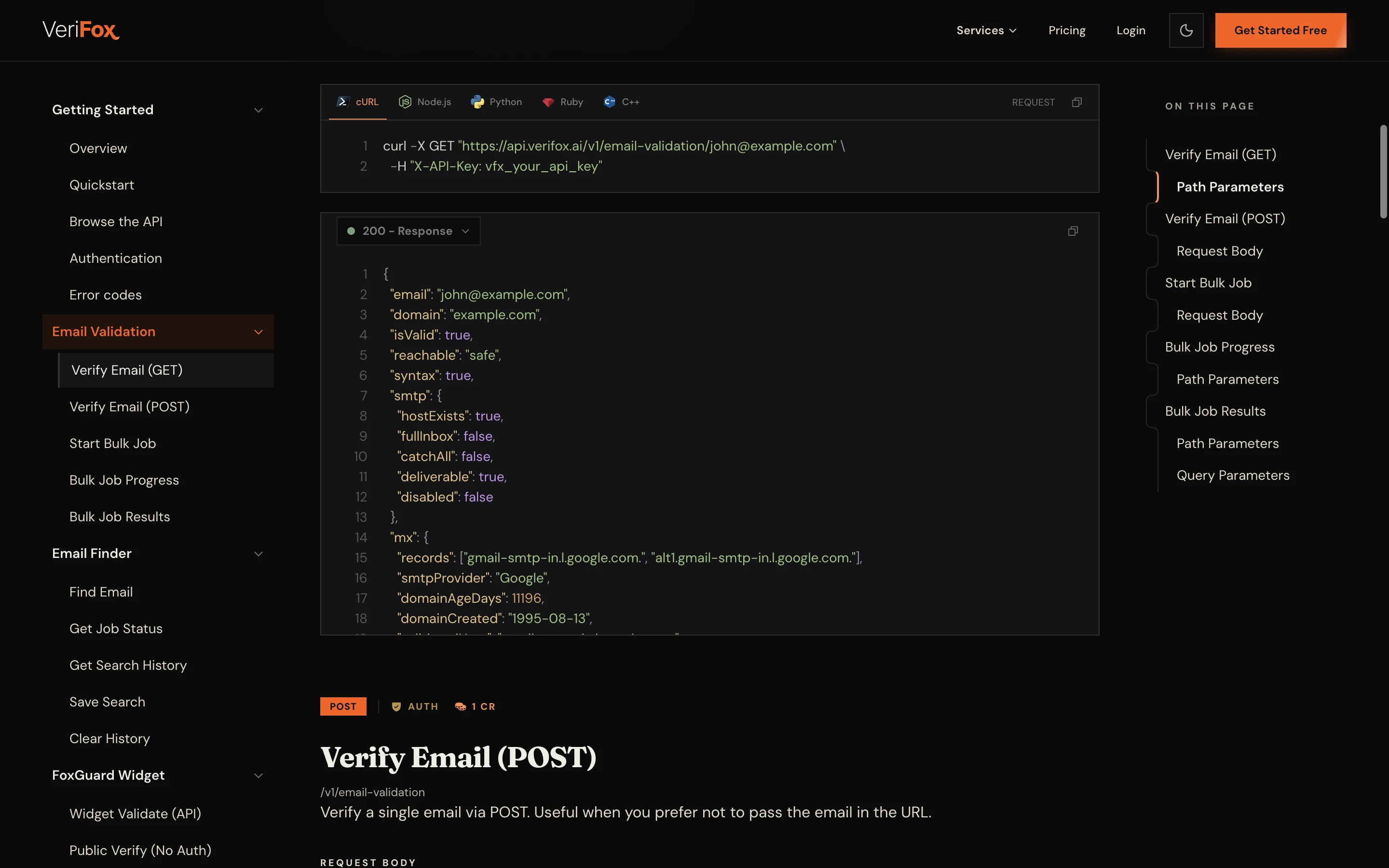
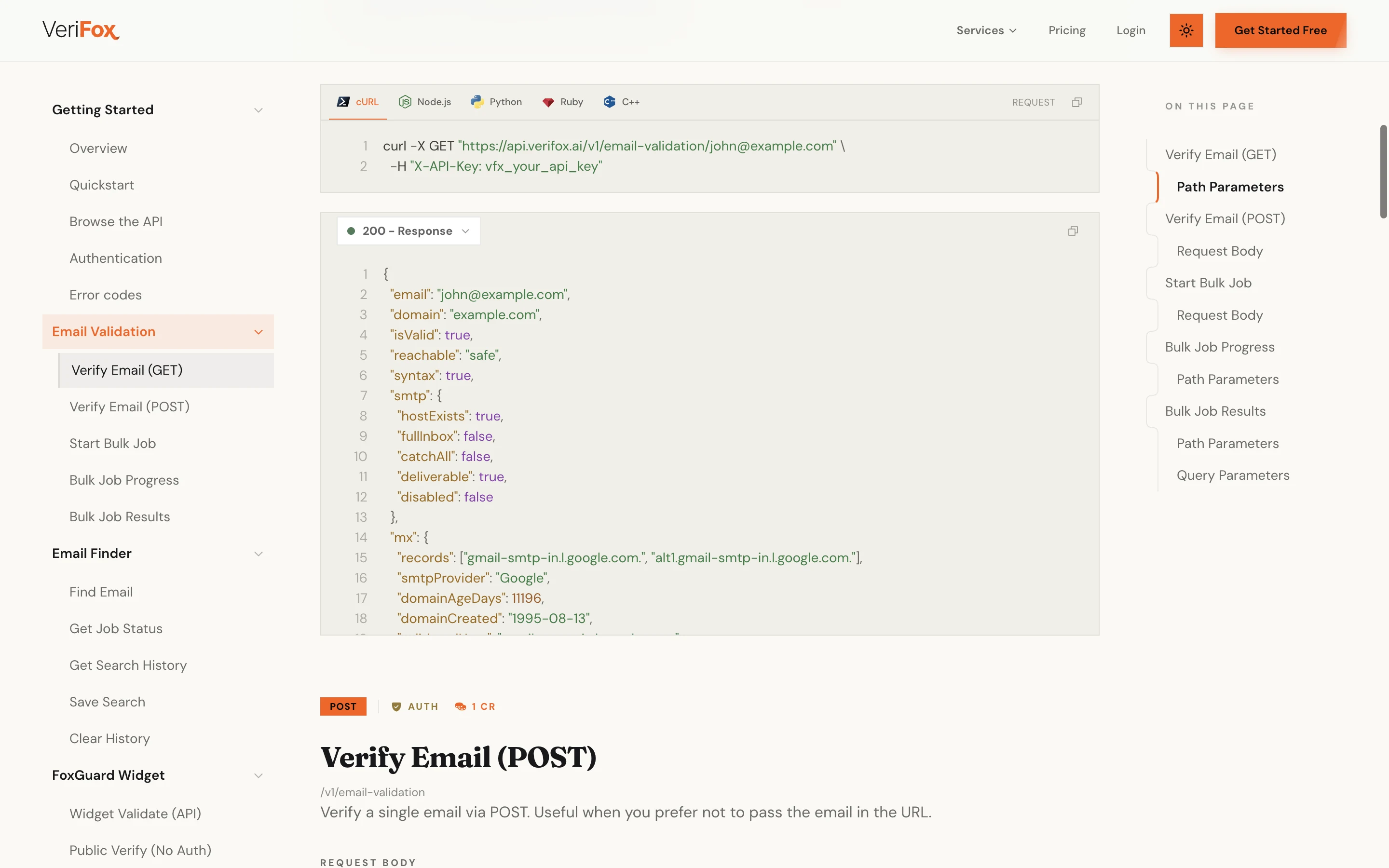
From a single lookup to a verified bulk list, find the address, check it with the mail server, and ship it straight into your stack.
Every result runs the full verification engine before you see it.
Verifox surfaces the team and ranks every address.
CSV in, verified list out.
Ask once and every address comes back already checked.
Every found address is verified before it reaches you.
Try the finder free before you ever make an account.
REST API, or drop the MCP server into your agent.
Hunter, Apollo, and RocketReach all find addresses. Verifox verifies each one before it reaches you and runs on credits that never expire.
Verifox ONE adds 15,000 credits to your account every month, and the ones you don't use roll over instead of resetting. Rather pay once? Credit packs never expire.
forever
1,000credits on signup
No card required
2,500 with a work email
Free includes
per month
15,000credits a month
$0.0053 each, $0.0044 billed yearly
Up to 25% less per credit than the 10,000 pack
Everything in Free, plus
one time
10,000credits
$0.0059 eachSAVE 34%
Everything in Free, plus
One credit verifies one address; a find costs 10, a company search 100 and an email reveal 50. All prices in USD, secure checkout via Dodo Payments.
Prices are before tax. Any VAT, GST or sales tax your country charges is added at checkout. Buying as a business? Enter your VAT or GST number there.
The addresses you submit are used only to run your verification. They are never sold, and nobody on your list hears from us.

The addresses you submit are never sold or shared.

We ask the mail server. Not one message is sent.

Full GDPR data-subject rights for everyone in the EU and UK.

California opt-out, do not sell and DSAR handling.
An investigation into the money leaking out of your list - and the nine checks that decide whether your email is read, or never arrives at all.

57 pages, free PDF, no signup
Common questions
The questions we get from sales, recruiting, and growth teams that land here for an AI-powered finder, with the real method, real limits, and the verification stance behind every result.
An AI email finder turns a company's domain into its team's real work emails. You give Verifox the domain, and the AI surfaces the people who work there, builds the address pattern that domain uses, then ranks each candidate by how that specific company actually formats email, so the right one rises to the top instead of a blind guess.
The winning candidate is then run through our nine-check verification engine so an address only comes back as found once the mail server confirms it, not because it fits a pattern. We do not scrape any profile, and you never need anyone's login.
A rules-only finder applies a fixed list of formats and gives up when a domain is ambiguous. The Verifox email finder AI ranks the candidate patterns by how each domain tends to build addresses, and on catch-all domains, where no server will confirm a single mailbox, an AI-confidence pass picks the best guess and flags it as a maybe instead of a bare “unknown.”
That is the difference on hard cases: a generic company name, a domain with several plausible formats, or a catch-all that accepts everything. The AI assists the ranking and the catch-all call, and a real SMTP-level verification check still makes the final call, so a confident-looking guess never ships unverified.
Verified, always. The model's opinion is never the last word here. Once a candidate wins the ranking, Verifox pings the actual mailbox over SMTP, checks the MX records, and screens for catch-all, disposable, and role-address traps through the nine-check verification engine, the same one behind our paid API.
Treat the confidence score as your control knob: a 96 can go straight into a cold sequence, a 72 might wait for a warmer channel. Already holding an address and only need a verdict? The free email checker returns one.
Free to start, with real numbers behind the claim. Run a handful of lookups from this page with no account and no card. Create a free account and 1,000 credits land once you verify your email, or 2,500 if you sign up with a work address.
Past the free batch, you buy credits as you go and they never expire, so an SDR who pauses outreach for a quarter loses nothing. Ten credits cover one find from a name and domain. Searching a company domain for its team costs 100 credits, and revealing one person's email costs 50, with no charge if we can't find one. Volume discounts are on the pricing page.
Yes. Drop in a CSV of names plus companies and every row comes back with the AI's chosen pattern and a verdict (found with a confidence score, maybe, or not found), processed in parallel rather than row by row. The dedicated bulk email finder page walks through the list workflow in detail.
Bulk is where the AI earns its keep: 20-40% of B2B lists fail at catch-all domains, and the AI-confidence pass rescues those rows instead of stamping them “unknown.” CSV upload and API access both ship with a free account.
A domain, and it is exactly what the model prefers. A raw domain like acme.com skips the which-company-do-you-mean step entirely, so surfacing the team and ranking the format both start from cleaner ground. A clean company name works too, we resolve it to the domain. The find email by domain page covers that workflow on its own.
Two related tools round out the family: the domain email extractor pulls every known address on a domain at once, and the general email finder handles name-first and domain-first lookups in one place.
Their finders are, at heart, pattern libraries: they record which format a domain used historically and hand you that template, with verification a separate step if it happens at all. Verifox ranks live candidates with a model, makes a flagged best guess on the catch-all cases a lookup table cannot handle, and confirms the winner by SMTP before it ever counts as found.
The pricing stance differs too: Verifox credits never expire, so you are not racing a monthly reset. Current rates are on the pricing page, and for AI-native stacks our MCP server has no equivalent at any of the three.
Yes, natively rather than through glue code. Verifox ships an MCP server, so Claude, Cursor, or a custom LLM app can turn a name and company into a verified address mid-task. Paste the MCP URL into your agent config and the find-and-verify tools simply appear.
Building something more traditional? The REST API exposes the same endpoints for CRMs and sequencers, and HubSpot, Salesforce, Zapier, and Clay all connect through it. Either path returns the identical confidence-scored result.
For B2B outreach under the legitimate-interest basis, yes, as long as you respect opt-outs and the spam laws of each recipient's region. The AI part changes nothing in that analysis: the model predicts an address format from a name and domain you already hold. It does not mine private profiles or hidden personal data.
On our side, Verifox is GDPR and CCPA compliant; our security overview has the details. Your inputs are used only to find and verify the address and show you the result, and we never sell them; the privacy policy has the full breakdown.
An unverified AI guess is only as good as the domain's predictability, which is exactly why Verifox never returns one. Every result has already passed the verification engine's 9 checks, including a live SMTP mailbox ping, so accuracy is anchored by the mailbox check, not the model's self-confidence.
On speed: a single find-and-verify lookup takes anywhere from a few seconds to a minute or more when the mail server is slow to answer, and bulk jobs run in parallel. Live uptime and incident history are at status.verifox.ai.