

Enter a domain
Drop in any domain you want to inspect, like stripe.com. No login, no account, nothing to install. Paste a full URL or an email address too - the lookup reduces whatever you give it to the bare domain.
Email host lookup
Paste a domain or a full email address to see who hosts its email, the mail server host names it uses, and whether it accepts mail at all. Free, no signup.
Enter a domain or any address on it. Verifox reads the MX records and names the company that hosts the email.
Drop in any domain you want to inspect, like stripe.com. No login, no account, nothing to install. Paste a full URL or an email address too - the lookup reduces whatever you give it to the bare domain.
Verifox queries the domain's DNS for its MX records straight from the authoritative nameservers, the same resolution step the verification engine runs first on every address it checks - no third-party resolver in between.
See the MX records in priority order, the provider that runs the mail, and whether the domain accepts mail at all. That is the first deliverability signal every address verification builds on before it checks the mailbox.
Who receives mail for a domain, how to read the answer, and the two cases where the first name you see is not the whole story.
Every domain that receives email publishes MX records in its DNS. They name the servers that accept its mail, and every sending server on the internet reads them before it delivers a message. An email host lookup reads those records and turns the host names into a company: aspmx.l.google.com means Google Workspace, *.mail.protection.outlook.com means Microsoft 365, and gmail-smtp-in.l.google.com is consumer Gmail. That is the answer to “who hosts this email”, and it is the one mail servers act on.
The same nine-check engine our paid email verification API runs. Every email, every verification, every time.
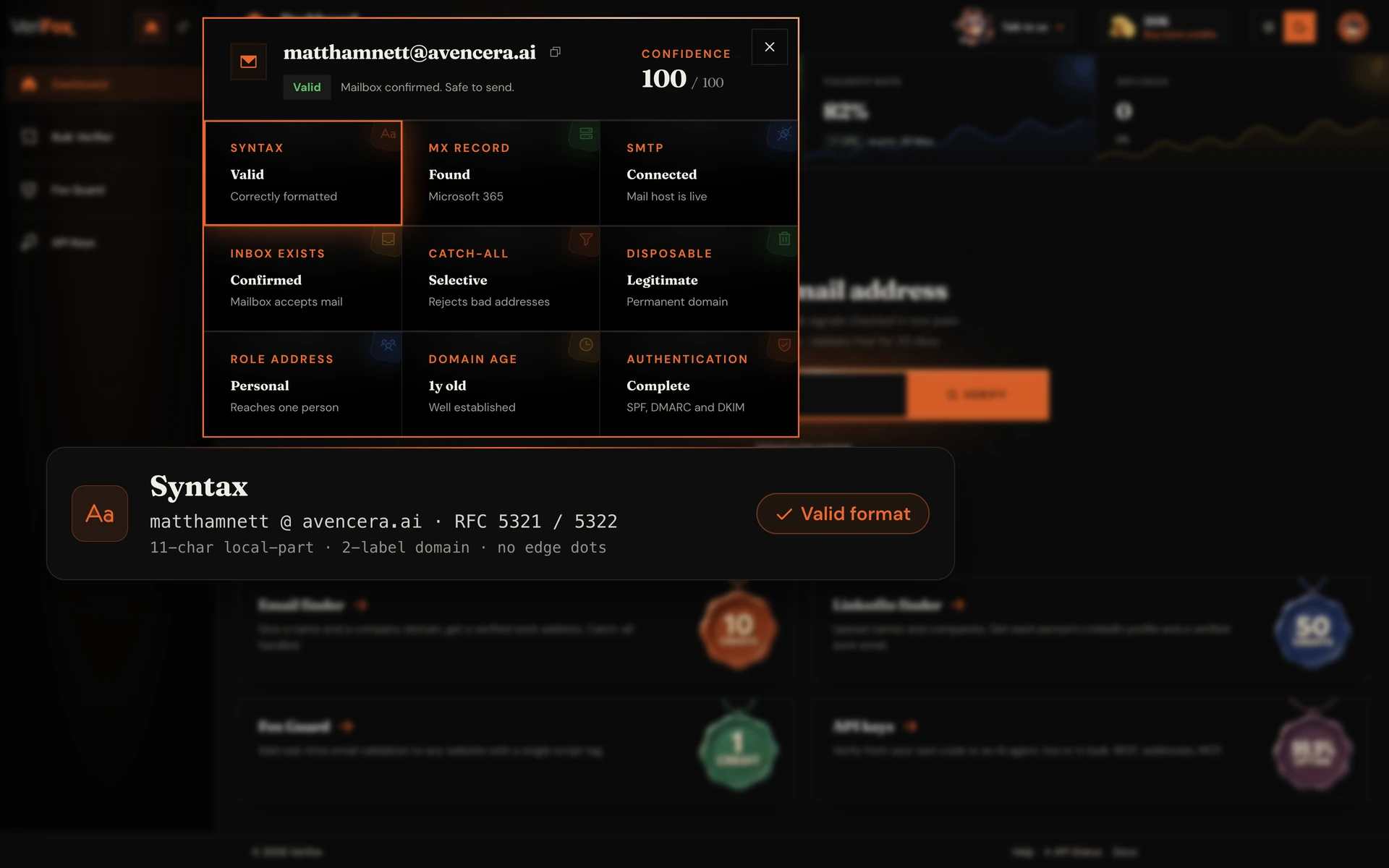
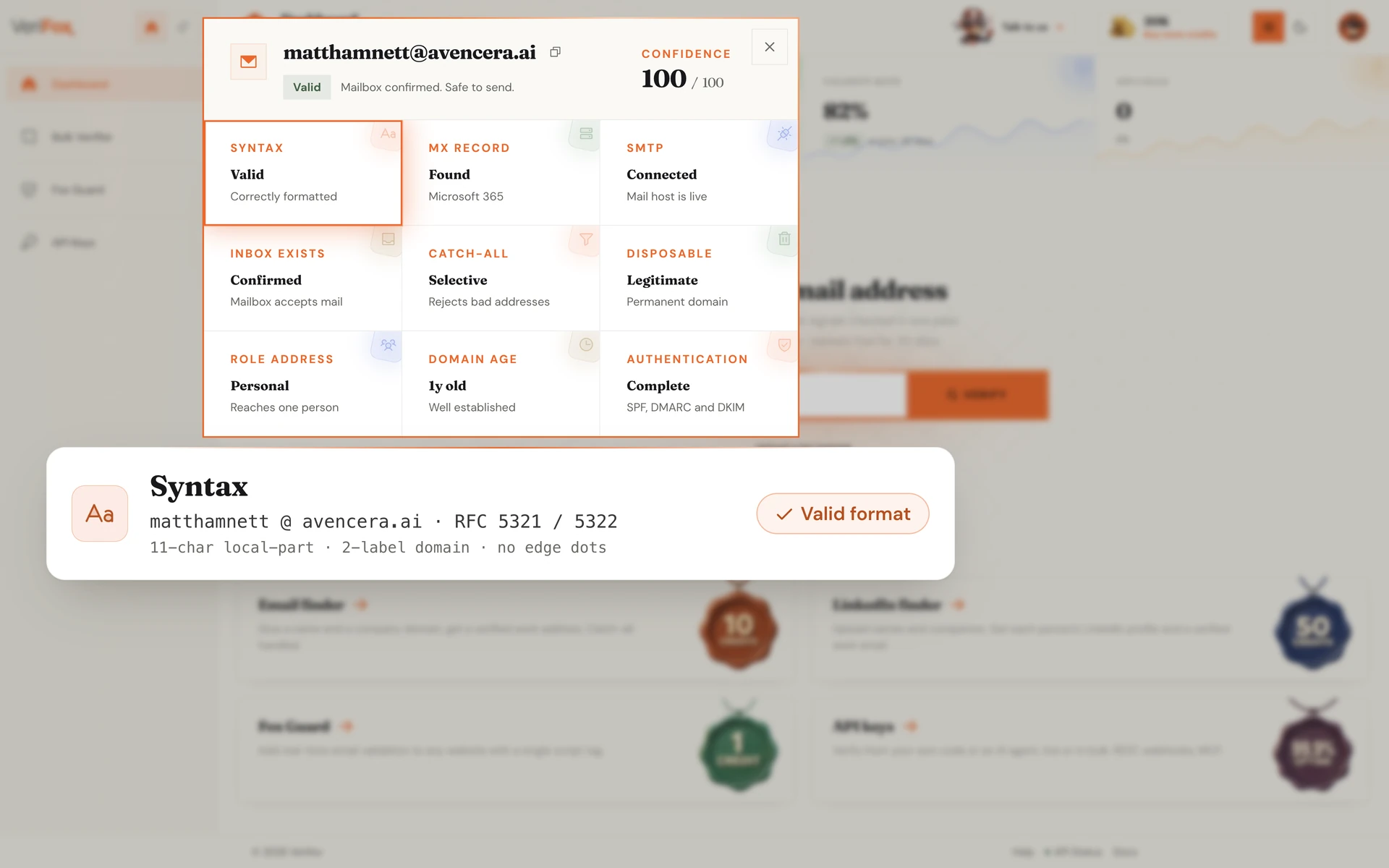
Every address runs a full RFC 5321 and RFC 5322 compliance pass before a single network call goes out. The engine catches what visual scanning misses, the double dot in alice@verifox..ai, the trailing period, the IDN homograph that looks valid but resolves to a different domain.
Bundled typo suggestions let your form offer “did you mean alice@gmail.com?” instead of rejecting silently.
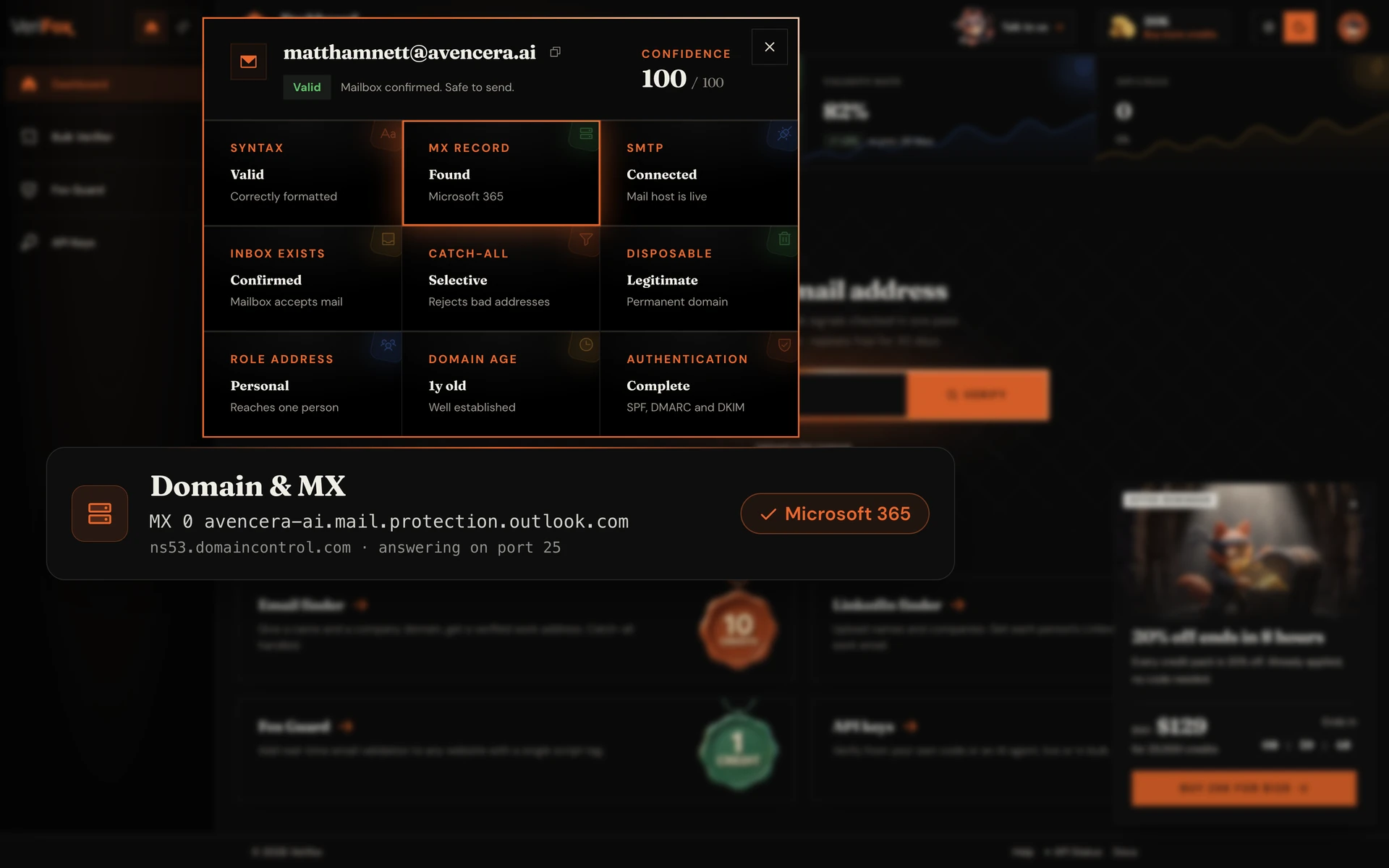
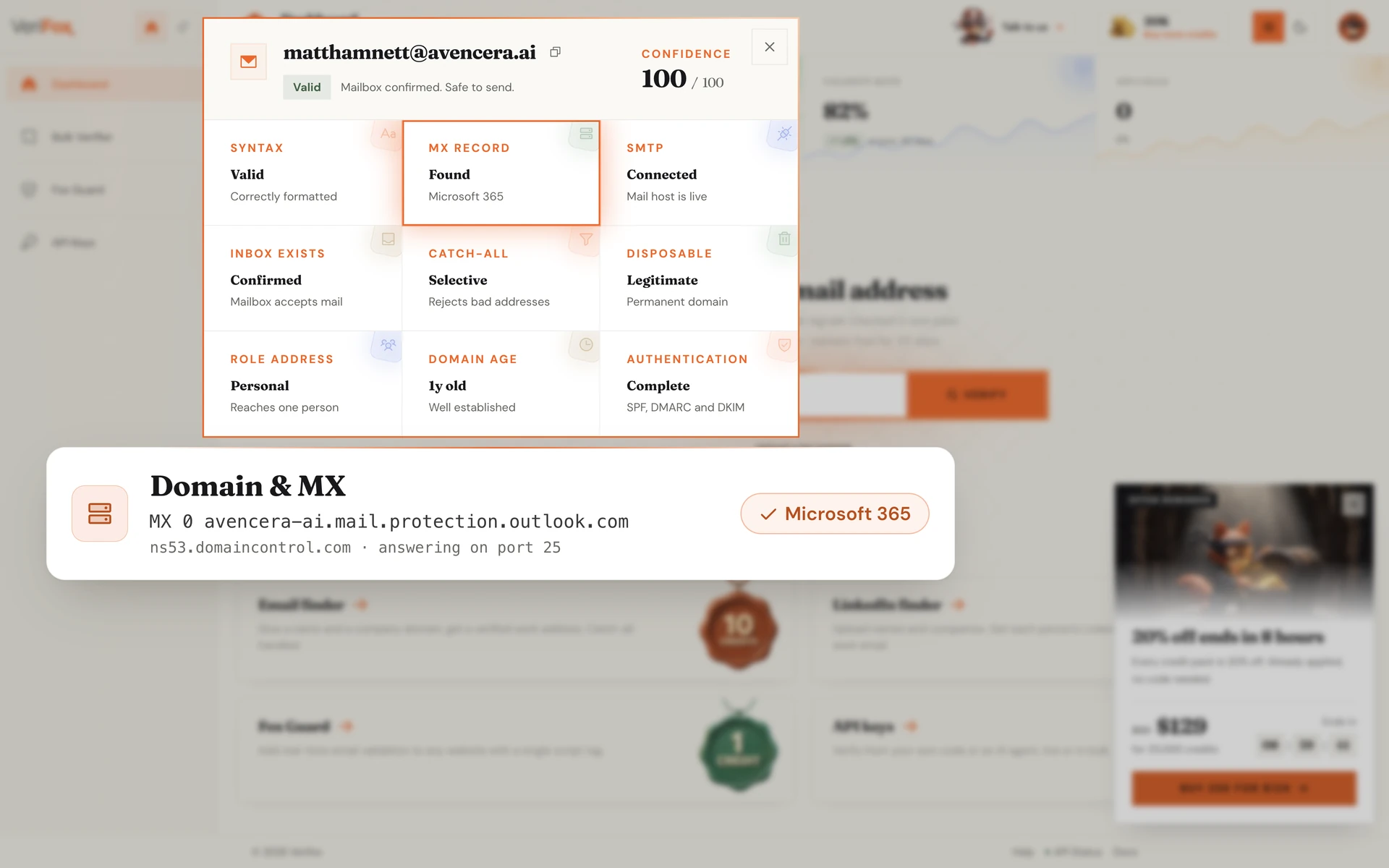
Once syntax passes, the engine resolves the domain. We confirm the DNS records exist, fetch the MX record priority list in order, and verify at least one mail-exchange server is actively accepting connections right now.
Misspelled domains like gmial.com, expired domains, and parked-for-sale domains all fail this gate before the engine wastes a single SMTP roundtrip.
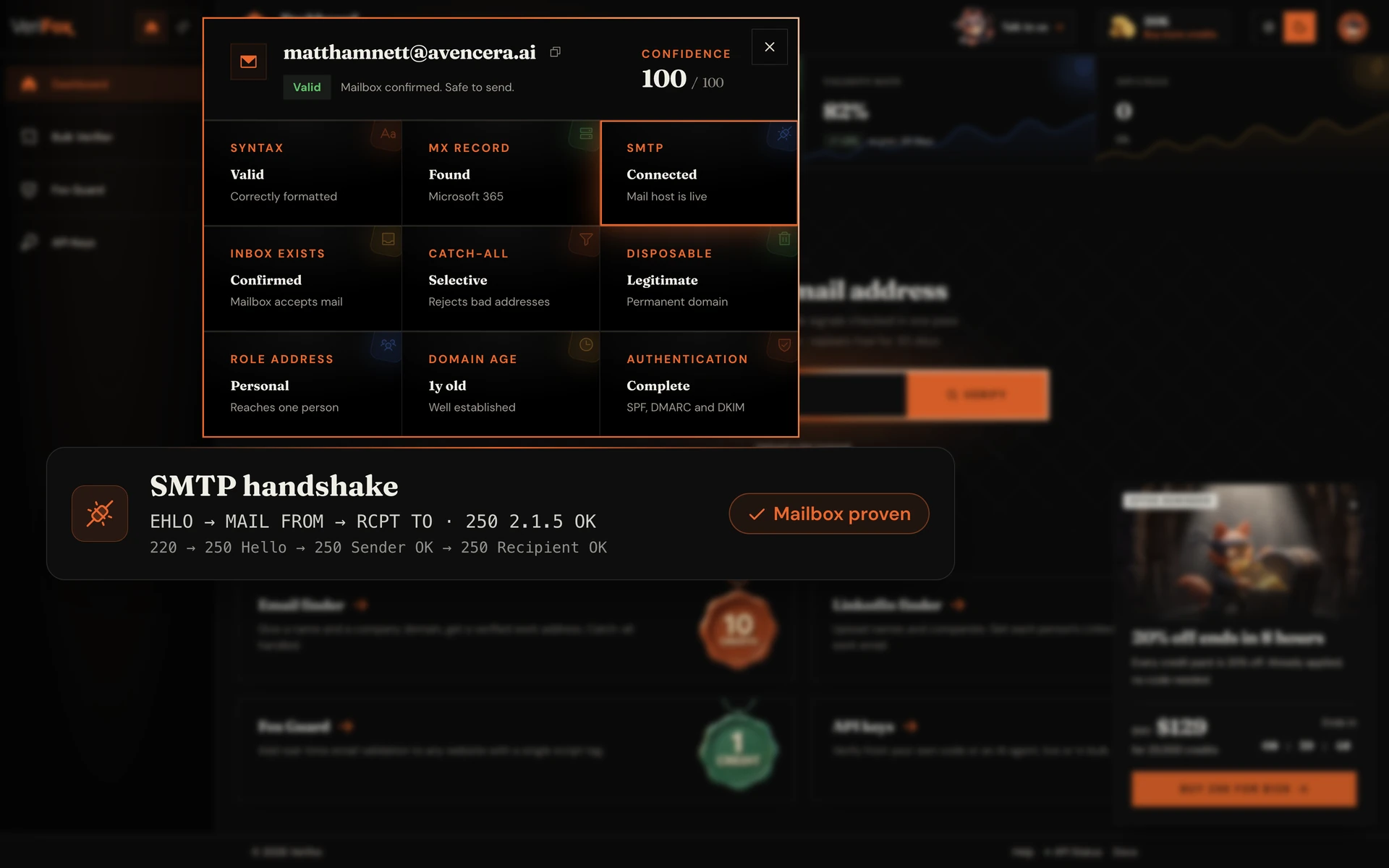
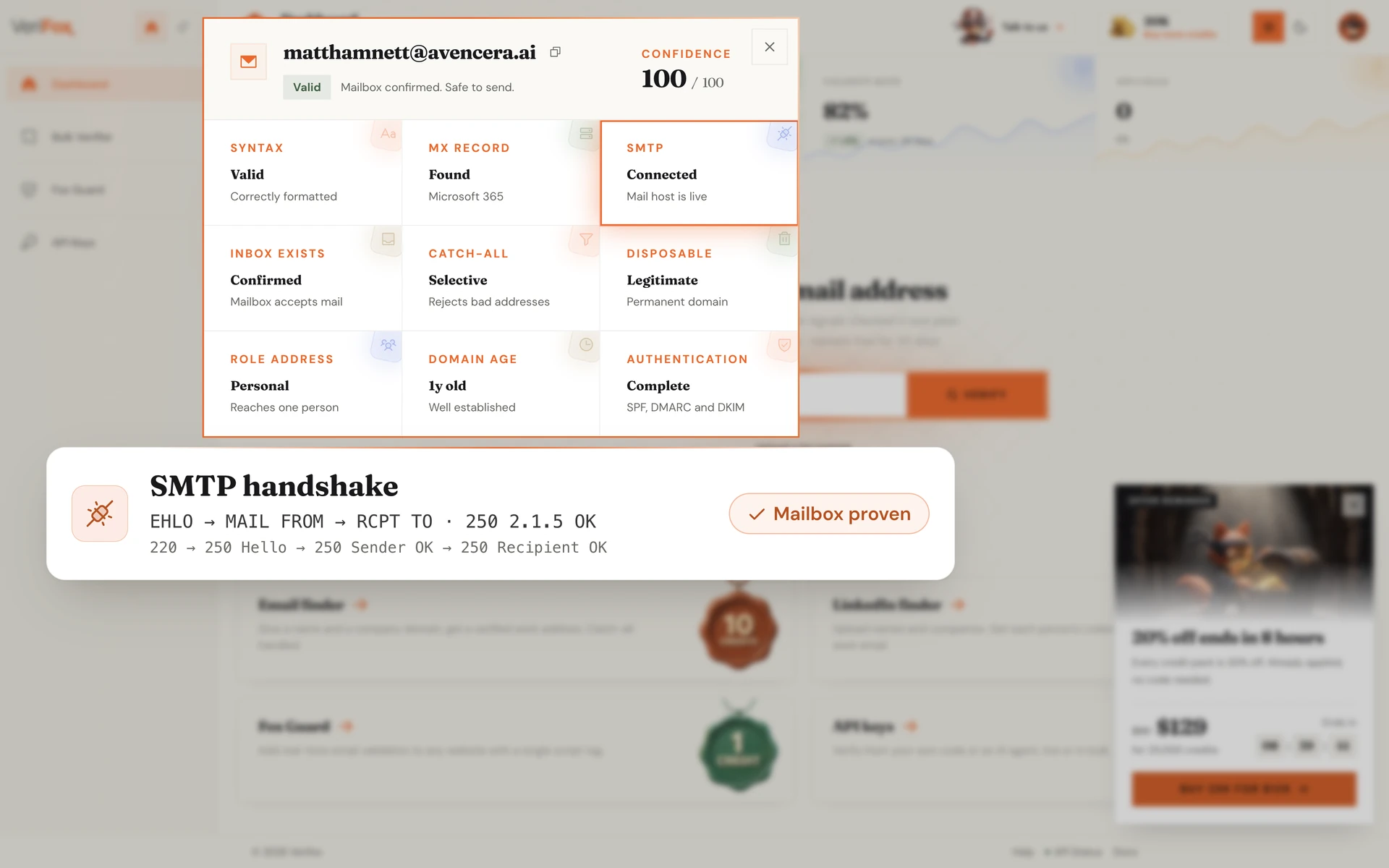
The engine opens a TCP connection on port 25, performs the EHLO handshake, then negotiates MAIL FROM and RCPT TO. Every server response code (220, 250, 550, 552) is parsed deterministically against the IANA enhanced-status registry.
This is the moment a mailbox proves it actually exists. No third-party guesses, no statistical heuristics, just the receiving server's own answer.
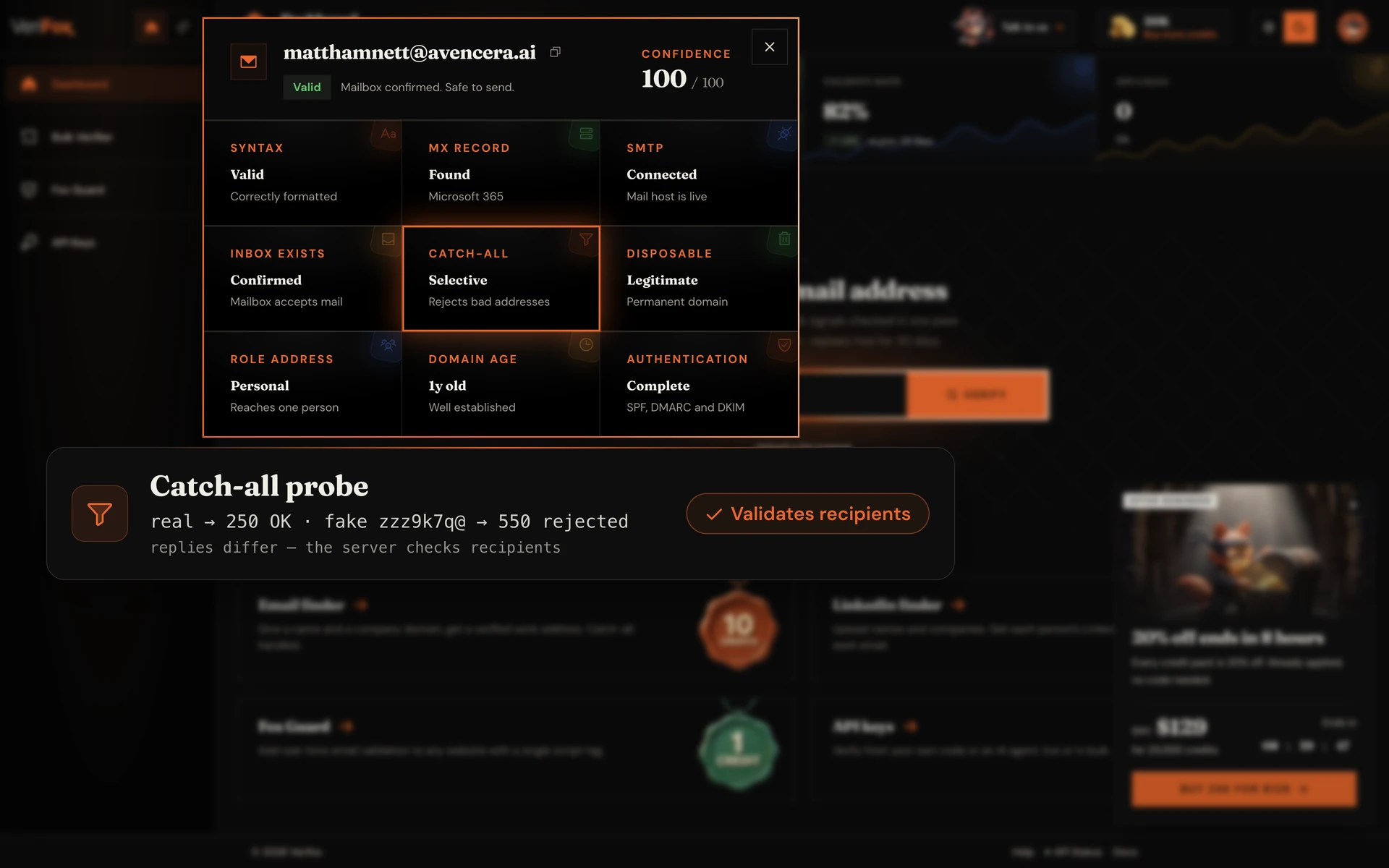
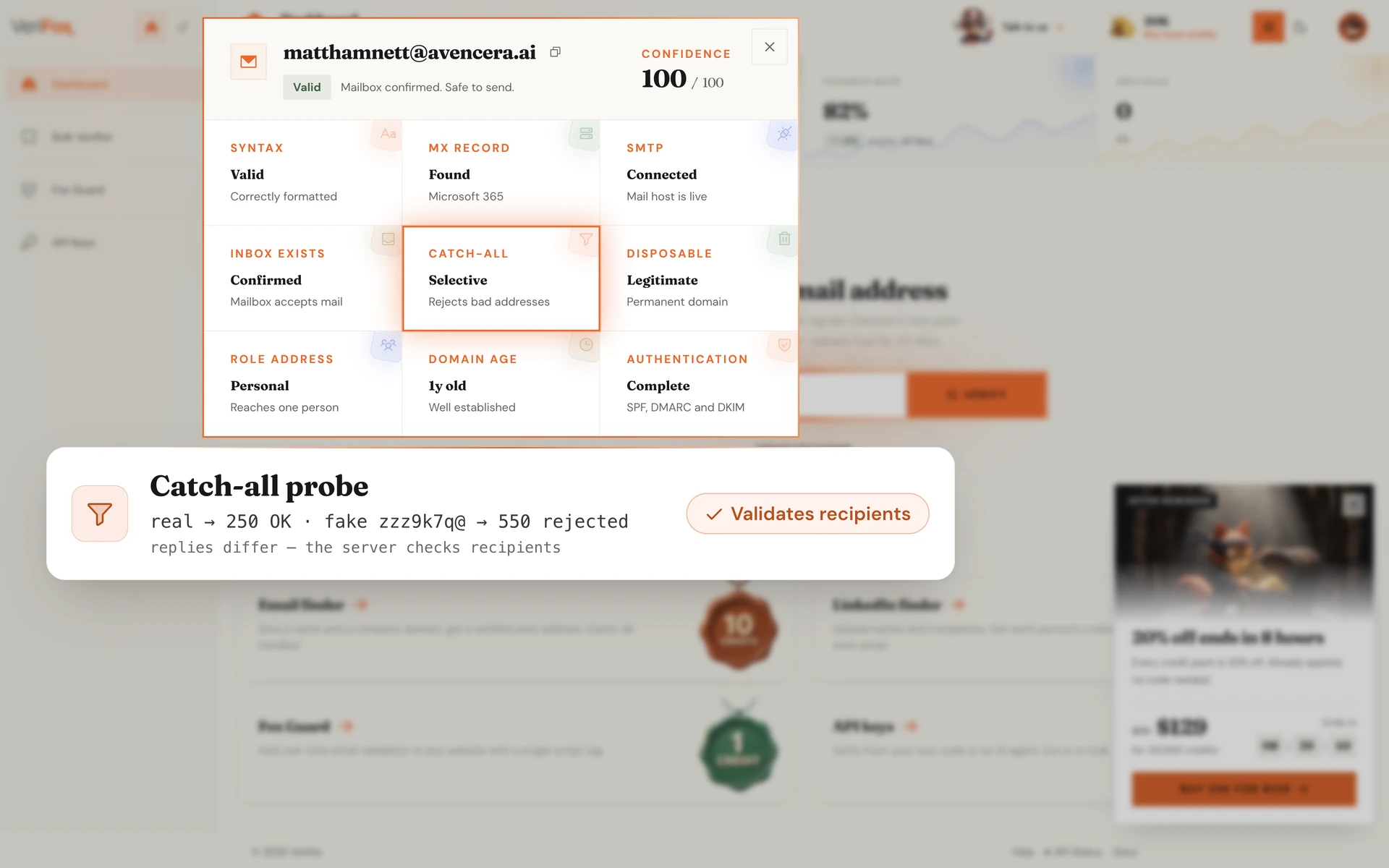
Some domains accept every email regardless of whether the mailbox exists, a setup known as a catch-all configuration. The engine sends a deterministic probe to a deliberately fake address (zzz9k7q@domain.com); if the server returns the same 250 OK it returned for the real address, the domain is catch-all.
The verdict isn't dropped, it's flagged RISKY so you know the deliverability signal is degraded.
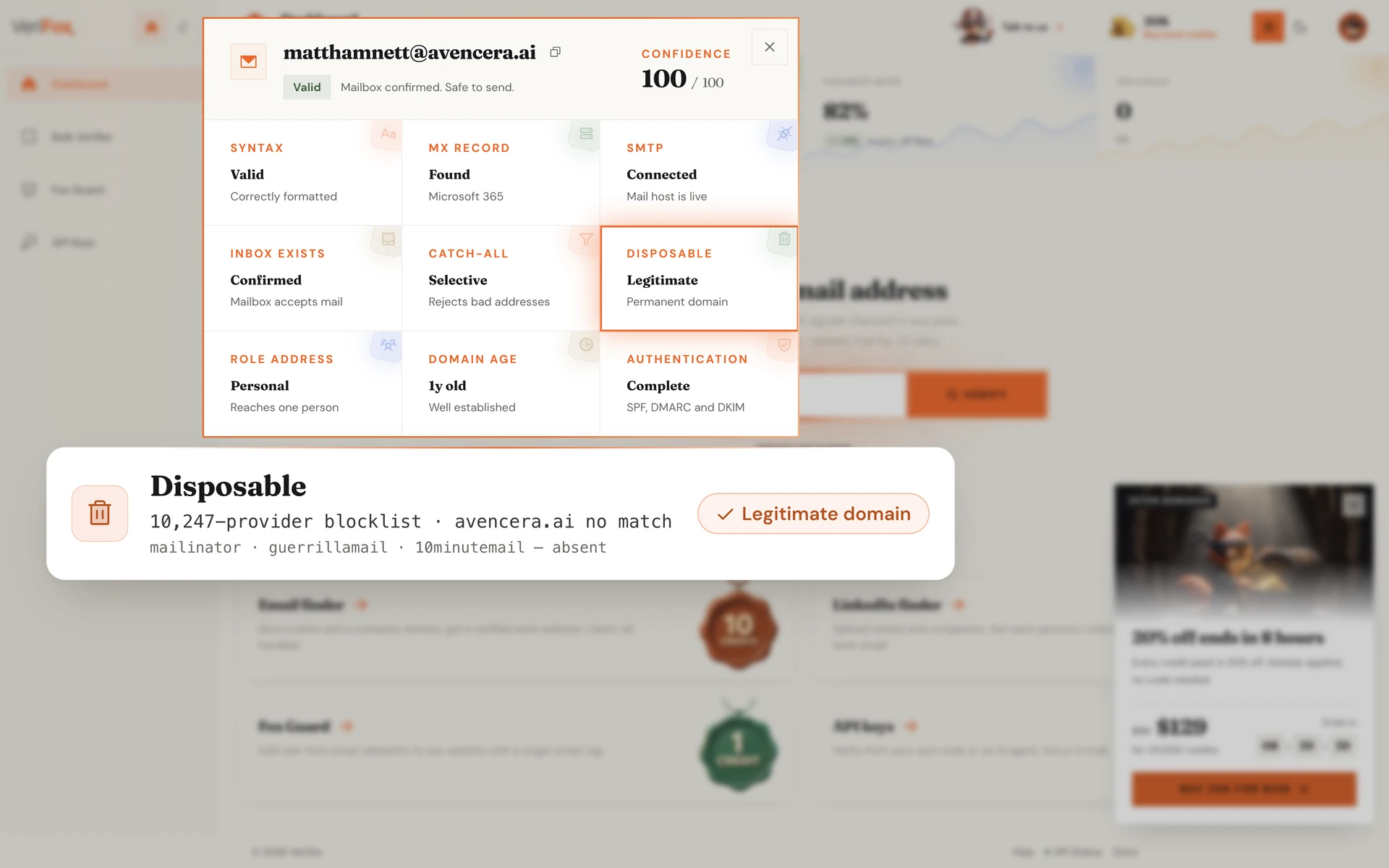
The engine maintains a curated registry of 10,247 disposable email providers, including Mailinator, Guerrilla Mail, 10MinuteMail, Tempmail, and the long tail of regional clones.
Any address matching the blocklist is flagged INVALID. Deliverability to a mailbox that exists for 10 minutes and is never checked is functionally zero, regardless of whether the SMTP handshake passes.

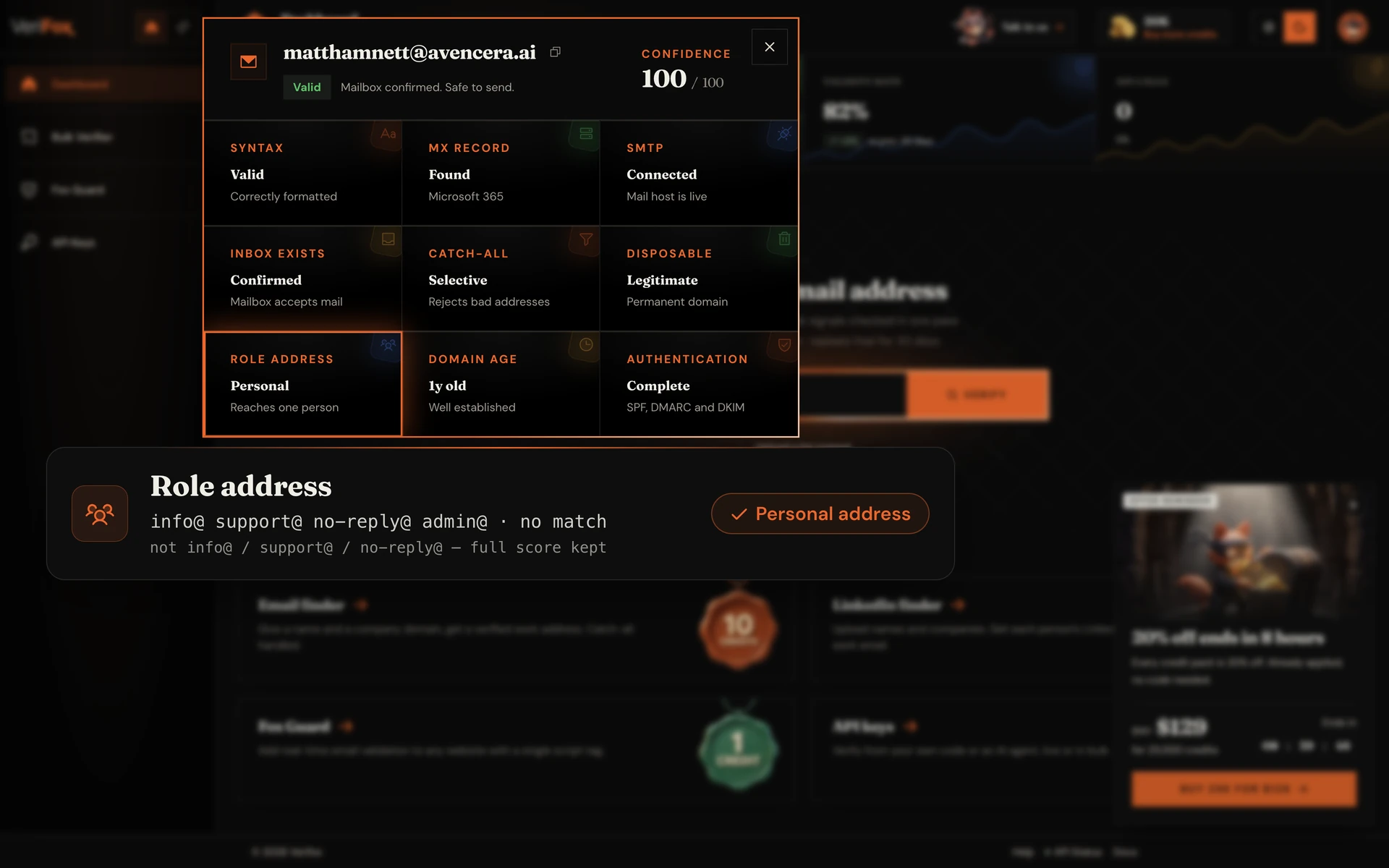
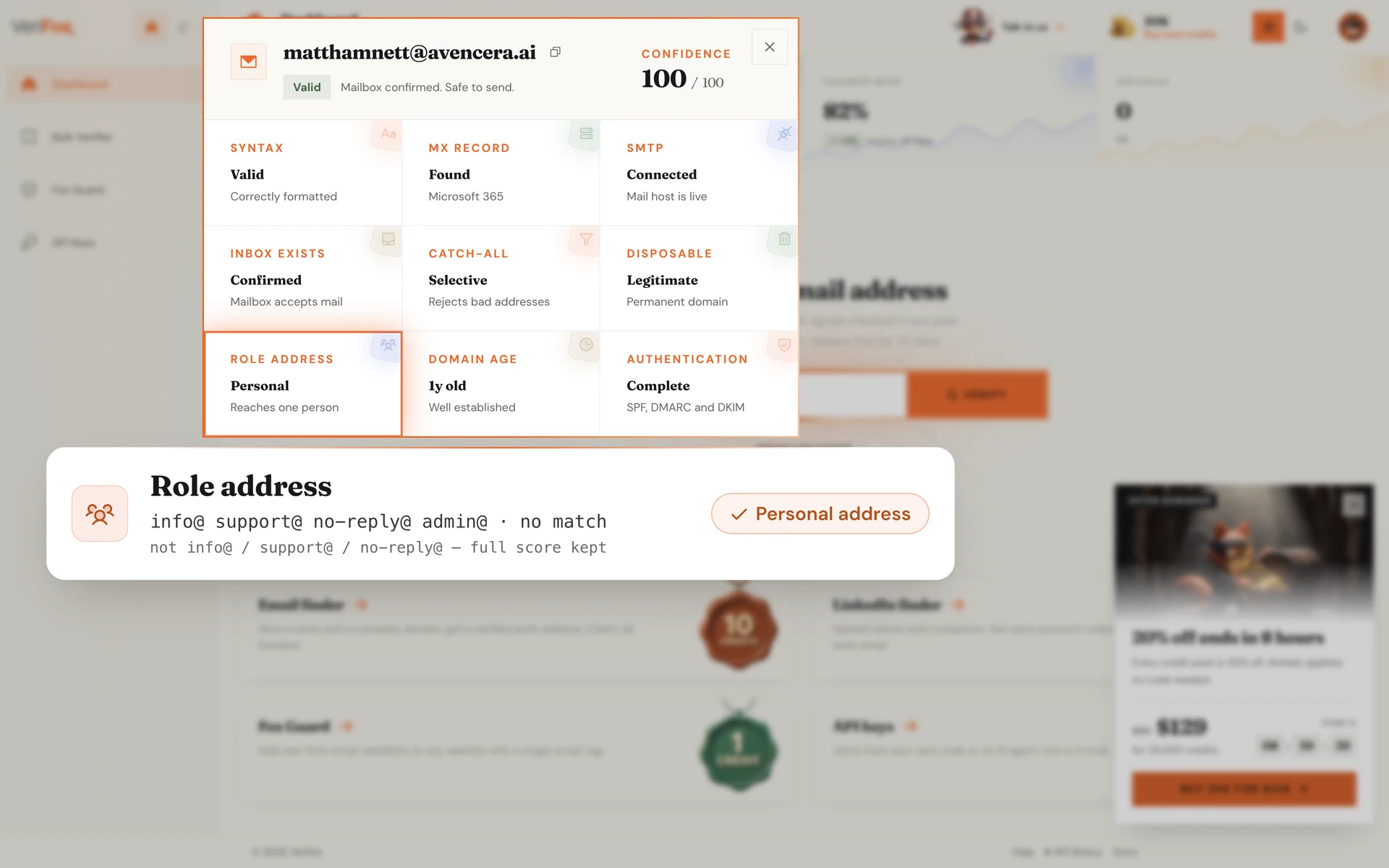
info@, support@, no-reply@, admin@, billing@. These are shared inboxes, not individuals.
The engine extracts the local-part of every address, matches it against the known role-prefix registry, and tags the result with a reduced engagement score.
You don't drop them automatically. The verdict flags them as roles so you can decide.
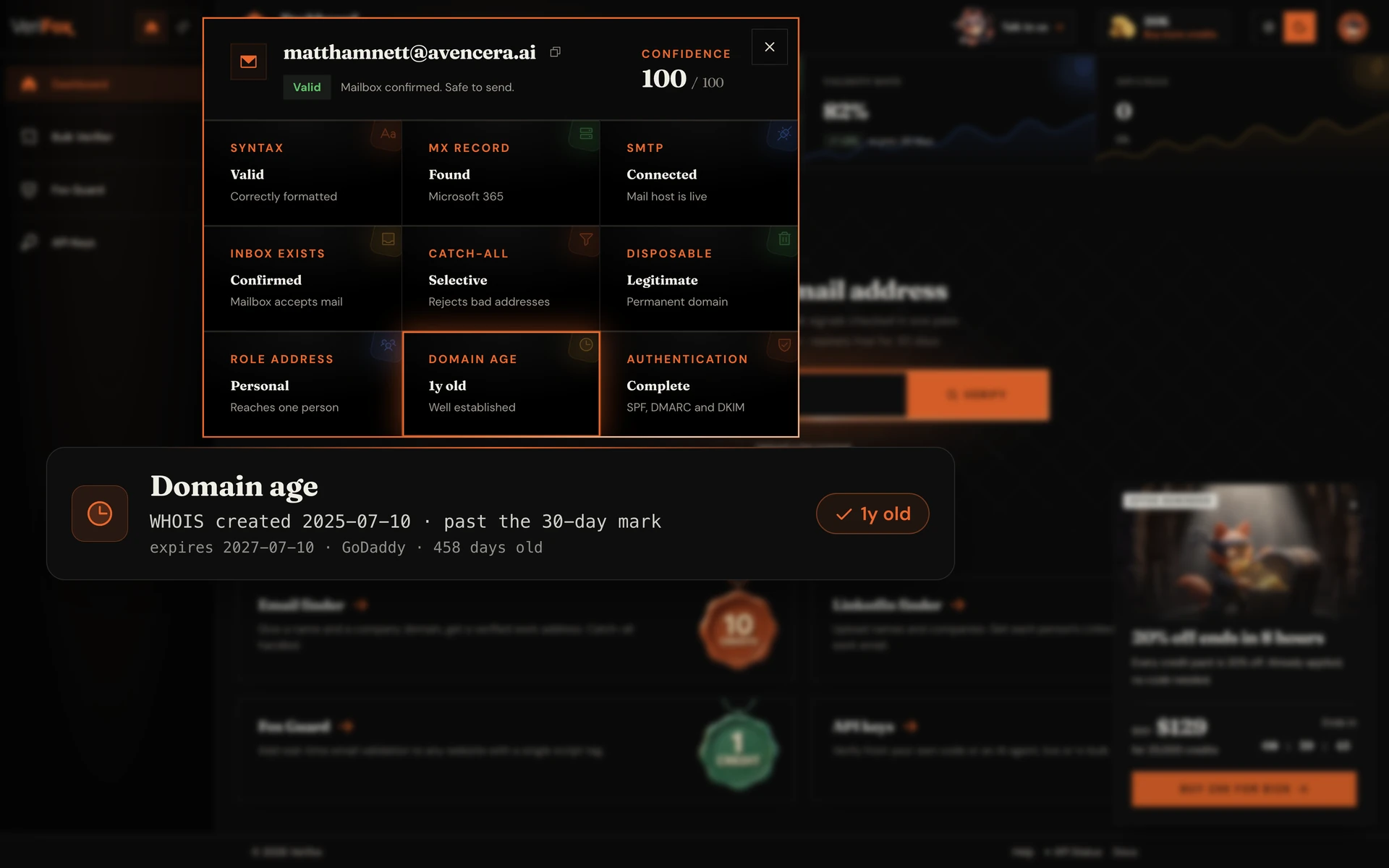
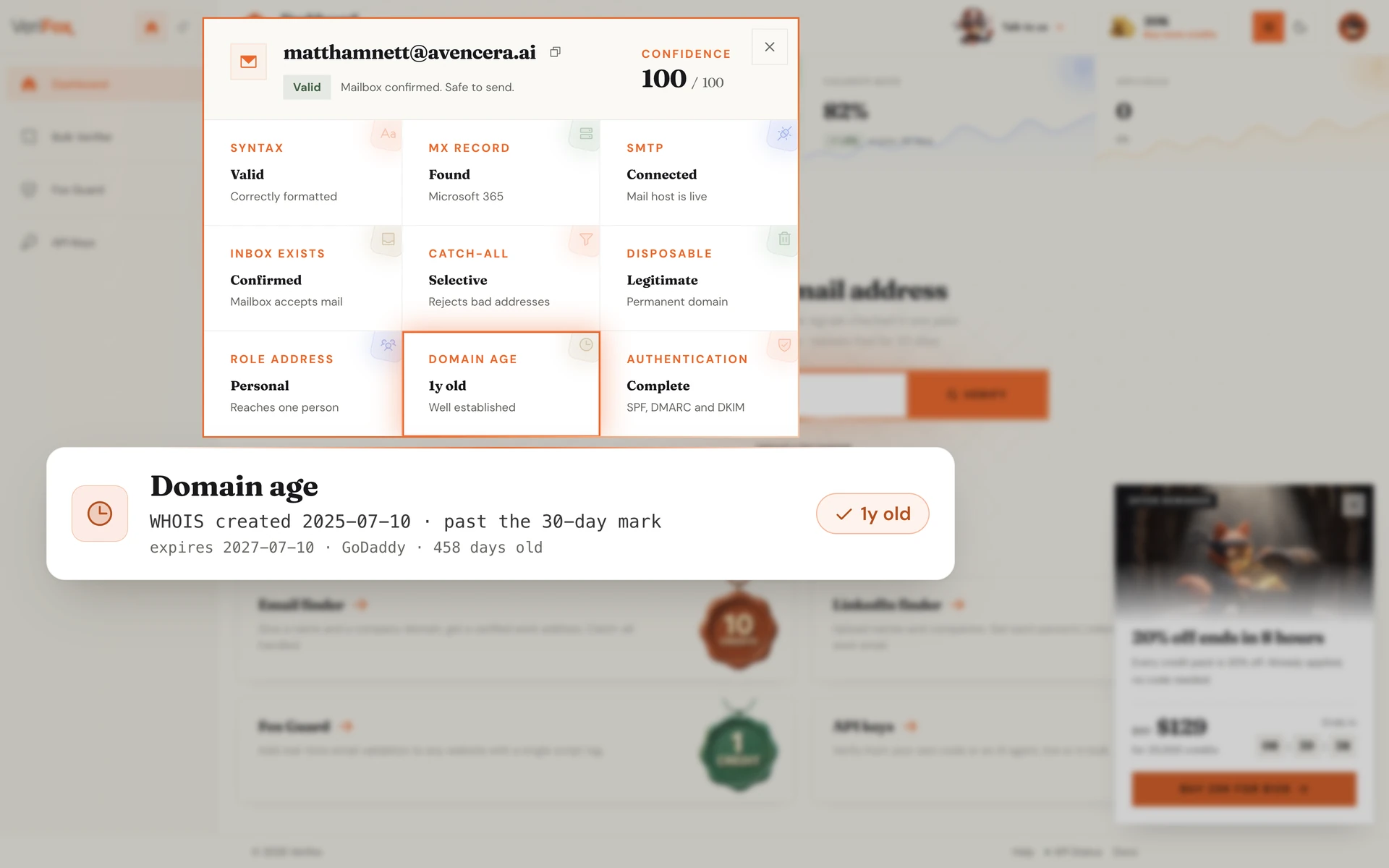
Fresh-spam domains registered hours ago are the single biggest source of inbound abuse. The engine queries WHOIS and RDAP for every unique domain, extracts the registration date, and flags anything under 30 days old with a “fresh” warning.
Domains aged 5+ years pick up a corresponding trust signal. The same heuristic spam filters have been using since the early 2000s, ported into the verdict.
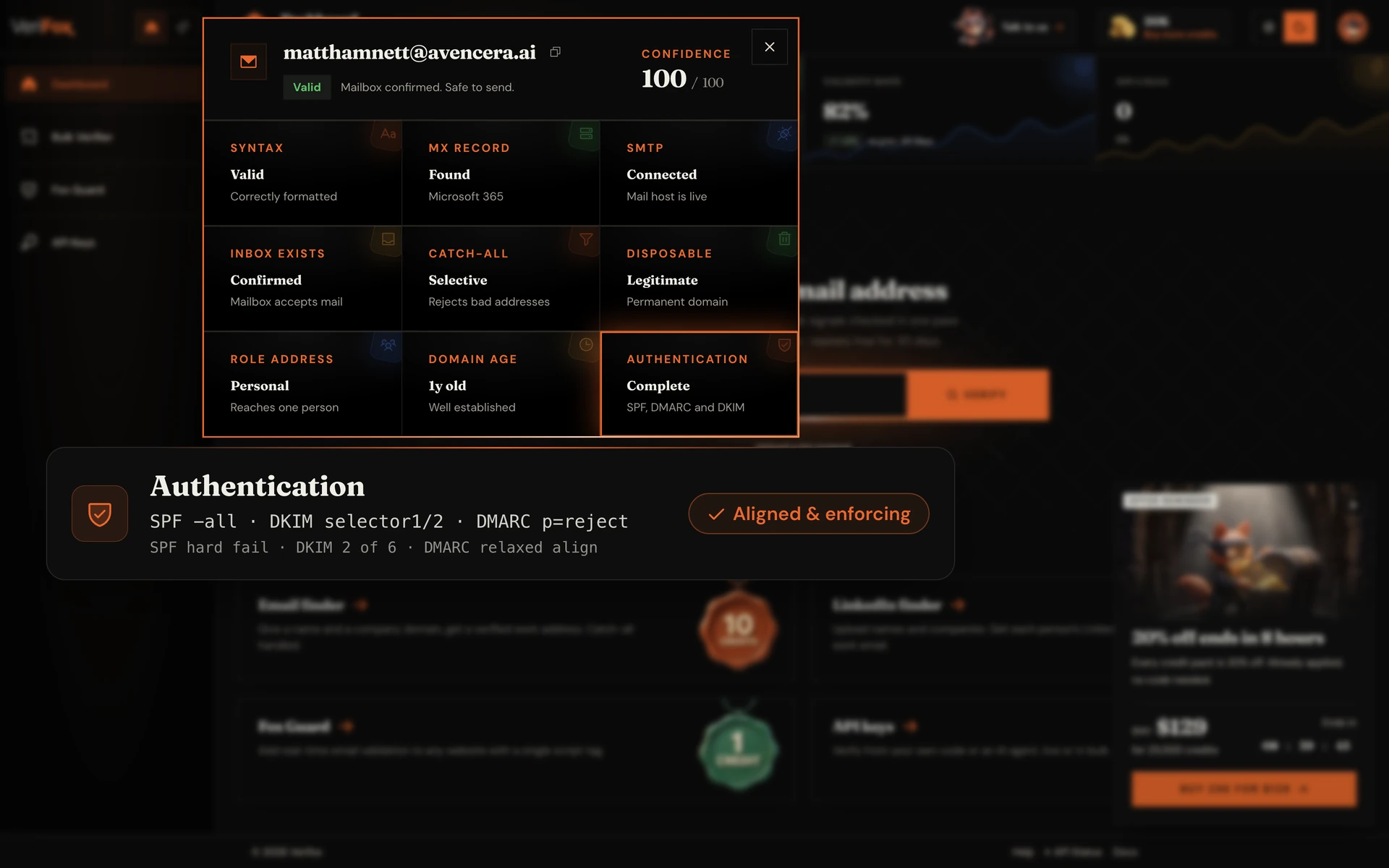
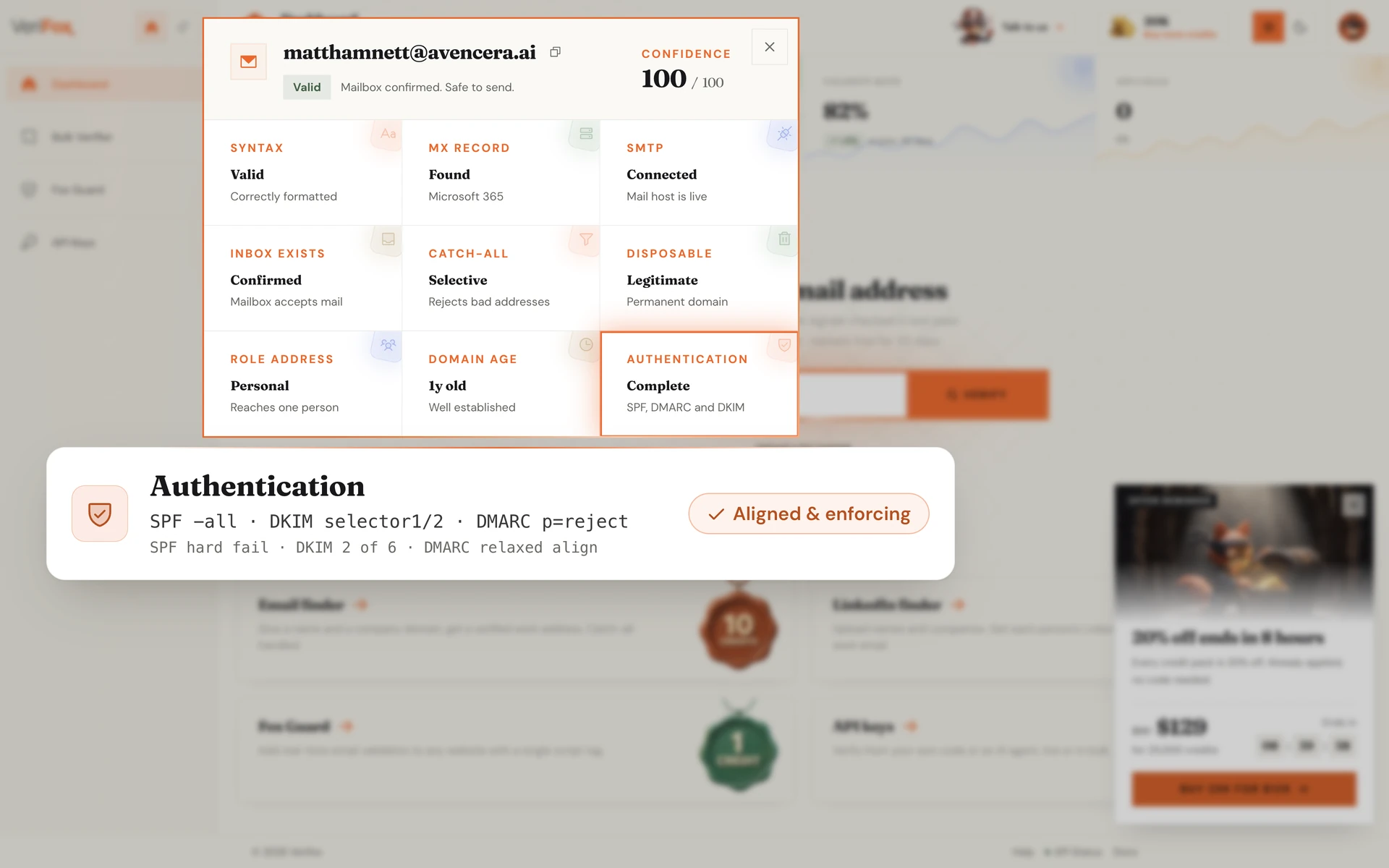
SPF, DKIM, and DMARC together prove the sender is authorised to send from that domain.
The engine reads each policy via DNS, validates SPF includes recursively, scans six common DKIM selectors, and confirms DMARC alignment with the From: header.
A failing DMARC policy means the sender can be spoofed, so the verdict warns you before you reply.
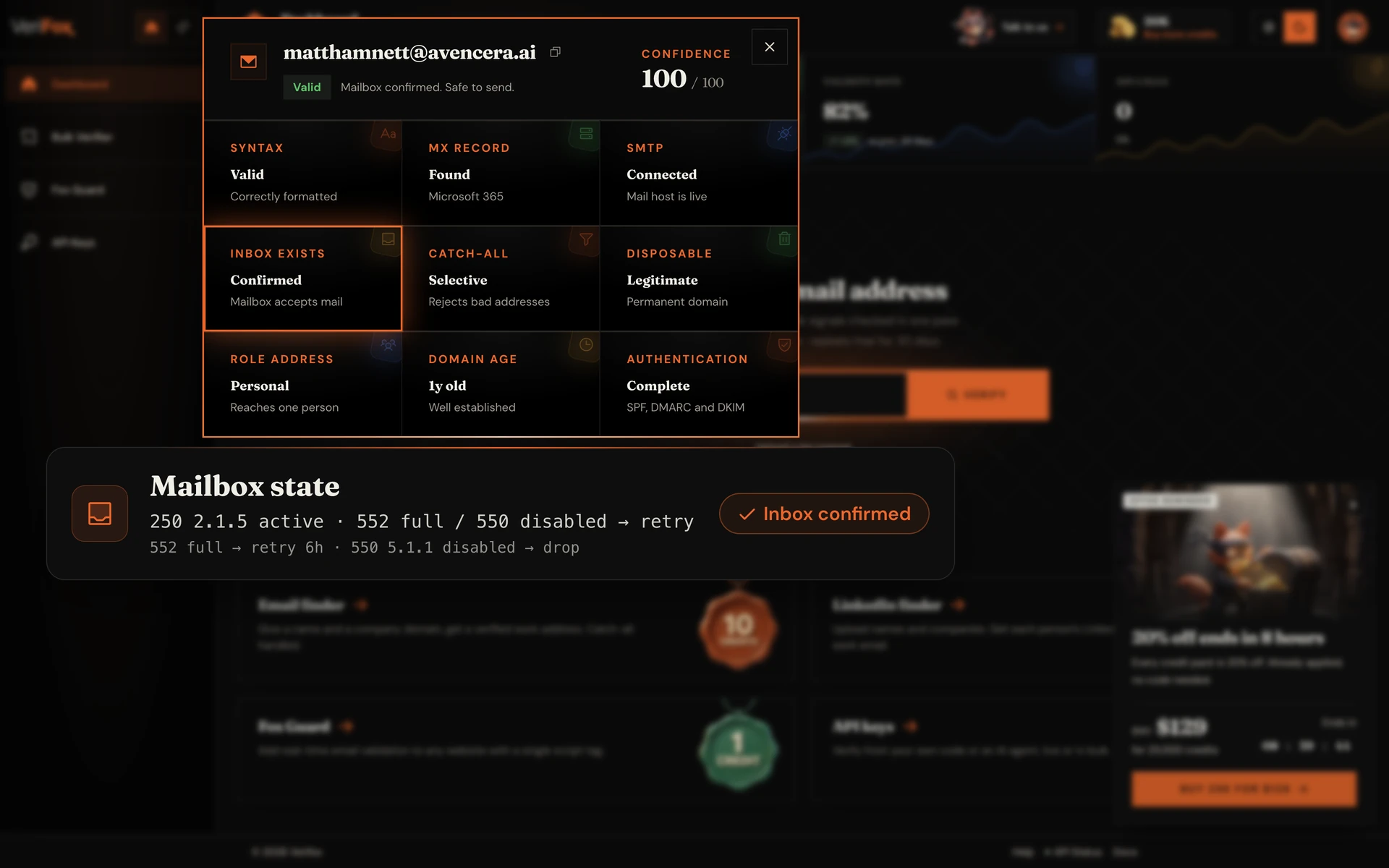
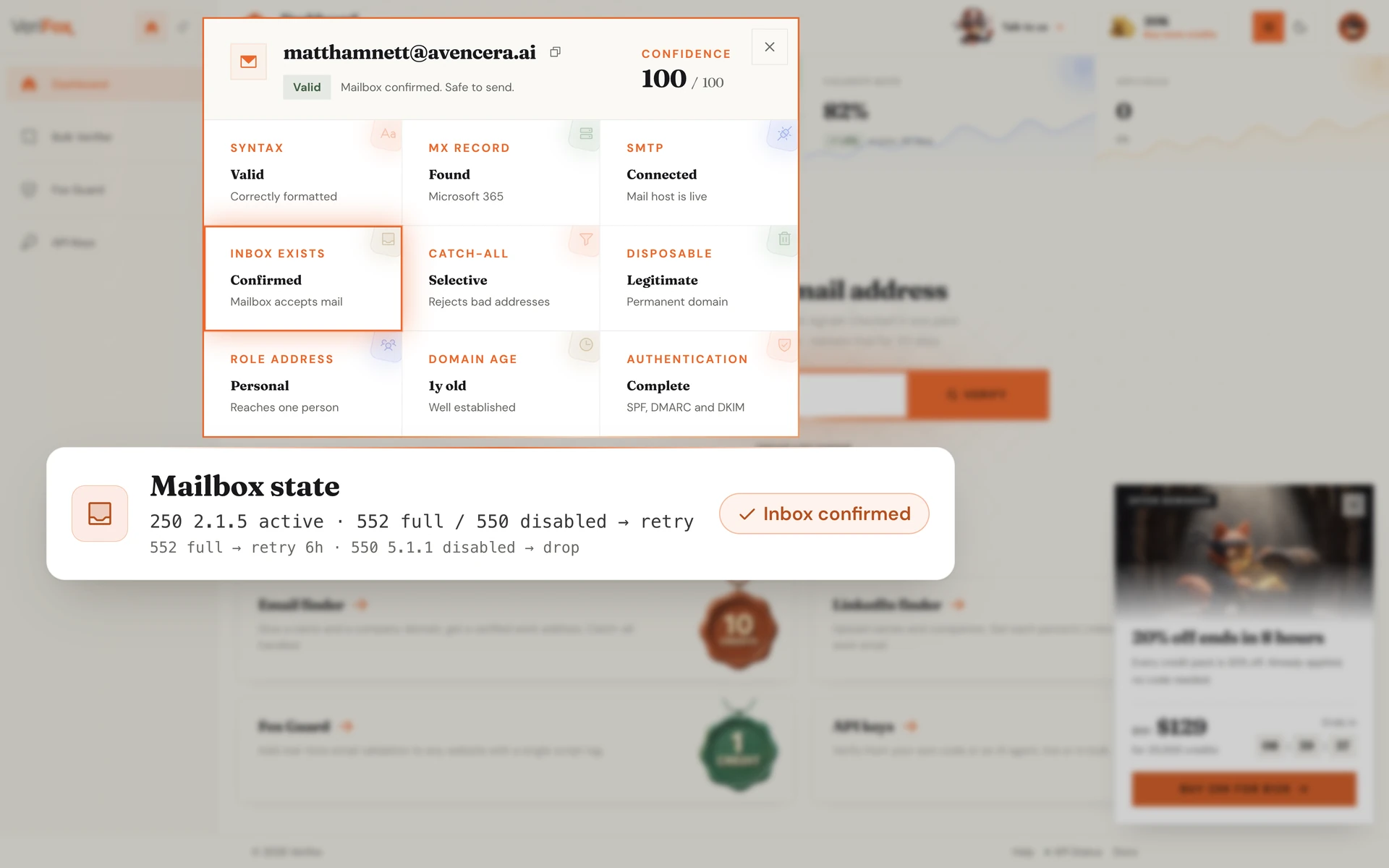
Beyond “exists vs doesn't exist”, the engine extracts the precise mailbox state from the SMTP server's response. Full inbox (552 / 522 quota), disabled mailbox (550 5.1.1), out-of-office autoresponder, frozen account.
Each state maps to a specific retry policy. Full inbox retries in 6 hours. Disabled drops permanently. The verdict tells you which bucket the bounce belongs in so your retry logic doesn't waste cycles.
An MX lookup is a read-only window into how a domain receives email. In one query you learn who runs the mail, how it routes, and whether it can receive at all.
The same DNS resolution the Verifox verification engine runs first on every address it checks.
The MX hosts name the provider — Google Workspace, Microsoft 365, Proofpoint, or a self-hosted server.
Records return lowest-number-first, so you read the primary server and its fallbacks straight away.
No MX record, or a broken one, means mail bounces before it is ever sent.
An MX lookup starts the story; verifying the address confirms the mailbox itself is real.
An MX lookup is only the first step. Verifying the address confirms the mailbox is real and deliverable.
The single most useful thing a mail exchanger lookup tells you — who to talk to about mail.
Verifox ONE adds 15,000 credits to your account every month, and the ones you don't use roll over instead of resetting. Rather pay once? Credit packs never expire.
forever
1,000credits on signup
No card required
2,500 with a work email
Free includes
per month
15,000credits a month
$0.0053 each, $0.0044 billed yearly
Up to 25% less per credit than the 10,000 pack
Everything in Free, plus
one time
10,000credits
$0.0059 eachSAVE 34%
Everything in Free, plus
One credit verifies one address; a find costs 10, a company search 100 and an email reveal 50. All prices in USD, secure checkout via Dodo Payments.
Prices are before tax. Any VAT, GST or sales tax your country charges is added at checkout. Buying as a business? Enter your VAT or GST number there.
The addresses you submit are used only to run your verification. They are never sold, and nobody on your list hears from us.

The addresses you submit are never sold or shared.

We ask the mail server. Not one message is sent.

Full GDPR data-subject rights for everyone in the EU and UK.

California opt-out, do not sell and DSAR handling.
An investigation into the money leaking out of your list - and the nine checks that decide whether your email is read, or never arrives at all.

57 pages, free PDF, no signup
Common questions
Who hosts a domain's email, how to read the result, and why the email host is often not the company that hosts your website.
Paste your domain into the lookup above. Verifox reads the domain’s MX records, the DNS entries that tell the world where to deliver your mail, and names the company behind them in plain English: Google Workspace, Microsoft 365, Zoho Mail, GoDaddy, Proton Mail, Fastmail and others.
The MX records are the authoritative answer because every sending server on the internet reads them before it delivers a message. If they point at Google, Google is your email host, whatever your invoice or your website builder says.
Three ways, fastest first. One: run the email host lookup on this page, which needs only the domain or any address on it. Two: run nslookup -type=mx example.com on Windows or dig example.com MX on Mac and Linux, then match the host names yourself. Three: look at the MX entries in your DNS provider’s dashboard.
Options two and three give you raw host names such as aspmx.l.google.com, so you still have to know which company that belongs to. The lookup does that matching for you.
It is the name of the server that accepts mail for a domain, the value inside each MX record. aspmx.l.google.com is a Google Workspace host name, contoso-com.mail.protection.outlook.com is a Microsoft 365 one, and mx.zoho.com belongs to Zoho Mail.
A domain usually lists several host names with different priorities. The lowest number is tried first and the rest are fallbacks. The lookup shows every host name in that order, and the MX lookup goes deeper into each record.
Yes. Paste the whole address, for example jane@acme.com, and the lookup uses the part after the @. Every address on a domain shares the same email host, because mail routing is set per domain, not per person.
The one exception is free webmail. Every @gmail.com address is hosted by Google and every @outlook.com address by Microsoft, so the lookup tells you the provider, not anything about the person.
Often not, and this trips up a lot of people. Three different companies can be involved: the registrar where you bought the domain, the DNS host named in your NS records, and the email host named in your MX records. Your website lives wherever your A record points, which can be a fourth.
A common setup is a domain bought at one registrar, a website on a builder or cloud host, and email on Google Workspace or Microsoft 365. To change email settings, go to the email host. To change the records themselves, go to the DNS host.
Because the domain routes its mail through a security gateway first. Proofpoint, Mimecast and Barracuda filter spam and malware, then pass clean mail on to the real mailbox host. The MX records only ever show the first stop, so that is the name the lookup returns.
To see the host behind the gateway, check the domain’s SPF record. include:_spf.google.com points to Google Workspace and include:spf.protection.outlook.com to Microsoft 365. The SPF, DKIM and DMARC check reads that record for you.
The domain’s MX host names don’t match a provider we recognise. That usually means the company runs its own mail server, uses its web hosting company’s mail service, or uses a smaller regional provider. The host names themselves are still listed, and they often contain the provider’s name.
If the lookup finds no MX records at all, the domain is not set up to receive email and mail sent to it will almost always bounce.
No. It tells you who handles mail for the domain. A domain can be hosted on Google Workspace while the exact address you have was deleted years ago.
To confirm one address, the mailbox itself has to be checked. The free email checker does that on the same engine, and Verifox’s nine checks include this same MX step before they ever contact the mailbox.
Yes. The single lookup above is free with no account. For a list, verify one address per domain through the Verifox REST API. Every result carries the domain’s MX records and its detected mail provider, so you get the email host for the whole list in one pass.
Each verification uses one pay-as-you-go credit, and credits never expire. AI agents can run the same lookups through the email verification MCP server.
Yes. MX records are public DNS data that any mail server reads before delivering a message, so looking them up never notifies the domain owner. We use the domain only to run the lookup and show you the result, and we never sell it.
Details are in the privacy policy and the security page.



