

Enter a company domain
Type the company's domain, like figma.com. That is the only input, no names to gather, no profile URLs, no lists to upload. A clean company name works too; we resolve it to the domain for you.
List email address tool
Give Verifox a company domain and it surfaces the team behind it, then verifies every work email before it reaches your list. Only addresses the mail server confirms count as found, and there are no names to gather first.
Free to try. No signup, no card.
Three steps, no scraping. Give it a company domain, and it surfaces the whole team and verifies every address before it joins your list.
Type the company's domain, like figma.com. That is the only input, no names to gather, no profile URLs, no lists to upload. A clean company name works too; we resolve it to the domain for you.
Verifox pulls the people working there and how many match, ranked by role, so you see the whole team behind the domain, from leadership to individual contributors, before you reveal a single email.
Reveal each person's work email, already run through the same nine-check engine our verification API uses. An address the mail server confirms comes back with a confidence score; a catch-all guess is flagged, and a miss says not found instead of guessing.
A verified list you build from a company's domain, not a purchased file that quietly decays.
A list email address tool has one real job: building an outreach list, row by verified row, that actually reaches an inbox. The value lives entirely in deliverability - a list padded with addresses that bounce is a liability, not an asset, because mailbox providers read heavy bouncing as a spam signal and route the rest of your mail to junk. That is why Verifox works from a company domain: give it one, and it surfaces the people who work there and returns their work emails, each checked with the mail server before it joins your list.
From a single lookup to a verified bulk list, every step of the finder is built to hand you an address you can actually send to.
Type a name and a company, and the finder hands back the work email with a verification seal, the matched pattern, and a confidence score - right on the page. Copy it and start the conversation.
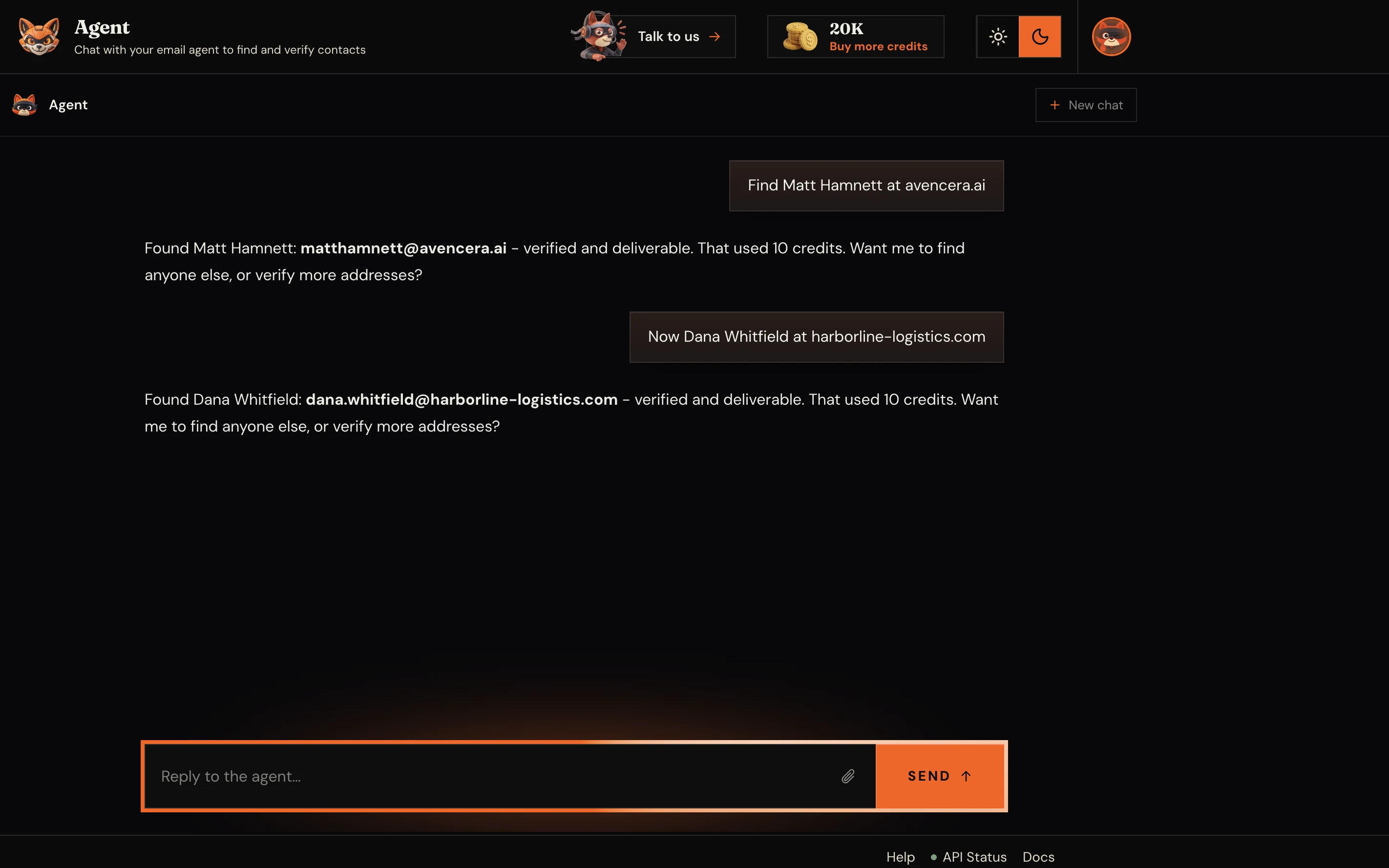
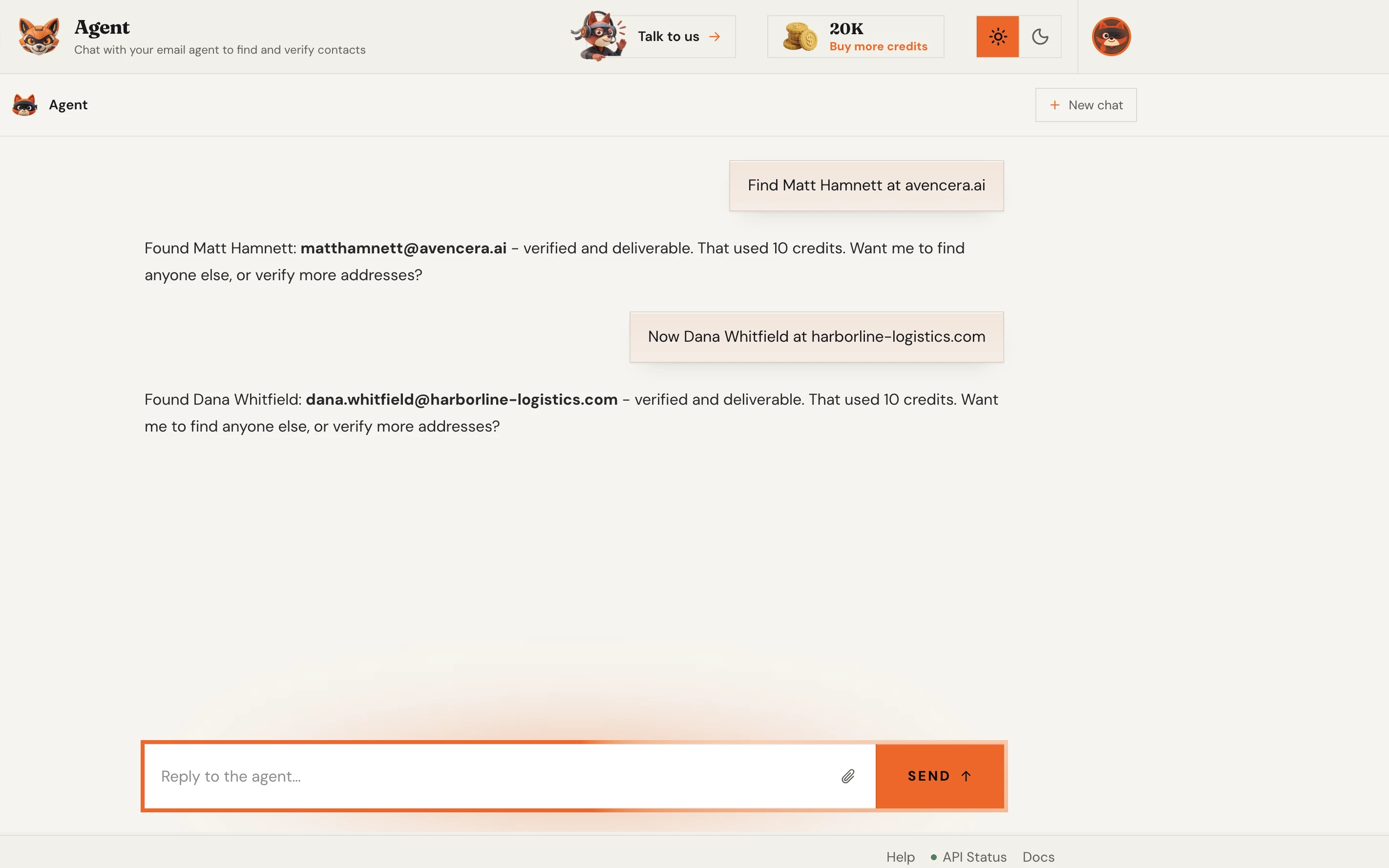
Upload a CSV of names and companies, or paste a list, and the finder works the entire batch and returns a clean, verified file. The same verification engine runs on every single row.
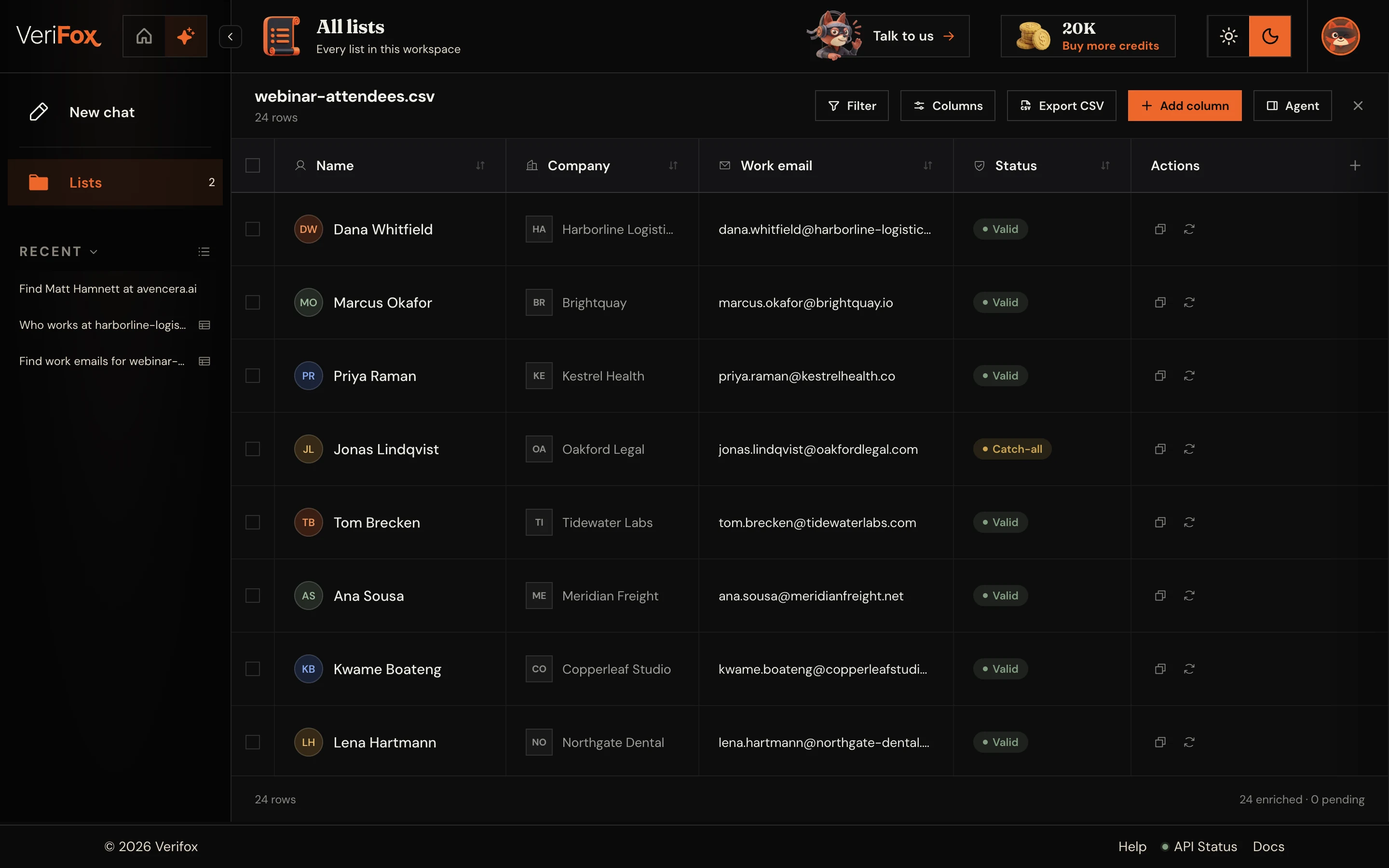
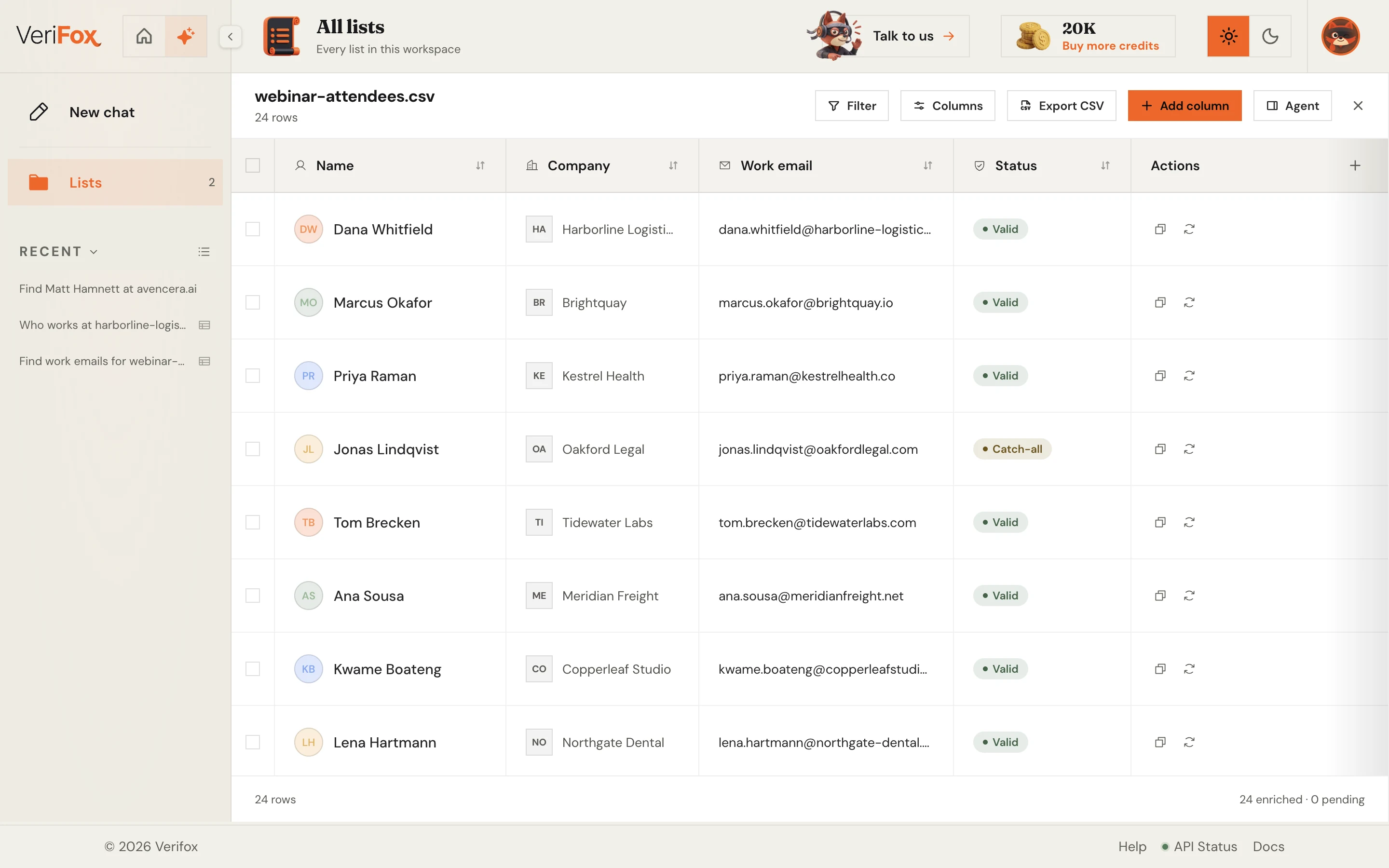
Drop in a company domain and the finder maps the entire team - names, roles, and LinkedIn matches. Reveal any person and get their verified work email back, one confident click at a time.
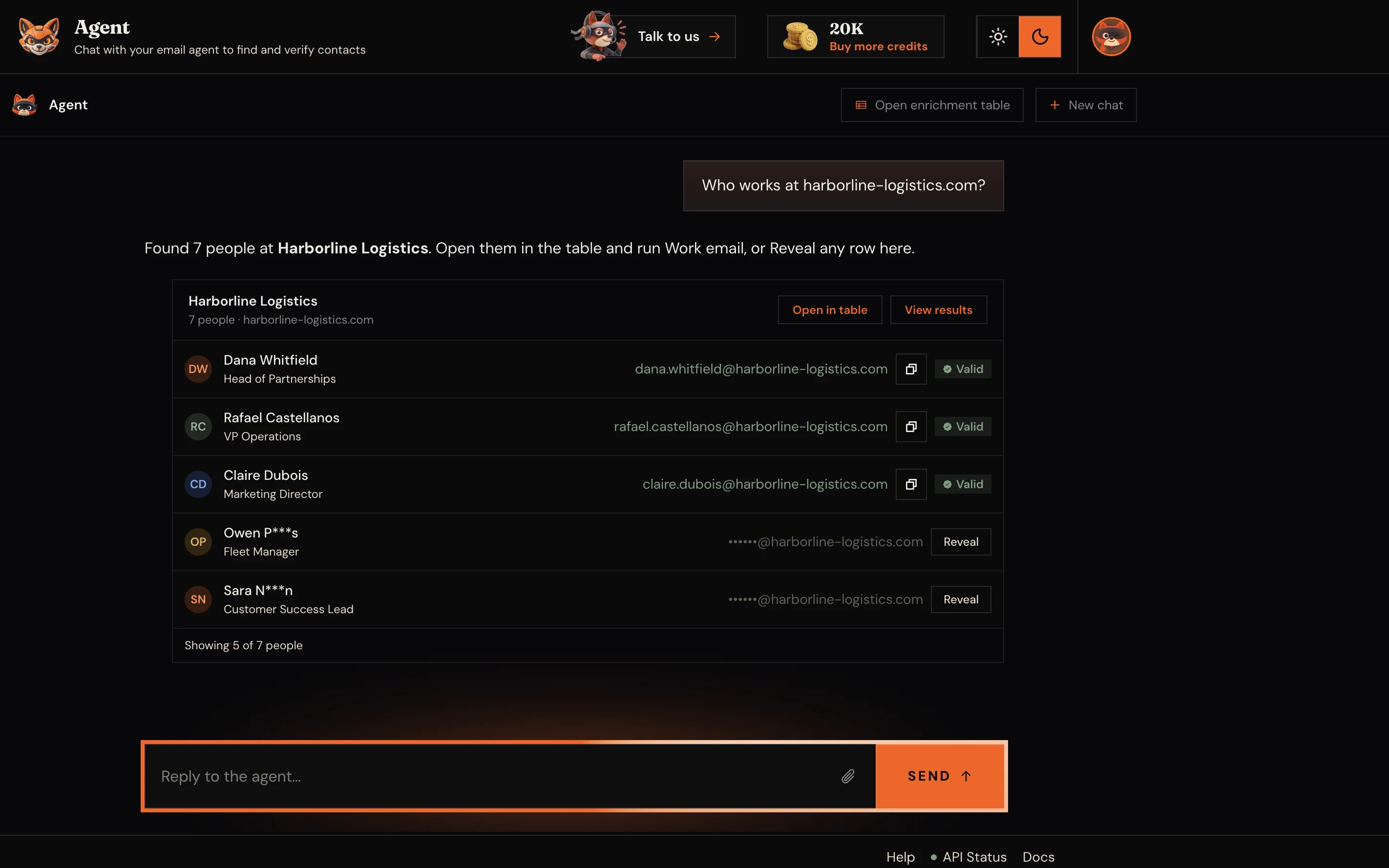
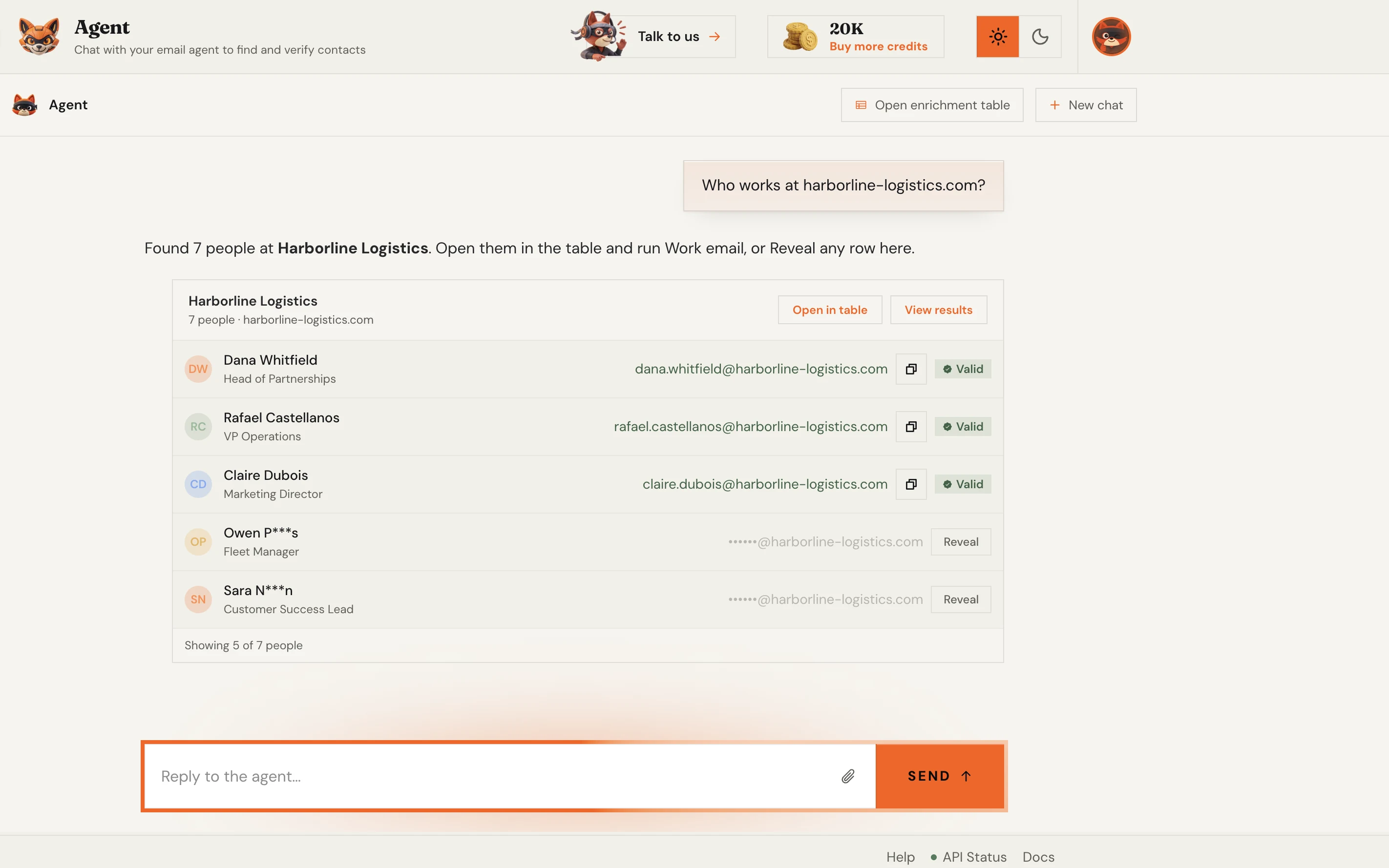
One REST call returns the found, verified address as JSON - with cURL, Node, and Python examples ready to copy. Wiring an AI agent instead? The same lookup ships as a native MCP server.
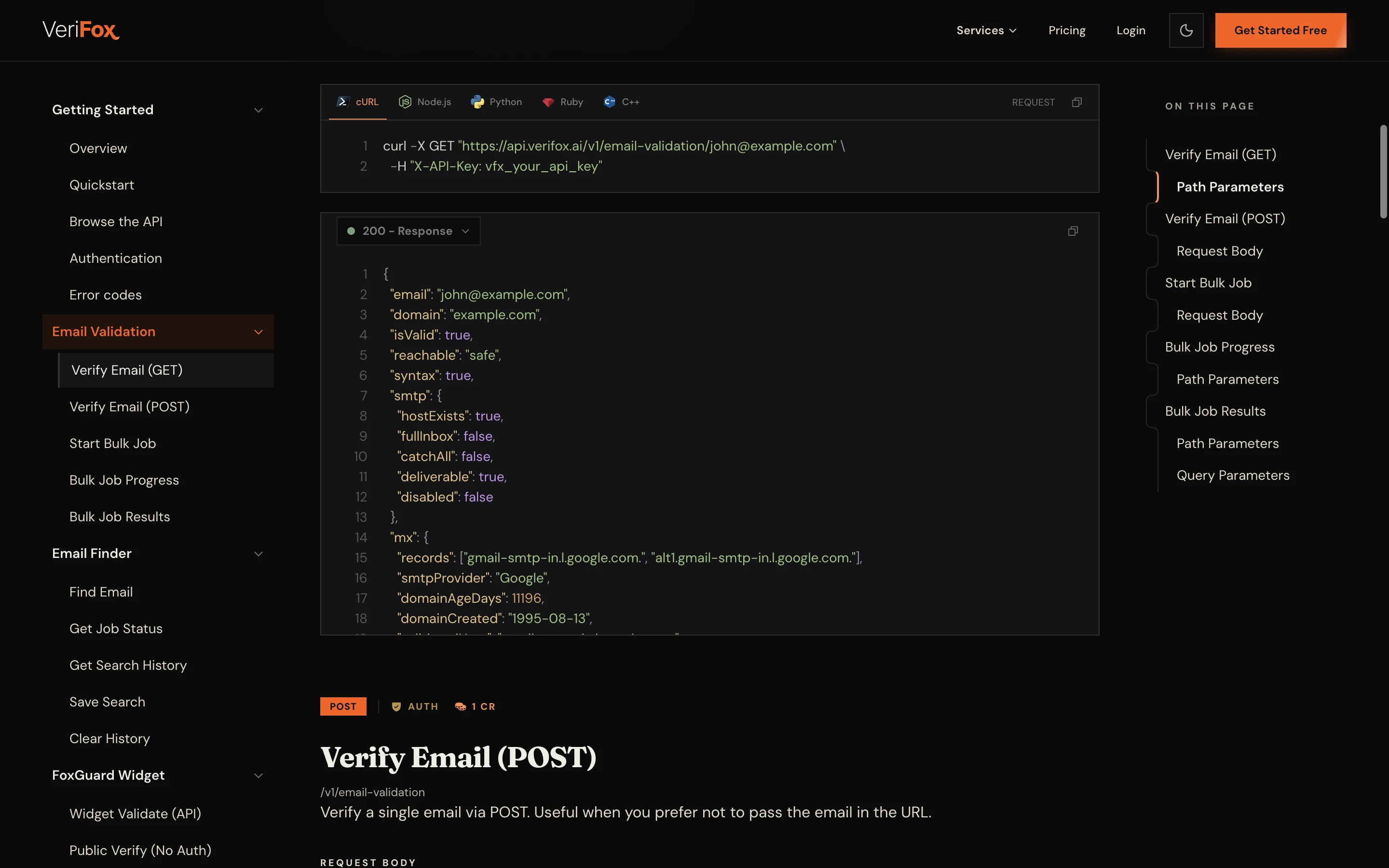
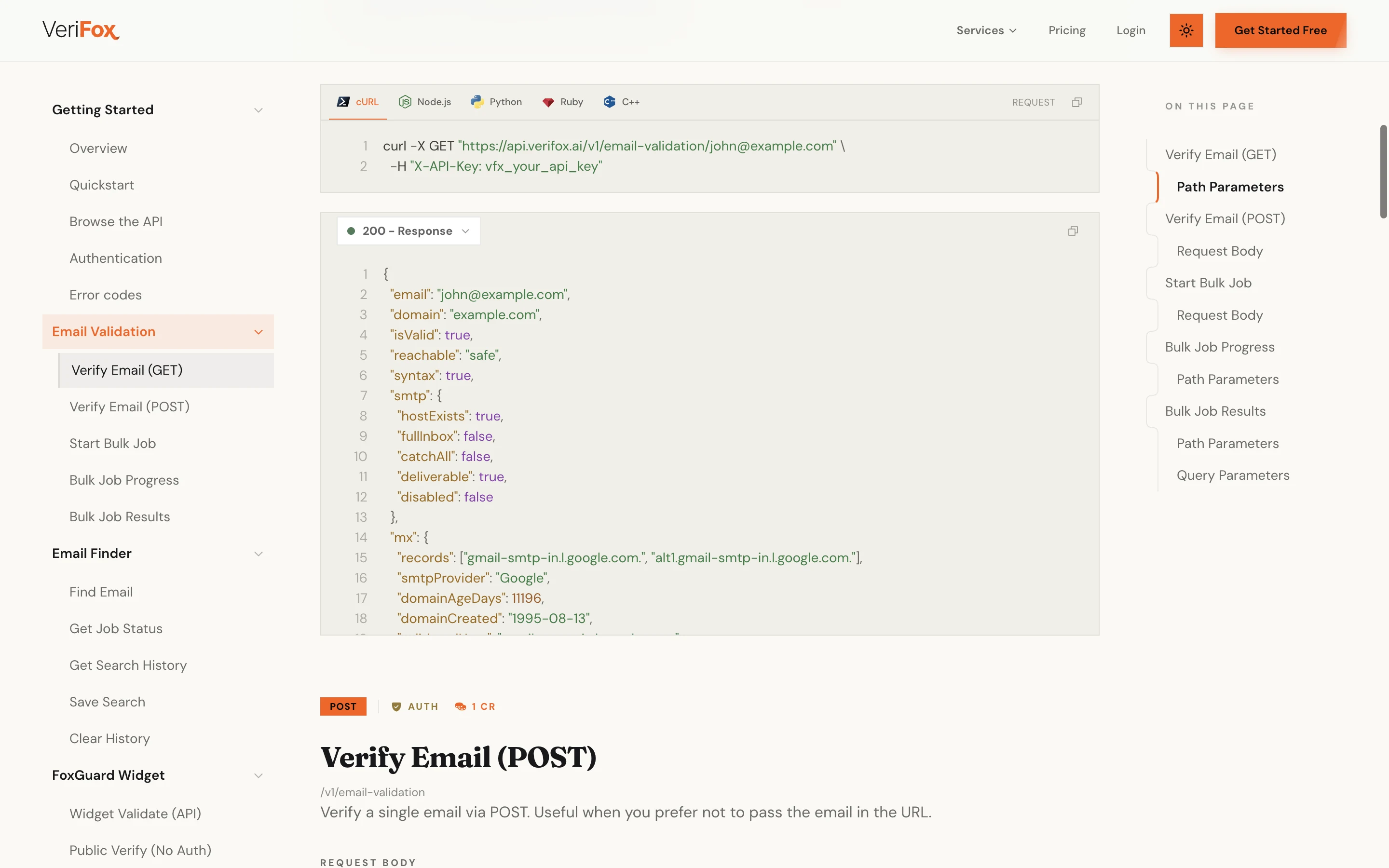
From a single lookup to a verified bulk list, find the address, check it with the mail server, and ship it straight into your stack.
Every result runs the full verification engine before you see it.
Verifox surfaces the team and ranks every address.
CSV in, verified list out.
Ask once and every address comes back already checked.
Every found address is verified before it reaches you.
Try the finder free before you ever make an account.
REST API, or drop the MCP server into your agent.
Hunter, Apollo, and RocketReach all find addresses. Verifox verifies each one before it reaches you and runs on credits that never expire.
Most tools reset your balance every month. Verifox sells credits that sit in your account until you spend them.
forever
1,000credits on signup
No card required
2,500 with a work email
Free includes
one time
10,000credits
$0.0059 eachSAVE 34%
Everything in Free, plus
per month
15,000credits a month
$0.0053 each
Unused credits roll over
Everything in packs, plus
One credit verifies one address; a find costs 10, a company search 100 and an email reveal 50. All prices in USD, secure checkout via Dodo Payments.
Prices are before tax. Any VAT, GST or sales tax your country charges is added at checkout. Buying as a business? Enter your VAT or GST number there.
The addresses you submit are used only to run your verification. They are never sold, and nobody on your list hears from us.

The addresses you submit are never sold or shared.

We ask the mail server. Not one message is sent.

Full GDPR data-subject rights for everyone in the EU and UK.

California opt-out, do not sell and DSAR handling.
An investigation into the money leaking out of your list - and the nine checks that decide whether your email is read, or never arrives at all.

57 pages, free PDF, no signup
Common questions
What people ask before they build, buy, clean, or verify an email address list: the legal side, the info question, how the domain search actually finds someone, and what every result costs.
A list email address tool works on many addresses at once instead of one at a time. The tool on this page finds and verifies work email addresses from a company: give it a domain like figma.com, and it surfaces the team behind it and returns the addresses the mail server confirms. For whole lists, pair the bulk email finder with email verification so every row is checked before you send.
Yes - an address only comes back as found once a live SMTP-level check confirms the mailbox, and catch-all guesses are clearly flagged. It is not generated or synthetic: the finder reconstructs the address from the domain's real formatting pattern, then verifies the inbox exists. To confirm an address you already have, run it through the free email checker, which performs a live mailbox-level test.
Collect addresses with a lawful basis and a clear way out. Under GDPR that usually means consent or a documented legitimate interest for B2B outreach; under CAN-SPAM you need an honest sender identity and a working unsubscribe link. Verifying the list before you send matters just as much: bounces and spam-trap hits hurt sender reputation, which the 9-point verification engine exists to prevent.
Sometimes, but treat it differently. An info email address is a role address, read by a whole team or by nobody, so replies are rarer and engagement runs lower than with personal mailboxes. Verifox flags role addresses as one of its nine checks, so after a run through the free email checker you can decide per campaign whether info@, sales@, and support@ rows stay on the list or get routed out.
You start from a company domain, not a name. Verifox surfaces the people who work there, learns the address pattern the domain uses, like first.last@company.com, then verifies each candidate against the live mail server to find the one that exists. The verification step is what separates a deliverable result from a guess. The Verifox email finder runs this exact flow, and the email address lookup covers the reverse direction.
Yes. Paste or upload the list into the multiple email checker and every address runs through the same nine checks in parallel. You get valid, invalid, and risky verdicts you can export. Signup includes 1,000 free credits, 2,500 if you sign up with a work address, and no card is required.
Because the addresses were never yours to mail and many no longer exist. Purchased lists are packed with stale mailboxes, role addresses, and spam traps, so sending to one spikes your bounce rate and can get your domain blocklisted. Building a smaller list with the bulk email finder and verifying it costs far less than repairing sender reputation afterwards.
A catch-all domain accepts mail for any address, so a basic check cannot tell whether one specific mailbox exists. That is why 20-40% of B2B email lists fail at catch-all domains, the check most free tools skip. Verifox runs catch-all detection plus AI-confidence scoring on those addresses, so catch-all rows in your list get a usable risk score instead of a shrug.
The tool on this page searches one company at a time: enter a domain and it returns the whole team's verified addresses, no account required to start. For whole lists, upload a CSV of names and companies through the bulk email finder and every row comes back with a verdict, the matched pattern, and a confidence score on every address found. Signup includes 1,000 free credits, 2,500 with a work address, no card required.
Yes, for finding and verification. The REST API finds and checks a single address and processes lists in bulk, and the native MCP server lets AI agents find and verify addresses without glue code. Credits are pay-as-you-go and never expire, with volume discounts on the pricing page.