



Paste the address
Drop any email into the pill — Gmail, Outlook, custom domains, or role aliases like info@ and sales@. Verify one address free right now, or upload a CSV to check a whole list once you sign up.
Validate and clean the emails in your Salesforce contacts and leads with 99.99% accuracy, single or in bulk via CSV, on the same 9-point engine, no signup.
Trusted by 500,000+ leading GTM teams of all sizes
Three steps, no managed package to install. Paste an address or upload a CSV export, watch the nine-check engine validate every contact.
Drop any email into the pill — Gmail, Outlook, custom domains, or role aliases like info@ and sales@. Verify one address free right now, or upload a CSV to check a whole list once you sign up.
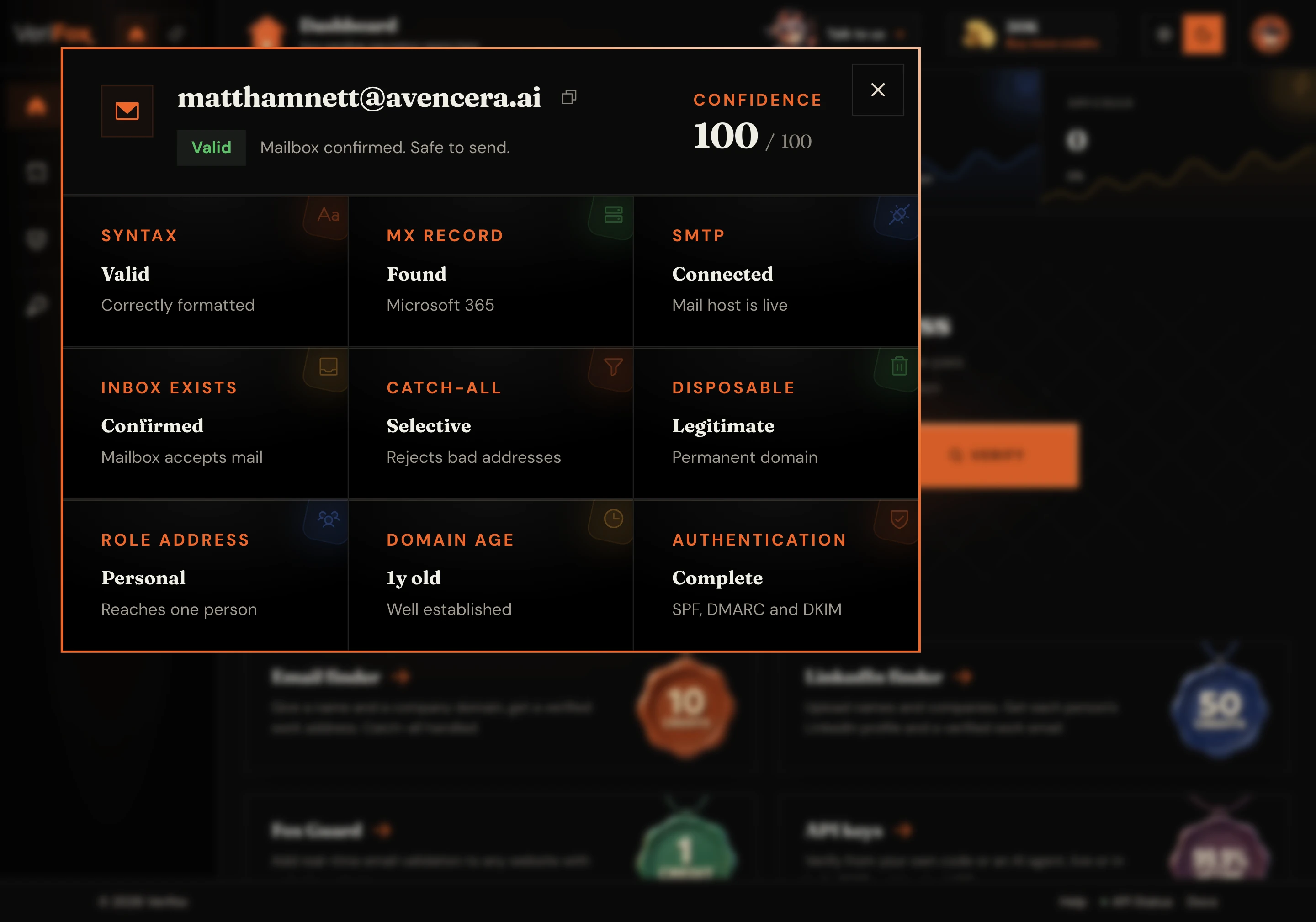
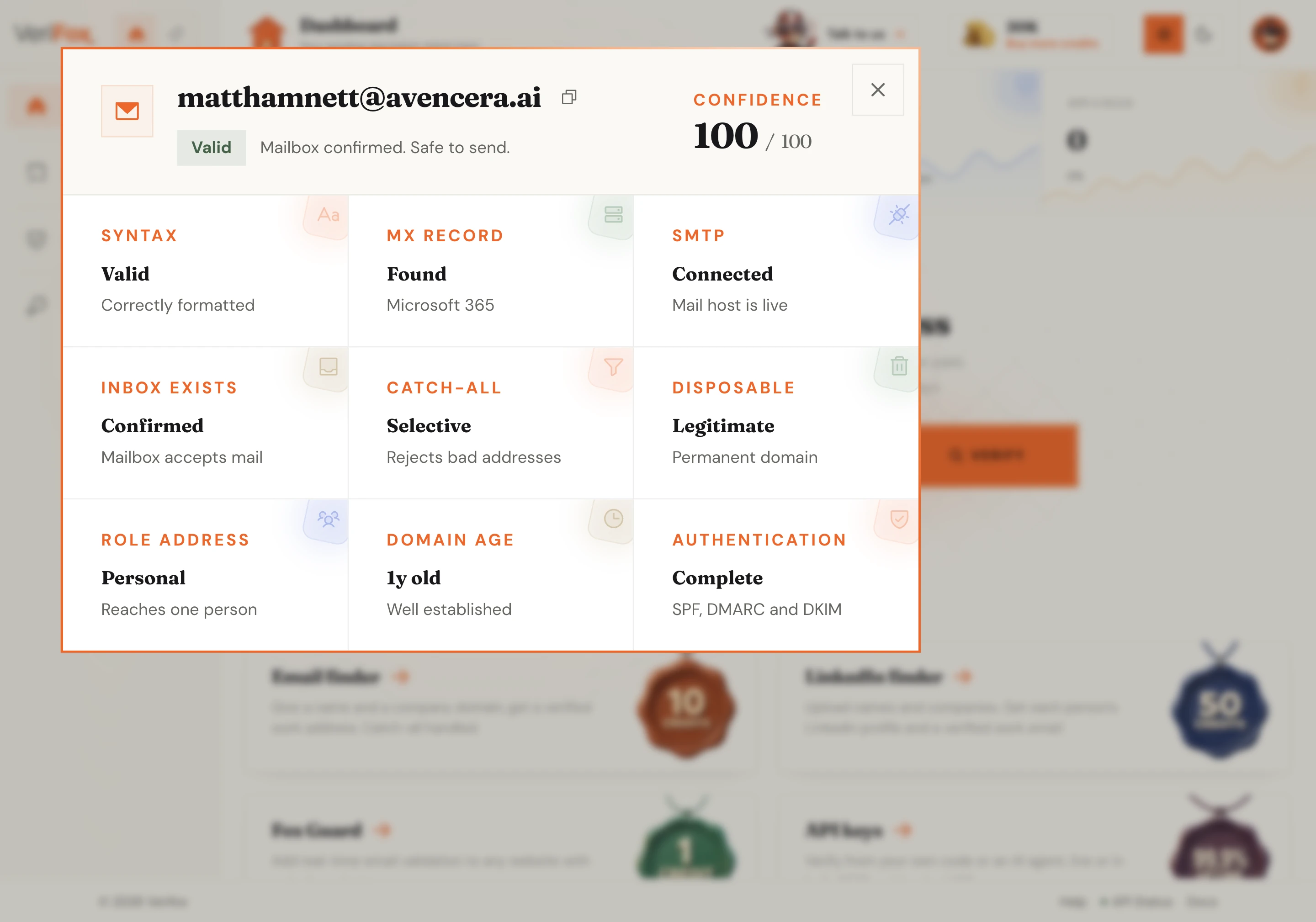
Nine checks fire in parallel: syntax, DNS, and MX records, a live SMTP handshake, catch-all and disposable detection, role and domain-age signals, mailbox state, and email authentication. The full verdict then lands in about two seconds.
Every address comes back valid, invalid, or risky, with the format, address type, server status, and mailbox status called out on the page. The API returns the same verdict with a 0-100 confidence score and the full per-check breakdown.
From one pasted address to a full CSV, every check runs the same nine-layer engine and hands you a verdict you can send on.
Paste an address and the checker runs all nine deliverability layers (syntax to live SMTP) and hands back a verdict, a 0-100 confidence score, and the full check-by-check breakdown. You send to a confirmed inbox, never a hopeful guess.
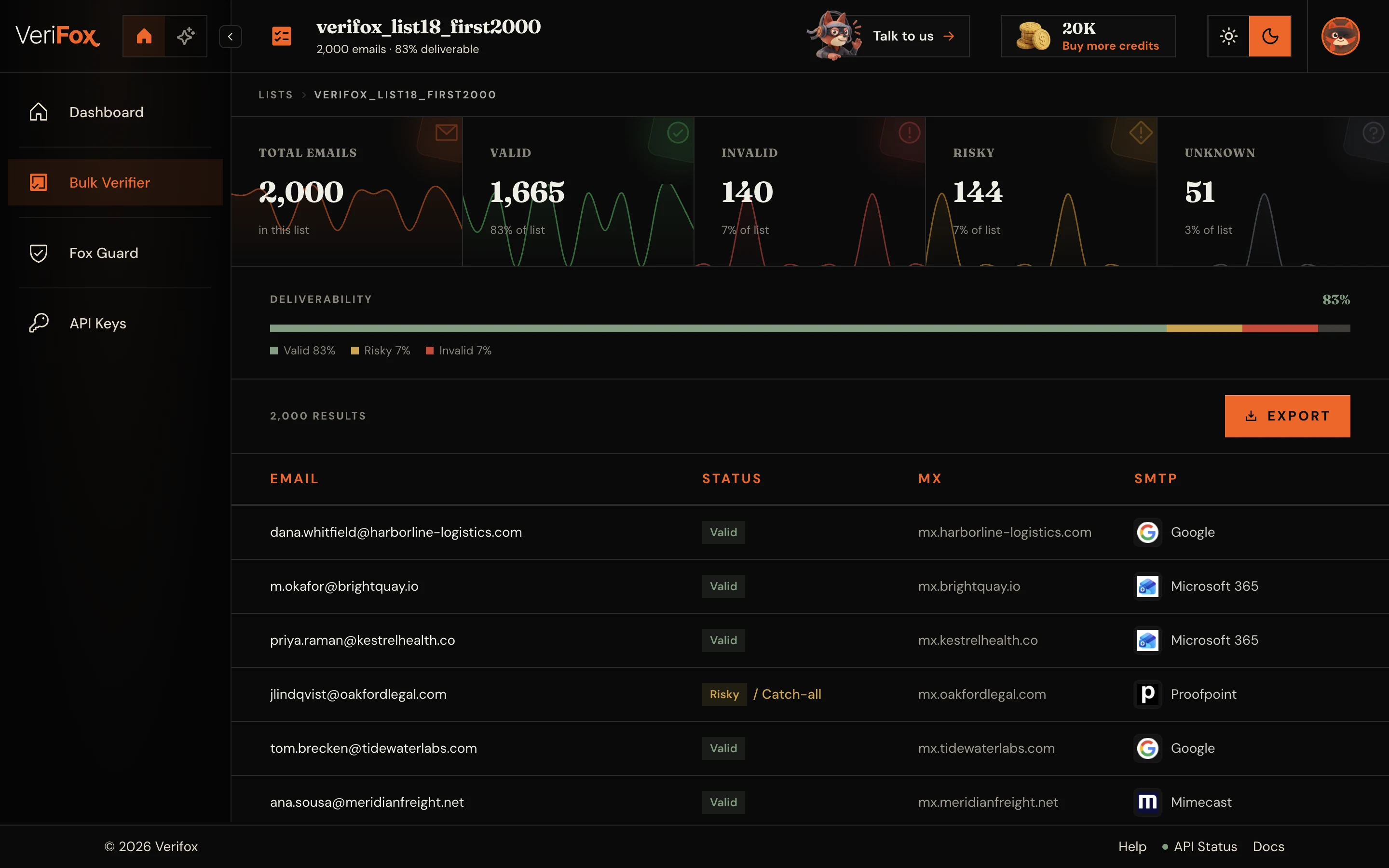
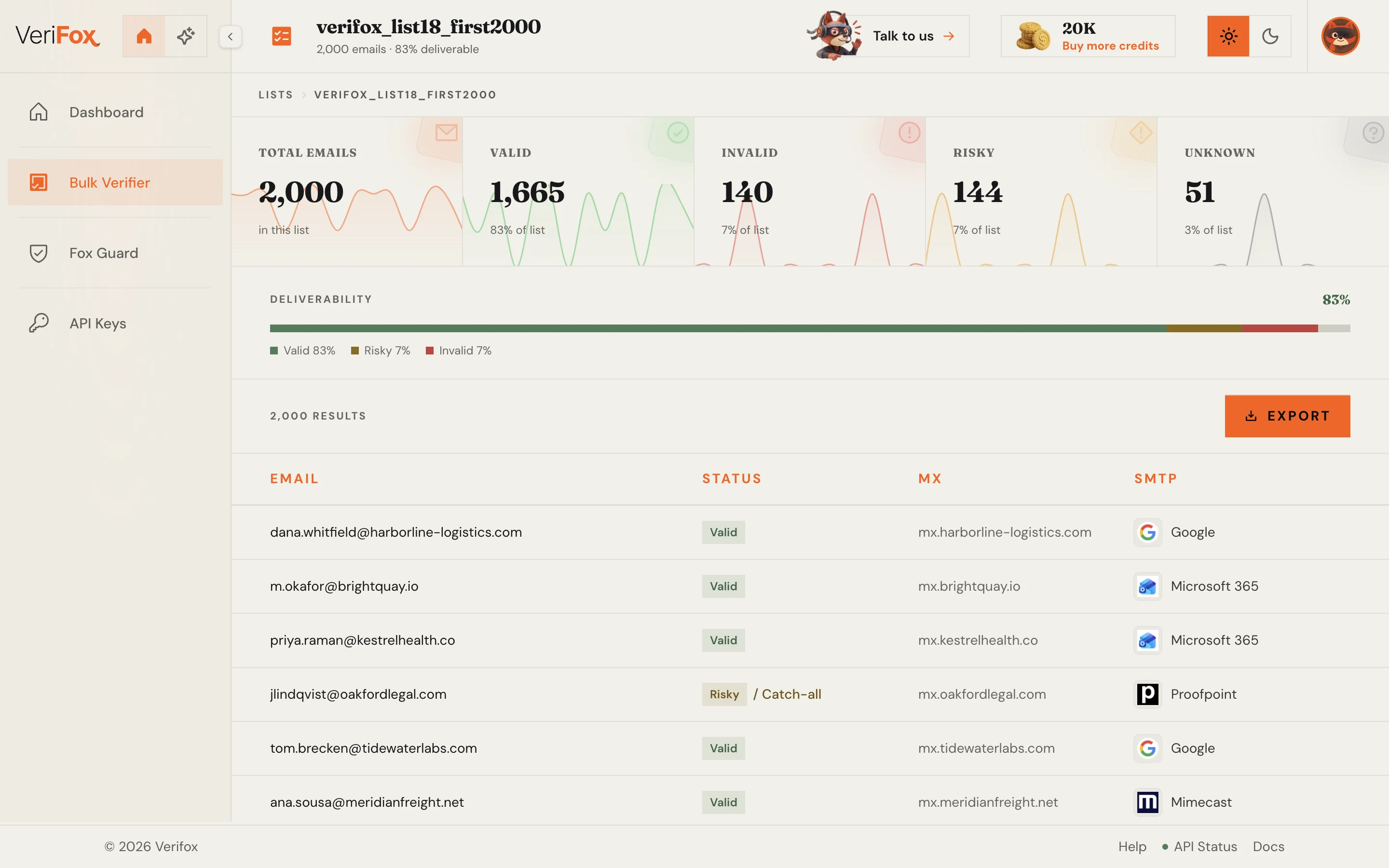
Upload a CSV or paste a list, and the checker works the entire batch (the same nine-check engine on every single row), then returns a clean file split into valid, risky, and invalid, ready to export.
One REST call verifies an address and returns the verdict as JSON , with cURL, Node, and Python examples ready to copy. Wiring an AI agent instead? The same verification ships as a native MCP server.
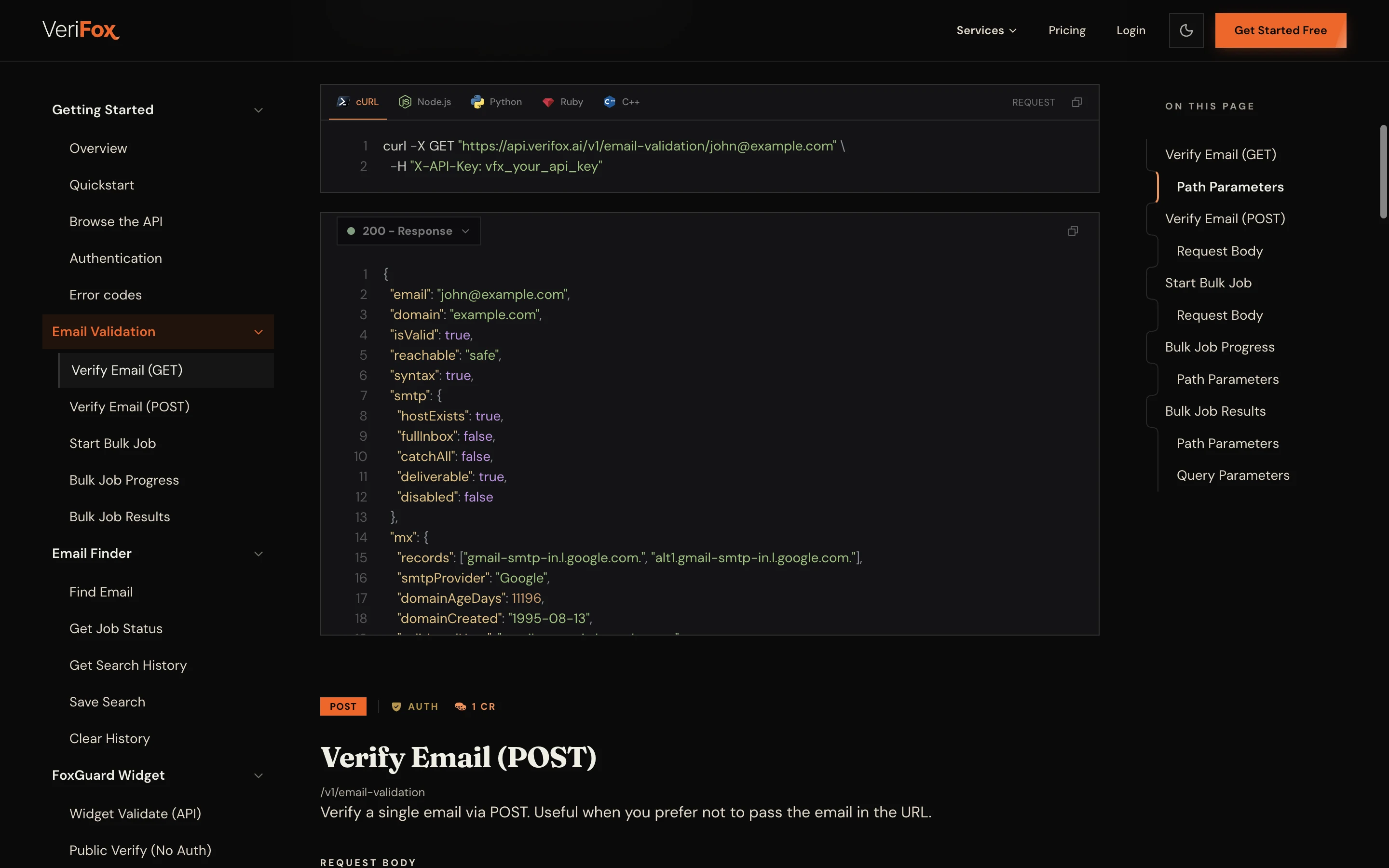
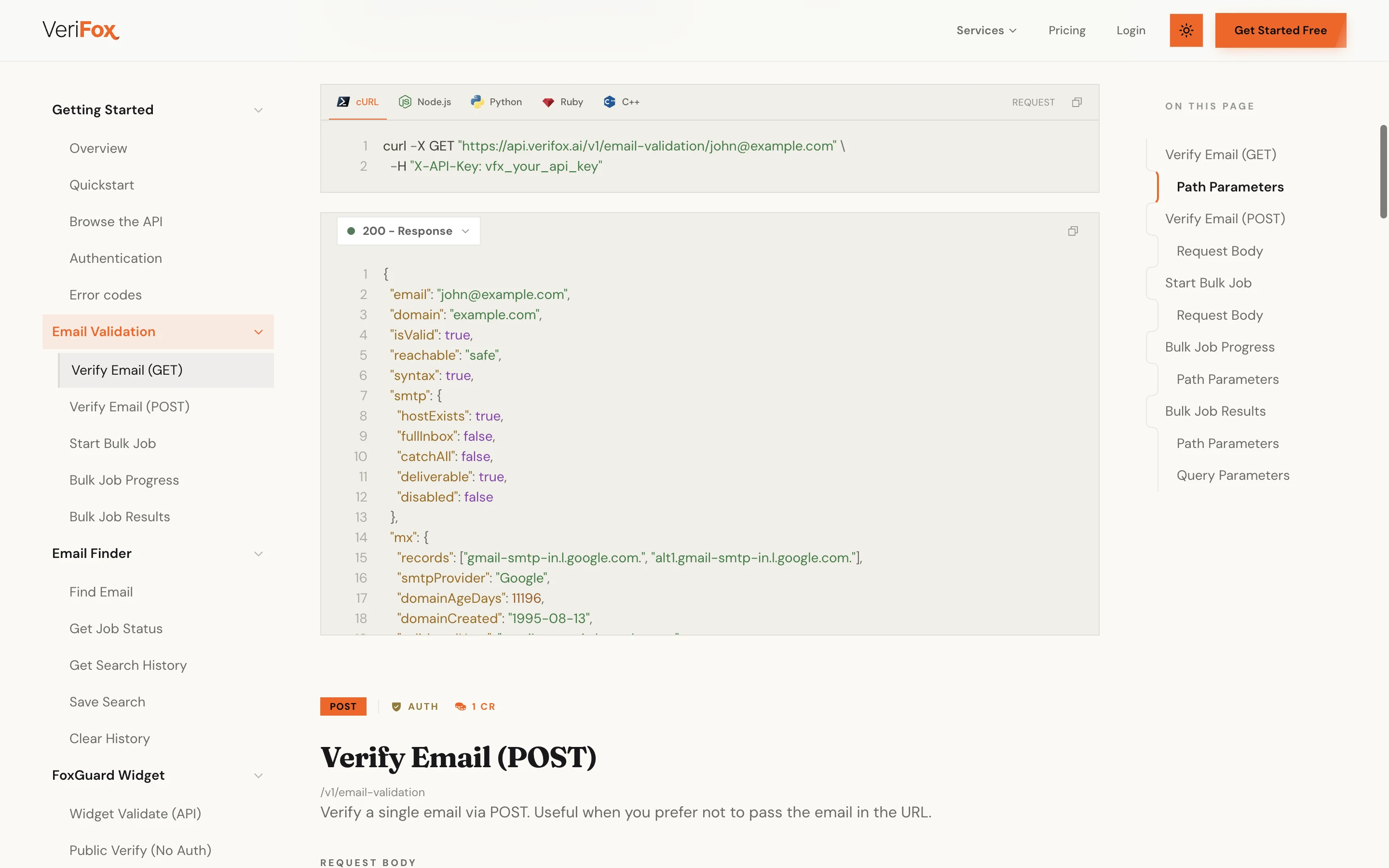
Every check you run rolls up into one activity view: volume, valid rate, and risk trends across single checks, bulk jobs, and API calls, so you catch a decaying list before it dents your sender reputation.
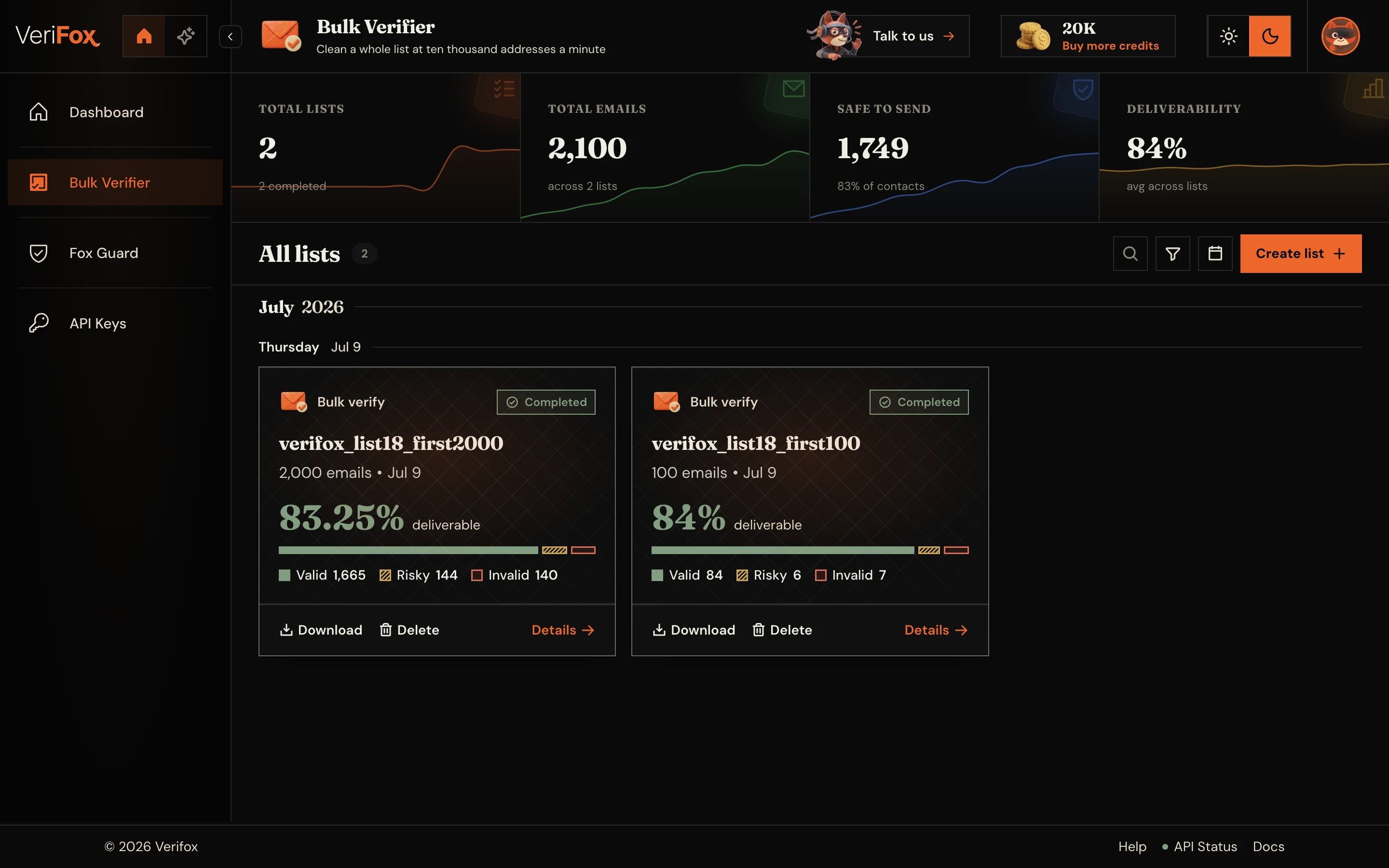
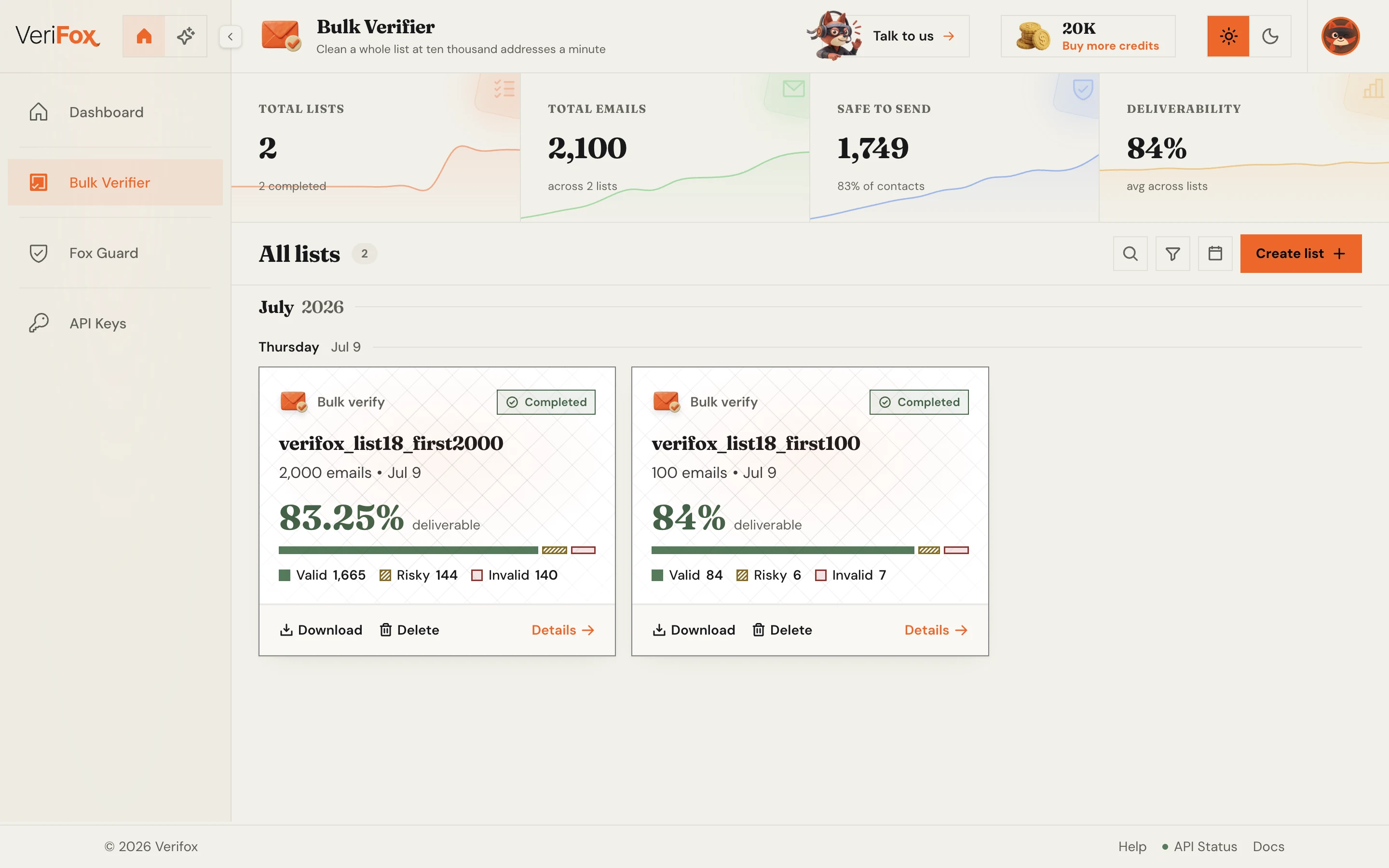
Not a field rule or a format check. A live nine-check verdict on every CRM address before you send.
Salesforce email validation is the job of confirming that the email addresses sitting in your Contacts and Leads are real, reachable, and safe to send to. Salesforce itself stores whatever you put in it and doesn’t check whether an address still works, so over time an org fills with typos, abandoned mailboxes, and people who have changed jobs. Every one of those is a hard bounce waiting to happen, and bounces are what mailbox providers watch to decide whether your mail belongs in the inbox or the spam folder.
Most CRM validators disable key checks or require managed packages. Ours runs nine paid-grade checks on Salesforce exports, volume-capped.
The same nine-check pipeline as the paid API runs on every address, free or not.
Verify your first emails right here, no account, no card.
Bulk CSV in, verified list out. Same speed on every plan.
Every address comes back already checked, with a confidence score.
Validated on a 10,000-address mixed benchmark including catch-all domains.
1,000 free on signup. 2,500 with a work email. Pay as you go after.
Processed in memory, dropped on response. SOC 2 · GDPR · CCPA.
NeverBounce and ZeroBounce both validate CRM exports well. Verifox adds the highest accuracy on the catch-all corporate domains that fill a Salesforce org, no-signup spot checks & MCP server support.
Growth leads, marketers, and engineers running real campaigns on real lists, with a verified email on every byline.

We were paying ZeroBounce a four-figure monthly bill and still landing 3% bounces on cold campaigns. Switched the pipeline to Verifox, dropped to 0.4% bounces, and cut the bill by more than 90%.

Other tools flag 30% of our B2B list as 'risky catch-all' and leave the call to us. Verifox returns a real verdict on those addresses, with a confidence score. We send more, we send safer.

We had a Gmail spam-folder problem after a bad list import. Verifox cleaned the list and the warmup ran on the same engine. Back in primary inbox in six weeks. One vendor, half the cost.

Ran a 50,000-address outbound list through Verifox before our quarterly campaign. Bounces landed at 0.7%, sender reputation didn't move, replies were up 22% over last quarter.

Their MCP server let me wire email verification directly into our internal Claude agent in about ten minutes. Zero glue code. No other vendor in this space has thought about that workflow.

Tested Verifox at 10,000 verifications per minute on a Tuesday morning. Latency held under 400ms median, no soft failures, no rate-limit walls. The vendor we benched throttled at 2,000/min.

Our SDRs were enriching from three tools and 14% of the emails were invalid before they hit the sequencer. Verifox sits in the pipeline now and the team stopped seeing 'undeliverable' replies the next week.

Bulk upload, sorted CSV back in twenty minutes, plug into our growth stack. The half-day list-hygiene project per cohort turned into something the marketing intern runs on autopilot.

Verifox returns a 0-100 confidence score per address, not just a label. We thresholded at 75 for the cold sequencer, 60 for nurture, and our deliverability team finally has a knob they can tune.
We were paying ZeroBounce a four-figure monthly bill and still landing 3% bounces on cold campaigns. Switched the pipeline to Verifox, dropped to 0.4% bounces, and cut the bill by more than 90%.
We had a Gmail spam-folder problem after a bad list import. Verifox cleaned the list and the warmup ran on the same engine. Back in primary inbox in six weeks. One vendor, half the cost.
Their MCP server let me wire email verification directly into our internal Claude agent in about ten minutes. Zero glue code. No other vendor in this space has thought about that workflow.
Our SDRs were enriching from three tools and 14% of the emails were invalid before they hit the sequencer. Verifox sits in the pipeline now and the team stopped seeing 'undeliverable' replies the next week.
Verifox returns a 0-100 confidence score per address, not just a label. We thresholded at 75 for the cold sequencer, 60 for nurture, and our deliverability team finally has a knob they can tune.
Other tools flag 30% of our B2B list as 'risky catch-all' and leave the call to us. Verifox returns a real verdict on those addresses, with a confidence score. We send more, we send safer.
Ran a 50,000-address outbound list through Verifox before our quarterly campaign. Bounces landed at 0.7%, sender reputation didn't move, replies were up 22% over last quarter.
Tested Verifox at 10,000 verifications per minute on a Tuesday morning. Latency held under 400ms median, no soft failures, no rate-limit walls. The vendor we benched throttled at 2,000/min.
Bulk upload, sorted CSV back in twenty minutes, plug into our growth stack. The half-day list-hygiene project per cohort turned into something the marketing intern runs on autopilot.
We were paying ZeroBounce a four-figure monthly bill and still landing 3% bounces on cold campaigns. Switched the pipeline to Verifox, dropped to 0.4% bounces, and cut the bill by more than 90%.
Ran a 50,000-address outbound list through Verifox before our quarterly campaign. Bounces landed at 0.7%, sender reputation didn't move, replies were up 22% over last quarter.
Our SDRs were enriching from three tools and 14% of the emails were invalid before they hit the sequencer. Verifox sits in the pipeline now and the team stopped seeing 'undeliverable' replies the next week.
Other tools flag 30% of our B2B list as 'risky catch-all' and leave the call to us. Verifox returns a real verdict on those addresses, with a confidence score. We send more, we send safer.
Their MCP server let me wire email verification directly into our internal Claude agent in about ten minutes. Zero glue code. No other vendor in this space has thought about that workflow.
Bulk upload, sorted CSV back in twenty minutes, plug into our growth stack. The half-day list-hygiene project per cohort turned into something the marketing intern runs on autopilot.
We had a Gmail spam-folder problem after a bad list import. Verifox cleaned the list and the warmup ran on the same engine. Back in primary inbox in six weeks. One vendor, half the cost.
Tested Verifox at 10,000 verifications per minute on a Tuesday morning. Latency held under 400ms median, no soft failures, no rate-limit walls. The vendor we benched throttled at 2,000/min.
Verifox returns a 0-100 confidence score per address, not just a label. We thresholded at 75 for the cold sequencer, 60 for nurture, and our deliverability team finally has a knob they can tune.
Every layer of the stack carries a third-party attestation, so you can ship into regulated industries without rebuilding your compliance posture.

Independently audited to the SOC 2 Type II standard.

Built for the EU with full GDPR data-subject rights.

California opt-out, do-not-sell, plus DSAR handling.

Information security held to the ISO 27001 standard.

AI governance aligned to the new ISO 42001 standard.
An investigation into the money leaking out of your list - and the nine checks that decide whether your email is read, or never arrives at all.

57 pages, free PDF, no signup
Common questions
The questions we get from RevOps and marketing teams that land here to clean their Salesforce contacts, with the real numbers, real limits, and real opinions behind our verification stack.
Two ways, and neither needs an installed package. The simplest is a CSV export: pull a report of your Contacts or Leads in Salesforce, export it to CSV, and upload it to the bulk verification engine. We validate every address in the file and hand back a cleaned list you re-import, so your CRM ends up with only deliverable emails.
For continuous hygiene, wire the REST API into your stack so each new or updated record is verified the moment it lands. You can call it from Flow via an outbound callout, from middleware like Zapier or Workato, or from your own integration. Same engine either way, so a one-off CSV scrub and a live API check return identical verdicts.
Because CRM data decays. B2B contact data goes stale at roughly 22.5 % to 30 % a year as people change jobs, and every dead address you mail to is a hard bounce. Pile up enough bounces and mailbox providers throttle or block your domain, so a dirty Salesforce list quietly drags down deliverability for every campaign, not just the one that hit the bad addresses.
Validating the list first protects your sender reputation and your inbox placement. Clean the contacts before the send, and your good emails keep landing where they should.
Yes, and the free tier is sized for real CRM work, not a teaser. From this page you can spot-check 4 emails per day with no account, useful for sanity-checking a suspect lead before you call it.
For an actual export, create a free account and you get 1,000 validations on the spot, or 2,500 if you sign up with a work address. That covers a typical small-org Contacts report export in one pass, with credits left over for the Leads object. Past that, credits are pay-as-you-go and never expire, with volume pricing shown for your region.
Nine checks run in parallel on every value sitting in the Email field of a Contact or Lead, the things Salesforce itself never tests when a rep types an address in:
The catch-all resolution is the one most validators skip, and it’s where 20 to 40 % of B2B lists actually fail. Salesforce orgs skew hard toward exactly that data: work addresses on corporate domains where the mail server says yes to everything. To spot-check a single record, the free email checker runs the same engine one address at a time.
Yes, and the whole loop stays inside tools you already use. Build a report on Contacts or Leads with the Email column (plus the record ID, so the round trip is unambiguous), use Export Details to get a CSV, and upload it. The engine runs the file in parallel at roughly 10,000 emails per minute and hands back a cleaned, deduplicated list with a per-address verdict.
On the way back in, Data Loader or the Data Import Wizard updates the original records by ID, so verdicts land on the right Contact instead of creating duplicates. The free signup tier covers 1,000 validations (2,500 with a work email), and for larger orgs paid credit packs are pay-as-you-go and never expire, with CSV upload plus API access included from the free tier up.
No. Verifox works with your Salesforce data through a plain CSV export or the REST API, so there’s nothing to install in your org and no admin review to wait on. Export, clean, re-import, or call the API from Flow and middleware for live checks.
That keeps validation decoupled from your CRM’s release cycle. The same approach connects HubSpot, Pipedrive, Zapier, Klaviyo, Mailchimp, and Brevo, so the moment your data lives anywhere that can export a CSV or speak REST, Verifox can verify it.
No, and for CRM data that question is the whole ballgame: a Contacts export is customer PII your security team is accountable for. Every address is processed in memory and discarded the moment validation completes. Nothing logged, nothing retained, nothing sold, whether you upload a CSV export or stream records through the API from Flow. Your Salesforce org stays the only system of record.
We’re SOC 2 Type II compliant with the full Trust Center report on request, which is usually what a vendor-review checklist asks for before an export leaves the org. The privacy policy has the byte-by-byte breakdown of what we touch and what we don’t.
99.99 % accuracy, benchmarked on a 1,000-address list built to look like a real CRM export: corporate domains behind catch-all servers, role inboxes a rep saved as a contact, and addresses that went stale when the person changed jobs. Those are exactly the cases where simpler validators guess, and exactly what fills a Salesforce org, so the benchmark mix matters more than the headline number.
The free tier doesn’t trade accuracy for the price tag. It caps volume only. Every check the paid Email Verification API runs, the same engine behind 2.1B+ verified addresses, is the check this page runs on your CRM list. Plans and volume tiers are on the pricing page.
Yes. The REST API reference documents the inbound and outbound shapes for every endpoint, so you can drop real-time validation into a web-to-lead form, a Screen Flow, or an outbound callout that fires whenever a record is created or updated. Bad addresses get caught at entry instead of polluting the org.
Verifox also ships native MCP server support so AI agents (Claude, Cursor, custom LLM apps) can validate CRM addresses without glue code. Drop the MCP URL into your agent config and the tools are wired.
Keep the record ID in your export and the round trip is one update job. The cleaned CSV you download carries a per-address verdict (valid, invalid, or risky) alongside your original columns, so you map the verdict onto a custom field, something like an Email Status picklist on Contact and Lead, and run an update in Data Loader or the Data Import Wizard keyed on the ID. No new records, no duplicates, just verdicts landing on the rows they came from.
From there the field is yours to operationalize: filter campaign report types to valid-only, build a list view of invalids for SDRs to re-source, or let a Flow route risky addresses for review. Teams doing this continuously usually graduate to the REST API and write the verdict at record creation instead of in batches.



