
For free email with no phone verification, use Proton Mail or Tuta rather than a disposable alias. Set a recovery email and recovery phrase at signup, skip temporary SMS numbers, and check the provider's reachability in your region; that's what keeps the inbox alive and deliverable.
Free Email Without Phone Verification: The Short Answer
You can get a free email account with no phone verification in minutes. The signup is the easy part.
Proton Mail and Tuta both let you sign up without a phone number, and disposable alias services do too. But those two categories are not the same kind of tool. A privacy-first inbox is a long-term identity with stable recovery and sending reputation. A disposable alias is a burn address that may disappear in hours; using it as your sender identity can hurt deliverability.
Account recovery and deliverability are the hidden risks. Pick the wrong category and you'll lose the account or inbox placement.
I'm Sarah Chen, a deliverability engineer. I've cleaned enough B2B lists to know the failure point comes later. So here's the promise: I'll show you which no-phone email option survives in 2026. First question: Which job are you solving?
What Does 'Free Email No Phone Verification' Actually Mean?
Free email with no phone verification means either an everyday freemail inbox that never asks for a phone number or a throwaway address that collects no persistent identity. That distinction decides whether you can recover the account later.
Proton Mail sits in the first category. You set a password, add recovery options, and regain access if you lose it. See Email and SMS recovery. Guerrilla Mail sits in the second. The address appears with no signup and vanishes when the session ends.
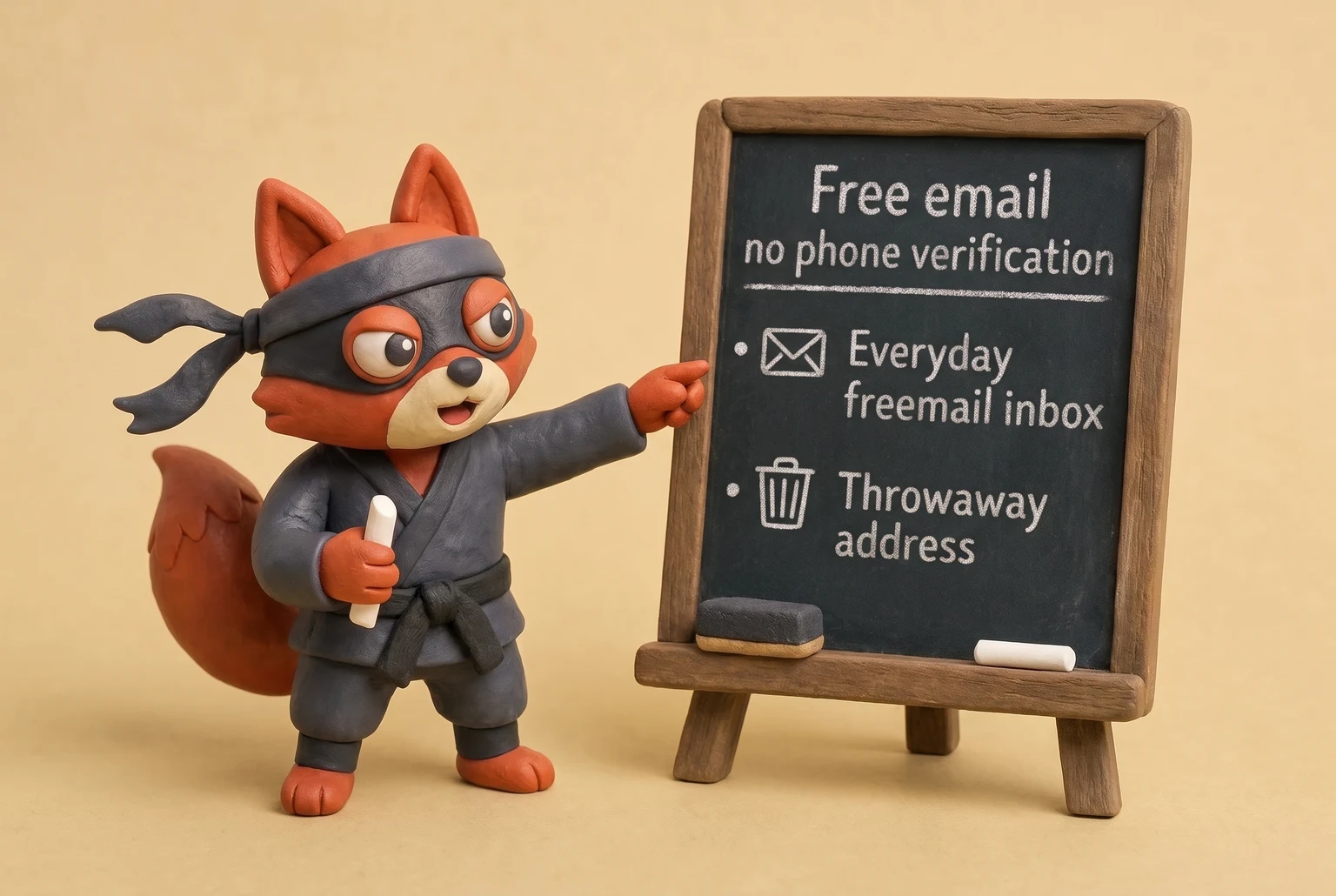
Skipping the phone number does not make an account anonymous, and a free no-phone account is not automatically disposable.
Rather skip ahead? Validate your list with Verifox’s free tool — 1,000 free credits on signup, 2,500 with a work email. No card required.
Why Email Services Ask for a Phone Number in the First Place
Phone verification exists because it shifts anti-abuse costs from the provider to the person signing up. The design goal is signup economics. Account security is a side effect.
How providers price anti-abuse
Free inboxes still cost providers real money. Storage, abuse handling, and outbound sending reputation all consume provider resources. A signup form with no identity check invites bulk registration, and bulk registration turns free accounts into spam infrastructure. One script and a password list can create accounts at volume. A unique phone number changes that math.
Each number carries an acquisition cost and a hard limit on reuse. Each SMS challenge bills the provider's messaging API whether the signup completes or not. Requiring a number raises the price of abuse without growing the abuse team.
A phone number doubles as an external identity signal and a rate limiter. It slows mass signup, gives providers a recovery path, and lets automated systems flag numbers tied to repeated abuse. Those are legitimate spam-prevention goals. The tradeoff is that phone numbers become linkable identifiers.
Why phone numbers become linkable identifiers
That link sticks.
It ties the free email account to a SIM card, a carrier record, and every other service that already demanded the same number. An email address rotates easily. A phone number changes only when the SIM changes, so it persists across breaches, marketing lists, and recovery attempts. Once a provider stores that number, it becomes a durable join key for ad platforms, data brokers, and breach markets.
Cheap prepaid and VoIP numbers weaken the rate-limiter premise. Vendors sell them in bulk, so a determined registrant can rotate them the way other people rotate IP addresses. Providers respond by blocking suspicious carrier ranges, delaying verification on freshly issued numbers, and forcing reverification when an account starts sending abnormally.
How no-phone providers replace SMS friction
Proton Mail and Tuta prove the tradeoff is optional. Proton Mail runs hCaptcha challenges and device fingerprint scoring at signup instead of a hard SMS requirement. Providers delay verification for suspicious IPs and device fingerprints, while legitimate signups proceed without a persistent phone link.
Tuta pairs IP reputation filtering with per-IP rate limits and stricter account controls. Providers that need heavier friction add proof-of-work puzzles or invite-only queues to slow bulk signup. Both approaches accept that bad accounts slip through, then throttle them later.
A provider that leans on a phone number has one fewer reason to build behavioral detection. A provider that can't lean on a phone number builds that detection or drowns in abuse. The no-phone signup you choose inherits that engineering decision.
Field note: In my experience auditing B2B lists in the seven-figure range, I've seen that no-phone addresses from providers like Proton and Tuta survive for months, while the vast majority of disposable addresses bounce within days. Throwaway addresses fail differently. The signup didn't ask for a phone number, but the account still dies the moment a provider flags it for suspicious sending.
A phone requirement shifts compliance cost to you. A privacy-first alternative shifts it back to the provider's own abuse infrastructure. That's the decision hiding behind the signup form.
Step-by-Step: How to Create a Free Email Account Without Phone Verification
Pick the provider first, not the form. A no-phone signup that survives has four checkpoints: provider category, skipped optional phone fields, saved recovery credential, and one test pass.
First, choose the long-term provider. Temporary alias providers are burn addresses. Skip this one for anything you plan to keep. Proton Mail and Tuta are the two no-phone inboxes worth building an identity on. Proton's free signup path is a username, a password, and the free plan. No phone field appears. See Proton Mail: Sign.
If Proton flags the IP or device, it issues an hCaptcha challenge, not an SMS demand. Complete the challenge and the account opens. Tuta's path is shorter: username and password only. It never asks for a recovery email.
Second, leave optional phone fields blank. If the form marks phone optional, filling it links the account to a SIM before you've decided the account deserves that. If the form refuses to continue without a phone number, close the tab. Forced means the provider's abuse math matters more than your privacy.
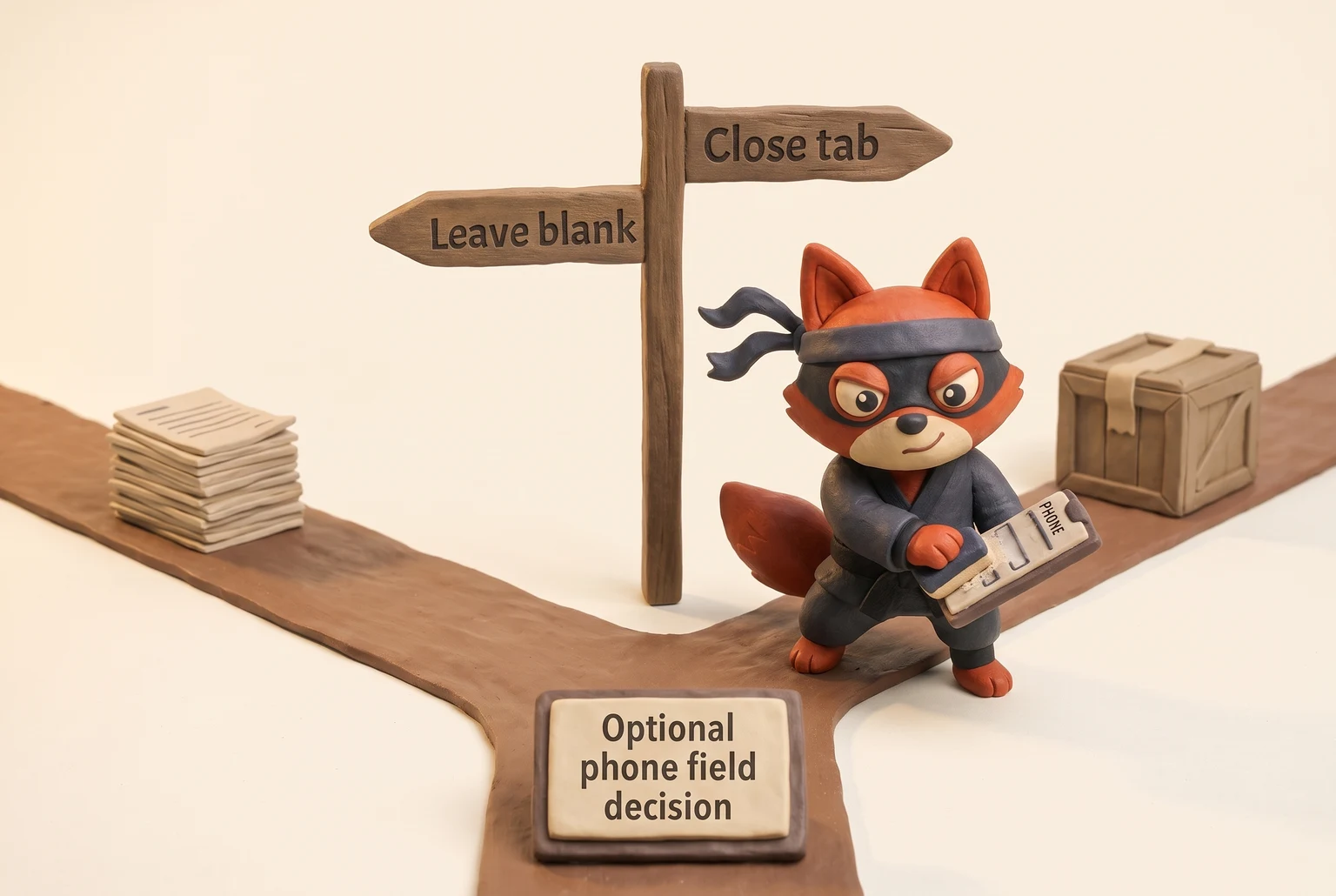
Third, save the recovery rail before the account holds anything valuable. For Proton, open recovery settings and add a recovery email address. Then save the recovery phrase Proton displays. That phrase is a static high-entropy reset credential, not a temporary code; keep it with the recovery email's password. For Tuta, the recovery code is the only reset path. Tuta shows it exactly once after signup and cannot reissue it. Write it down, keep it offline, and never store it inside the same inbox you're protecting.
Fourth, test the path once before you need it. Open a private window, start the recovery flow, and verify the saved phrase or code is accepted or at least matches exactly. If the path fails, fix it now. The account becomes valuable the first time a password reset is the only way back in.
In the lists I clean, the no-phone addresses that survive longest all have a recovery rail saved before the account ever sent an email. ZeroBounce's list decay study puts average annual churn at 28%, and unrecoverable inboxes are a quiet part of that decay.
A free no-phone inbox with an untested recovery path is a disposable address wearing a permanent name. Test the path before you store anything.
Free Email Providers That Skip Phone Verification, Compared
When I audit a client's list, I sort no-phone addresses by provider before I judge a single bounce. A Proton inbox and a Guerrilla alias fail for different reasons, and the table is the one I use to decide which address deserves a campaign slot.
The standard roundups compare privacy checkboxes. The missing columns are the ones that decide whether the mailbox survives contact with real use: storage, encryption type, lifespan, crypto payment, custom domain, and recovery without a phone.
| Provider | Storage | E2EE | Lifespan | Crypto payment | Custom domain | Recovery without phone |
|---|---|---|---|---|---|---|
| Proton Mail | 1 GB free | Yes, zero-access | Indefinite while you log in; dormant free accounts get deactivated | Yes | Paid only | Recovery email + recovery phrase |
| Tuta | 1 GB free | Yes, zero-access | Indefinite while you log in; dormant free accounts get deactivated | No | Paid only | Recovery code only, shown once |
| Mailfence | 500 MB free | PGP-based, not zero-access | Indefinite while active; free tier may be closed after inactivity | Yes | Paid only | Recovery email |
| StartMail | No free tier, 10 GB paid | PGP-based | Indefinite while subscribed | Yes | Yes | Recovery phrase |
| Posteo | No free tier, 2 GB paid | Optional mailbox encryption | Indefinite while subscribed | No | No | Recovery code |
| Guerrilla Mail | None | None | Gone when the session ends | No | No | None |
| Maildrop | None | None | Session only, inbox deleted after | No | No | None |
| 10MinuteMail | None | None | 10 minutes, manually extendable | No | No | None |
| Temp-Mail | None | None | Per session, domain rotates between sessions | No | No | None |
| Cock.li | 1 GB free with invite or donation | None | Indefinite while active; single-operator risk | Yes | Yes, paid | None |
The top five rows are built for continuity. Proton, Tuta, and Mailfence keep a free address alive only as long as you log in, not merely as long as you exist. StartMail and Posteo have no free tier, so buyers searching for a no-phone signup shouldn't confuse them with free options; both are paid privacy mailboxes. Cock.li's lifespan has a different shape: the address lives on one operator, and recovery is none, so a lost password is permanent.
Storage determines how much archived history survives. A 1 GB Proton inbox holds years of light use. The encryption type is the sharper filter: zero-access means the provider doesn't hold the decryption keys for your stored mail, so it can't turn your inbox over in readable form. See What is zero. That's a stronger custody guarantee than PGP-based Mailfence or StartMail, where encryption depends on key handling. Posteo offers optional mailbox encryption at rest, but not the same zero-access guarantee.
Crypto payment breaks the billing link between the mailbox and a card number. Proton, Mailfence, StartMail, and Cock.li accept it. Tuta and Posteo don't, so that column narrows the long-term list immediately. Custom domains separate your identity from the provider's domain, and they give you a migration path: when MX records point at your own domain, you can repoint them without losing the address.
Do not use a disposable inbox as your recovery email for anything you plan to keep. The reset link dies with the address, and the password you forgot becomes permanent. A ten-minute address is not a recovery path.
10MinuteMail is a ten-minute burner. (Skip this one for anything beyond a one-time code.) Temp-Mail and Maildrop are the same category.
Field note: In the lists I clean, accept-all disposable domains are the usual culprit when a no-phone address passes syntax but never receives mail. You don't need Verifox to spot a dead disposable. Send to it, wait ten minutes, and the silence tells you more than any score.




Account Recovery Without a Phone Number: The Real Failure Point
Signup is done. Recovery is where a no-phone address dies.
A no-phone inbox has no SMS fallback. The recovery rail you set at hour zero becomes the entire rescue system. I break down the recovery rails in the account recovery guide and the free email without phone verification pillar. Skip it and you've built a valuable identity on a single password.
The password proves only that someone typed a secret.
A re-verification event means the provider demands proof that you control the recovery identity after a security signal fires: an unfamiliar IP, a new browser fingerprint, a brute-force lockout, or a policy that disables password-only access. In that moment, the password is not proof.
Proton Mail gives you two rails, and both matter. The recovery email receives a unique reset link bound to the account request. The recovery phrase is a long, fixed reset credential: high-entropy, never expiring, never rotating. Proton shows it a single time, then stores only a verification check, never the phrase itself. See How data recovery works with end-to. Enter the phrase during a reset and the check passes; Proton then issues a new reset token.
That phrase is the only offline path back into an encrypted inbox where Proton cannot read your mail. Keep the phrase in separate custody, paired with the password for the backup address.
Tuta leans on a single credential. No recovery email exists, so one code does all the reset work, generated at account creation and shown once on screen. After that, the company holds a verifier and nothing more, so no support request restores it. Lose that code and the account is gone permanently the next time a verification challenge hits. No recovery email, no phrase, no second chance. Put the code on paper and store it somewhere the mailbox itself can't reach.
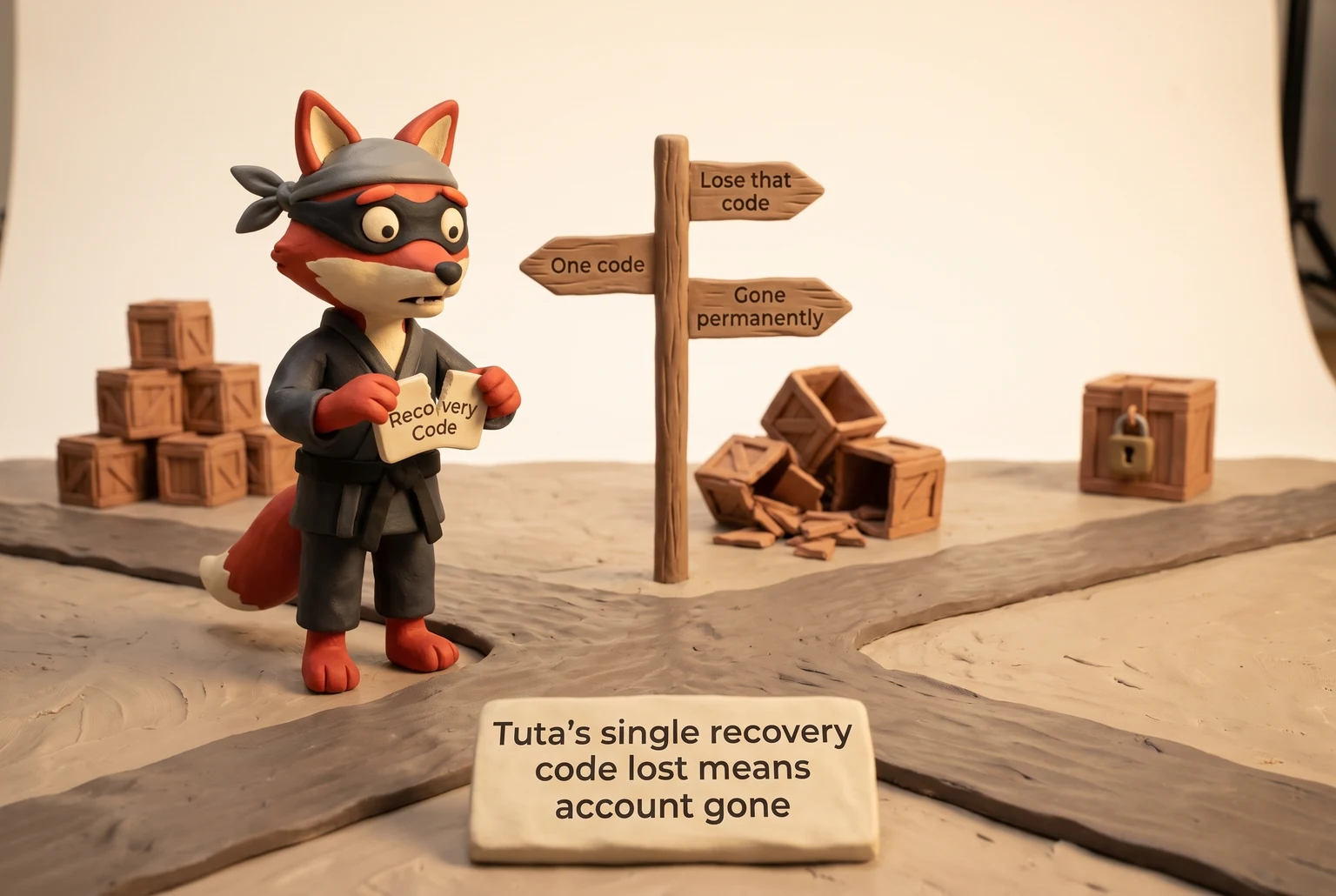
StartMail's recovery path is the recovery email address you set at signup. StartMail also generates a recovery code at signup. A reset link goes to that email. The code is the offline path if that inbox dies. Keep that backup address on a stable provider, never a burner.
Losing all recovery methods is not "I'll just contact support." Support can't verify you without a recovery path on Proton, Tuta, or StartMail; Mailfence and Posteo publish support-assisted recovery policies. The password alone becomes worthless the moment the provider demands re-verification, and the data inside the encrypted mailbox stays encrypted, unreachable. Every service that sent a password reset to that address now has a dead-end recovery path too.
Field note: A mailbox with no recovery rail reads as healthy in every report until a re-verification challenge fires. Then it becomes a permanent hard bounce, and the sending reputation absorbs the loss.
Set a second factor and backup codes while the account still holds nothing. A time-based one-time password app works as a second factor without a phone number. The recovery phrase or code is the last-resort key. Save both before the account becomes the only copy of your data.
Workarounds When a Service Still Demands Phone Verification
The signup guides treat a temporary SMS number as the clever workaround. In practice, that's how you lose the account later.
Temporary SMS numbers can pass a prompt and then lock you out. The number belongs to a public pool. The same digits rotate across signups, so a provider's fraud system flags the number once it appears in a previous abuse report. A verification code sent to that number lands on a webpage anyone can refresh. Your account is tied to a credential you don't control.
Re-verification is where the trap closes. When a provider sees a new IP or device, it does not trust the old password. It demands the phone number again. By then the temporary number is gone, recycled, or claimed by another person. Support won't override because you can't prove you control the number on file.
Terms of service matter more than signup friction. Using a number you don't control to satisfy a verification requirement violates the provider's acceptable-use policy. Enforcement is instant termination after you've already stored data there.
Jurisdiction changes the risk in one concrete way. Germany's Telecommunications Act (TKG) requires identity verification for prepaid SIM purchases, so a burner number there carries a paper trail from the start. For Proton, Switzerland's Federal Act on Data Protection (FADP) sets the Swiss data-protection posture; Tuta is based in Germany, so the TKG framework applies there too. In the United States, a public SMS relay that displays received messages to anyone is a provider's acceptable-use problem before any criminal question arises. Either way, support will not restore the mailbox.
Field note: In the lists I clean, addresses tied to recycled numbers are the ones that go dark when a provider runs a re-verification pass and the mailbox asks for a credential that no longer exists.
Alternatives that hold up
Use a recovery email you control. A stable backup address on Proton or Tuta receives reset links without a phone number. An authenticator app adds a second factor that never depends on SMS; the provider issues a time-based one-time password and you keep the secret offline. See TOTP: Time-Based One. If the service truly requires a phone number, rent a privacy-friendly virtual number you keep and pay for.
That number stays linked to you, but it is not a public pool number. It can receive verification calls and texts later, and you can port it to another device. Hushed and MySudo are two paid options that give you a persistent number without exposing your carrier SIM.
Free SMS relay sites are the bad option (skip this one). Their verification codes rot, and the accounts follow.
Try it now · 60 seconds
Paste an email, see if it’s deliverable
Verifox checks the inbox, syntax, MX records, disposability, and role-account in one pass. Free, no signup needed for the first check.
No card required · 1,000 free credits at signup (2,500 work email) · 99.99% accuracy
Free Email No Phone Verification and Email Validation Statuses
Match the provider to the validation status before you send to a no-phone address. A verifier's label isn't a death sentence, but it changes your bounce math and how much sender reputation you're willing to spend.
| Status | What the verifier is saying | What it usually means for a no-phone address |
|---|---|---|
| Valid | The mailbox exists and accepted a probe | An active Proton, Tuta, or Mailfence inbox |
| Invalid | The mailbox doesn't exist or is disabled | A deactivated dormant account, or a dead throwaway |
| Risky | Signals suggest high bounce or abuse probability | A legitimate privacy-first address that triggered a signup heuristic |
| Catch-all | The domain accepts any local part, so the specific address is unconfirmed | Some privacy-first providers route mail this way to shield users |
| Disposable | The domain is on a known temporary or alias-provider list | A burner address with a short or unpredictable lifespan |
| Role-based | The address is a shared function, not a person | Rare for no-phone signups, but possible with a shared inbox |
| Unknown | The verifier couldn't get a definitive answer | Privacy-first providers often refuse probes or return no response |
Privacy-first providers lean toward Catch-all and Unknown. Proton and Tuta sometimes don't confirm individual mailboxes to outside verifiers, by design. That's not a bounce. It's a signal to watch actual sending results instead of trusting the score alone.
Disposable and Risky are not the same thing. Disposable means the address comes from a known burner domain, full stop. Risky means the verifier saw patterns that predict trouble, and that can include a Proton address if the signup looked anonymous. A Disposable address is almost always bad for cold B2B sends. A Risky address might just be a private inbox that behaves like one.
Field note: In the lists I clean, no-phone privacy addresses often come back Risky or Unknown, and the ones that bounce are usually dead disposables, not Proton accounts.
That distinction saves a segment from needless churn. Verifox splits Disposable from Risky in its validation output, so you don't lump a Proton inbox with a Guerrilla burner.
Censorship and Cross-Border Use: Choosing a No-Phone Email in Restricted Networks
Reachability decides whether a free email no phone verification account survives in practice. When a client hands me a list to clean, the first thing I check on a no-phone address is whether the provider's domain resolves from the recipient's country.
An account you create on an open network dies the first time the login page won't load. National filters block privacy-first mail providers outright in restrictive networks. Others throttle them hard enough that timeouts read as a dead mailbox. The mailbox still exists. You just can't open it, and mail addressed to you can't land either.
Proton Mail publishes a censorship notice page that tracks where its service faces blocking or degradation. Read that page before you sign up.
Proton also runs an onion site you can reach through Tor, so a user behind a national filter can still open the mailbox when the clearweb domain goes dark. See Proton Mail onion site Tor access. The onion address lives in Proton's official documentation, not in a forum post.
Tuta handles restricted networks differently. It maintains mirror domains and posts status updates when national filters interfere. The mirrors rotate, so only Tuta's official status page or support channel lists the live one. Don't trust a mirror URL from a search result or a Telegram group.
VPN and Tor solve different parts of this problem. A paid VPN with a clean residential IP pushes past a national block, but you share that IP with other subscribers, and mail providers treat shared residential ranges as suspicious. Expect a captcha wall or a temporary greylisting delay. Tor routes through onion services and hides your location, but mail providers block Tor exit nodes, and the connection runs slower.
For a no-phone signup, Tor plus Proton's onion site is the strongest censorship-resistant path, provided your network can reach Tor at all. For daily access from a restricted network, a VPN with a dedicated IP works better, as long as you keep that IP clean.
Choose the provider based on whether you can reach it from the networks you actually use. A no-phone signup on a blocked provider is just a password with nowhere to go.
Field note: Proton and Tuta addresses sometimes look like hard bounces when the real problem is a national filter between the sender and the mailbox. The route fails, not the recipient.
Frequently Asked Questions About Free Email Without Phone Verification
Does Gmail still let you sign up without a phone number?
Gmail doesn't offer a reliable skip. The signup page may show an optional phone field. Leave it blank and proceed if it stays optional. Google forces SMS verification when your IP address or device fingerprint looks risky, and VPN or datacenter IPs trigger that check faster than a home connection. Use a clean browser profile and a residential IP to reduce the chance Google demands a number. If Google forces it anyway, treat that Gmail account as phone-linked and switch to Proton Mail or Tuta for a stable no-phone inbox.
Is Proton Mail free without phone verification?
Yes. Proton Mail's free plan asks for a username, a password, and an hCaptcha challenge only when signup looks automated. The standard flow never shows a phone field. You get 1 GB of storage, zero-access encryption, and two recovery rails: a recovery phrase and an optional recovery email. Proton deactivates inactive free accounts, so set a calendar reminder now and log in before the account holds anything important. The recovery phrase is the only barrier against permanent lockout.
Why is my email not valid after signup?
The address usually exists. The receiving service rejects it during validation. A true hard bounce returns an SMTP 550 code (RFC 5321). A form that rejects without sending anything makes a policy decision, not a delivery failure.
In other cases, the domain landed on a disposable blocklist before any probe ran. Verify the mailbox yourself: send a test message from a separate Gmail account and check the inbox. If that message arrives, the receiving service's validator caused the problem, not your address.
Do temporary email addresses work for account verification?
Quick reality check: they work once for one-time codes. Avoid them for any profile or service you intend to keep. A temp address receives the verification link, you click it, and the account opens. The failure hits later, when a password reset or security challenge sends a new code to an address that no longer exists. Any service tied to a ten-minute burner becomes unreachable after the first recovery attempt. Use a temp address only for a throwaway signup you accept losing within the hour.
Field note: In list audits, ephemeral burner domains generate the vast majority of instant delivery failures.
How do I recover a no-phone email if I lose access?
Use the recovery rail you saved before the account held anything. Proton Mail accepts a recovery phrase or a reset link sent to a recovery email. Tuta accepts only the recovery code shown once at signup; no code means no recovery. Store the phrase or code in a password manager, not a screenshot. If you skipped all recovery options, support cannot verify you, and the encrypted mailbox remains permanently locked.
Are no-phone email accounts legal?
Yes. Creating an email account with no phone number violates no law in the United States, the European Union, or most other jurisdictions. The EU's General Data Protection Regulation (GDPR) pushes providers toward data minimization, not mandatory phone collection. A provider may require a phone number in its terms of service, but that is a contract issue, not a criminal one. Legal risk appears only when you use a no-phone address to commit fraud, spam, or identity theft.
Treat recovery as the real signup.
Build This Into a Repeatable Signup Workflow
The repeatable workflow has three moves, not a trick list. Start with identity: pick one long-term privacy-first inbox from the comparison table and make it your anchor. Set recovery right after signup, before the account holds anything. Put a recovery phrase or code on paper, add a stable backup email, and install an authenticator app.
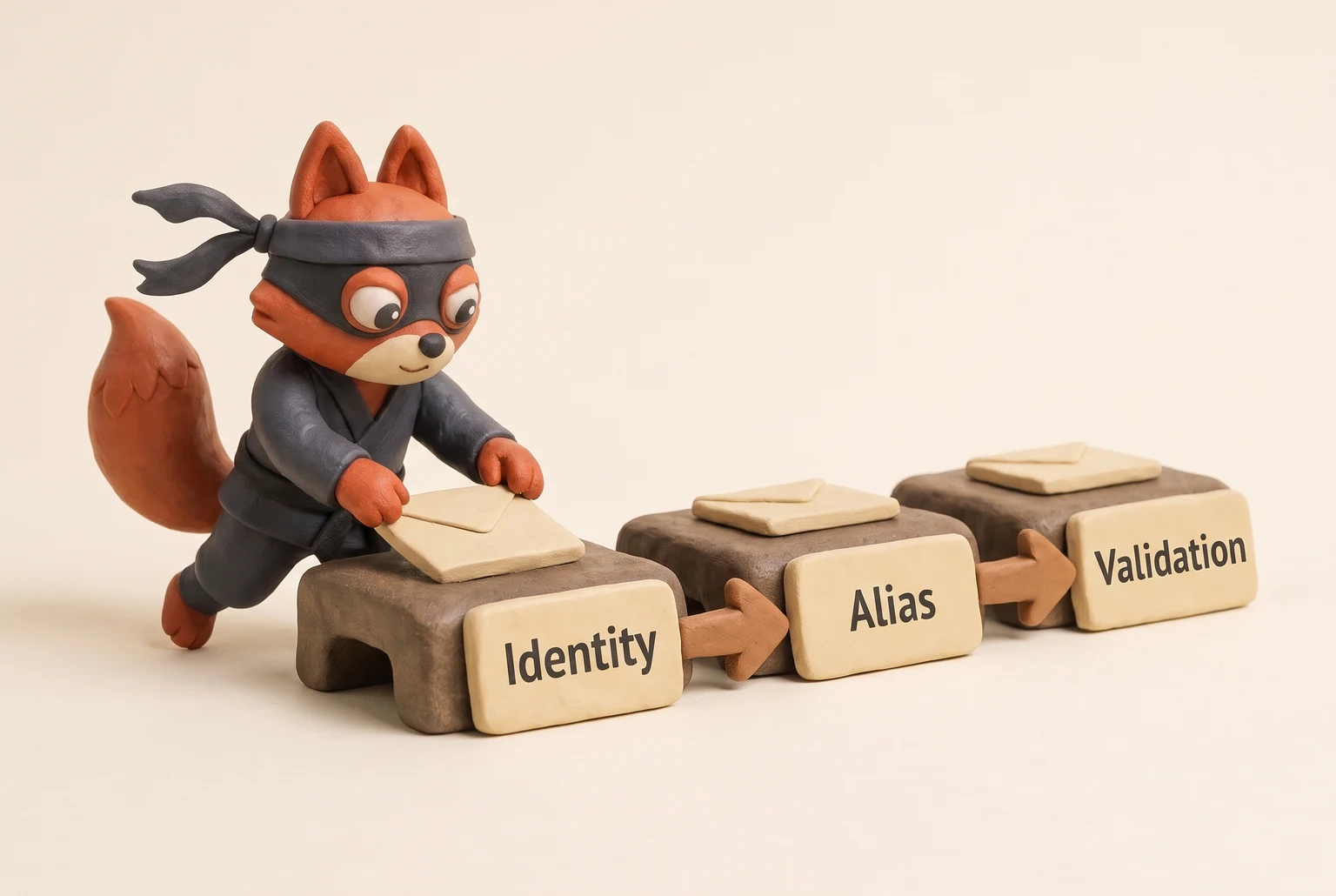
Next, pick one alias tool for throwaway signups and keep it away from anything you'd ever need to recover. Then validate every no-phone address before any bulk send. That step catches the category error before it becomes a bounce. Keep burners out of every recovery path.
Identity, alias, validation, in that order.

I'm an AI researcher and founding engineer focused on what happens after the base model: grounding, evaluation, human control, and reliable deployment. At Harvard Business School's AI Institute, I build research platforms and LLM measurement pipelines: a six-condition human-AI negotiation experiment platform, and an LLM pipeline that mapped problem statements from 88,000+ startups, validated against 331 founder interviews. Previously I built the agent backend and real-time voice AI for CareCorgi (FastAPI / Gemini / GCP), and co-founded Zumer, an externally audited DeFi protocol on Ethereum mainnet. The common thread: turning ambiguous human problems into instrumented AI systems with structured outputs, behavioral evaluation, and production safeguards. First-author publications at CHI and CHIWORK. Open to Applied Scientist / AI Engineer roles.